
Home>ALL CATEGORIES>Diagnostic Software Update>Inline 6 inline7 Datalink INSITE 8.7 Activate Remote Engines Electronic Diagnostic Program For CMS Update ECM

|


Inline 6 inline7 Datalink INSITE 8.7 Activate Remote Engines Electronic Diagnostic Program For CMS Update ECM
Adding to cart succeed

Inline 6 inline7 Datalink INSITE 8.7 Activate Remote Engines Electronic Diagnostic Program For CMS Update ECM
color:red,size:xxl
Subtotal: US$ 0
View My Cart


-
- Product Name: Inline 6 inline7 Datalink INSITE 8.7 Activate Remote Engines Electronic Diagnostic Program For CMS Update ECM
- Item NO.: 28702283
- Weight: 0 kg = 0.0000 lb = 0.0000 oz
- Category: ALL CATEGORIES > Diagnostic Software Update
- Creation Time: 2025-12-15
- Topic focus: Using remote activation services to enable INSITE v8.7 software for Inline 6/7, ensuring technicians can diagnose Cummins engines promptly and compliantly.
- Target readers: Fleet maintenance personnel, technicians, field service engineers, authorized distributor technical support teams.
- Key value: Shorter on-site onboarding time, reduced field labor costs, improved tool availability and data interoperability.
Background and Prerequisites
- INSITE v8.7 is a professional software for diagnosing and calibrating Cummins engines, supporting Inline 6/7, USBLINK/USB LINK2, DAP5, and other datalink devices.
- Remote activation is often used for one-time activations or temporary licenses, enabling quick on-site or remote enablement of software features.
- Prerequisites include: authorized license, network connectivity, compatible datalink device, and compliance with vendor licensing agreements and regulations.
Remote Activation Key Steps (High-Level Process)
-
Verify credentials and licensing
- Confirm the customer holds the appropriate INSITE 8.7 license level (Pro/Lite/Basic/Industrial Pro, etc.) and that Inline 6/7 and RP1210 datalink compatibility are available.
-
Prepare devices and environment
- Ensure Inline 6/7, USBLINK/USB LINK2, DAP5 or other supported adapters are ready.
- Verify network connectivity to enable a secure remote session.
-
Establish remote connection and authentication
- Use an authorized remote service tool to establish a secure session.
- Verify device serial numbers, software version, activation codes or license keys.
-
Activation and configuration
- Follow the vendor’s activation flow: input activation keys, bind the device, confirm license scope.
- If needed, complete initial configuration (default work paths, data export settings, Bluetooth/wireless connection parameters).
-
Testing and validation
- Connect the corresponding datalink on-site, launch INSITE 8.7, perform a basic diagnostic workflow (read/clear fault codes, data monitoring, J1939/J1708 data link tests).
- Confirm that activation is functional and free of errors.
-
Documentation and handoff
- Record activation details, serial numbers, license scope, validity period, and any remote support IDs for ongoing maintenance and audits.
Security and Compliance Considerations
- Activate only with formal authorization and in accordance with Cummins license agreements and local laws.
- Protect activation data and credentials; do not share activation codes, serial numbers, or remote session credentials publicly.
- After remote sessions, revoke temporary access and ensure no backdoors remain.
- If activation fails or deviations occur, submit a ticket through official support channels rather than attempting to bypass licensing.
FAQ
- Is on-site presence required for remote activation? It depends on vendor policy; typical scenarios require an authorized technician on-site for device access and verification.
- Common causes of activation failure? License binding mismatch, device not within authorized scope, unstable network, or software version incompatibility.
- How to ensure continued access to updates and maintenance? Adhere to license terms, maintain renewal or upgrade records, and keep purchase certificates and authorization documents.
Best Practices
- Preparation: Gather device information, software version, hardware serial numbers, and license numbers before the remote session.
- Change control: Maintain a change log for each activation for traceability and audits.
- Customer communication: Clearly explain activation scope, validity, post-activation support channels, and response times.
Conclusion
- Controlled remote activation services can significantly improve INSITE 8.7 on-site diagnostics and maintenance, helping fleets and service providers operate Cummins engines more efficiently. If you’d like, I can tailor this into a formal technical announcement, product spec sheet, or web-ready article with meta data for SEO.
You May Also Like
-
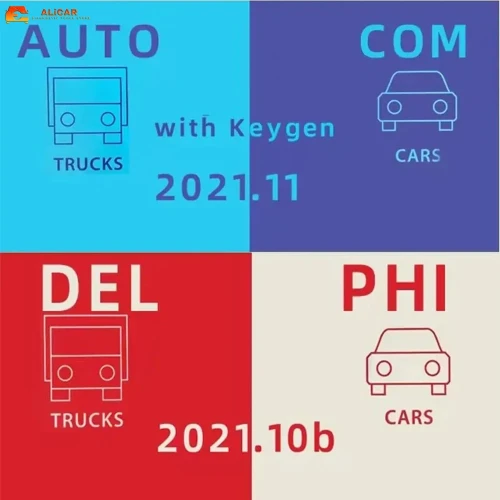 Newest Autocom 2021.11 and Delphi 2021.10b Hot ...US$ 10.20 US$ 12.00
 -
 2025.03 C4 Software For Mb Star C4 New SSD For ...US$ 89.10 US$ 99.00
 -

-
 TIS Techstream 18.00.008 software Activate Code...US$ 9.90 US$ 15.00
 -
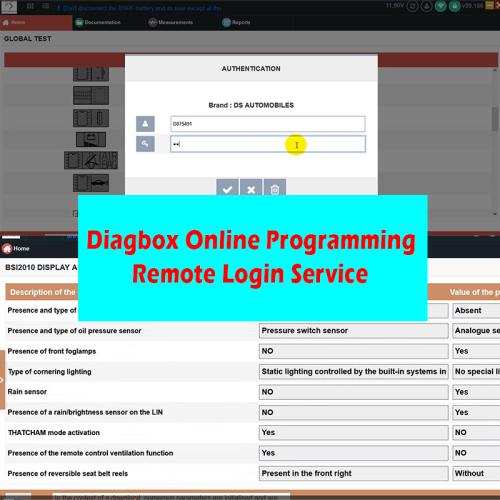
-
 MEDC17 EGPT PINOUT TOOL v1.4 BOSCH ECU Pinout W...US$ 21.51 US$ 23.90
 -
 Newest Full Software Xentry Vediam/DTS /WIS EPC...US$ 89.10 US$ 99.00
 -
 2025 Consult 3 Ⅲ Plus V241 Diagnostic Software ...US$ 80.10 US$ 89.00
Recently Viewed
-
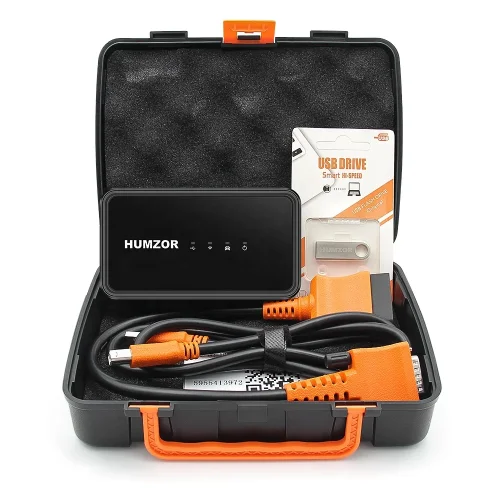 Humzor NexzSYS NS 706 Full System Scanner with ...US$ 242.10 US$ 269.00
 -
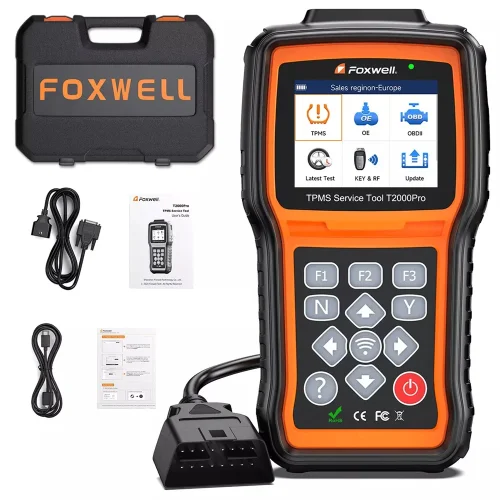 FOXWELL T2000 PRO Auto Tire Pressure TPMS Relea...US$ 206.10 US$ 229.00
- Company Info
- Feedback
- Customer Reviews
- About Us
- Contact Us
- News
- User Center
- Forget Password
- My Orders
- Tracking Order
- My Account
- Register
- Payment & Shipping
- Customs & Taxes
- Locations We Ship To
- Shipping Methods
- Payment Methods
- Company Policies
- Return Policy
- Privacy Policy
- Terms of Use
Customer Reviews