
Home>ALL CATEGORIES>Diagnostic Software Update>2025 Consult 3 Ⅲ Plus V241 Diagnostic Software Download Link V226 Offline Programming For Nissan

|
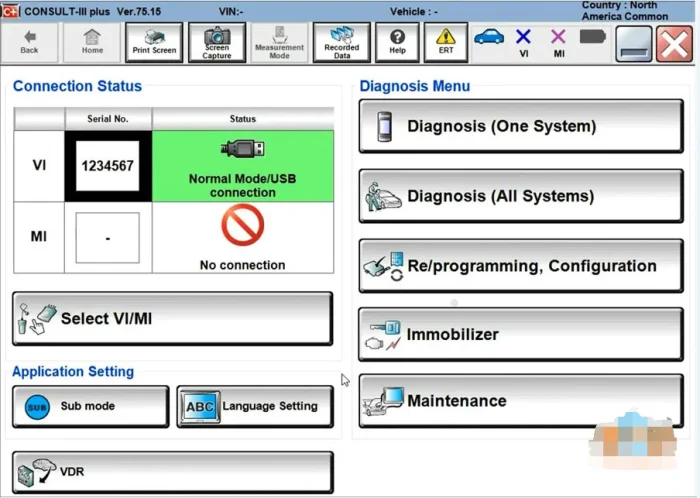
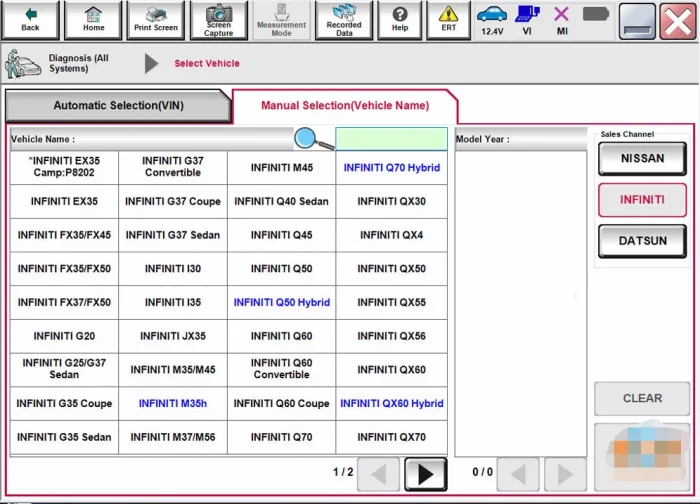
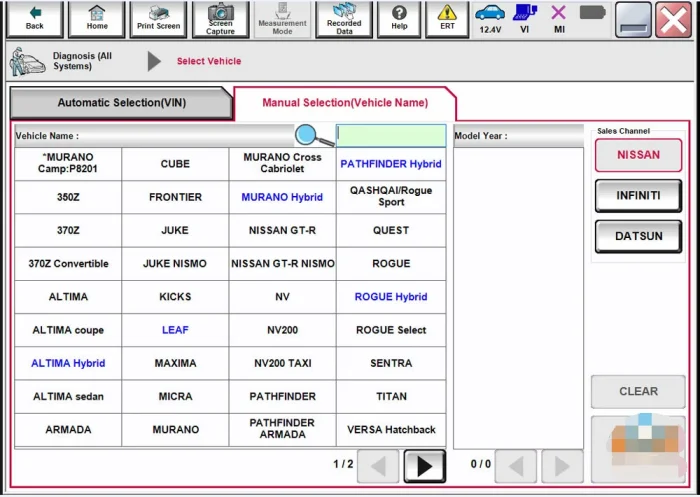
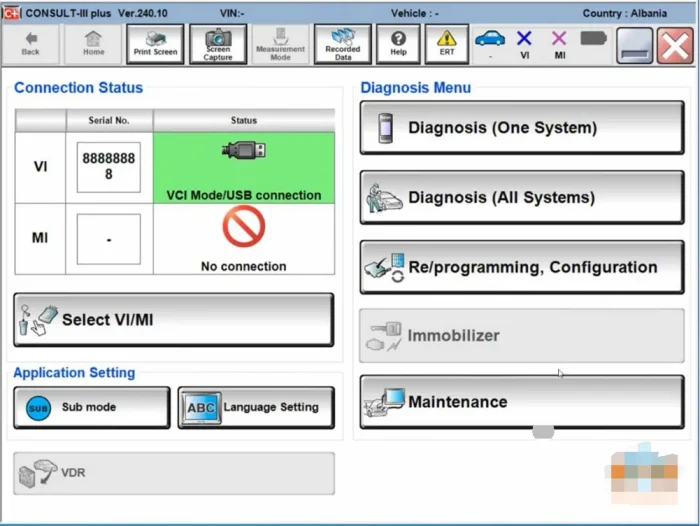
2025 Consult 3 Ⅲ Plus V241 Diagnostic Software Download Link V226 Offline Programming For Nissan
Free Shipping
Adding to cart succeed

2025 Consult 3 Ⅲ Plus V241 Diagnostic Software Download Link V226 Offline Programming For Nissan
color:red,size:xxl
Subtotal: US$ 0
View My Cart


-
- Product Name: 2025 Consult 3 Ⅲ Plus V241 Diagnostic Software Download Link V226 Offline Programming For Nissan
- Item NO.: 28661092
- Weight: 0 kg = 0.0000 lb = 0.0000 oz
- Category: ALL CATEGORIES > Diagnostic Software Update
- Creation Time: 2025-11-20
Report Item / Suspicious Activity---Hello, the Nissan diagnostic software program is a digital product. After you purchase it, please leave your email and I will send the download link to you immediately.---Once the email is successfully sent, it means that the transaction is completed and we will not issue a refund for any reason.---Please confirm your demand for this product. Thank you for your understanding!
Overview of the 2025 Consult 3 III Plus v241 Nissan Diagnostic Software
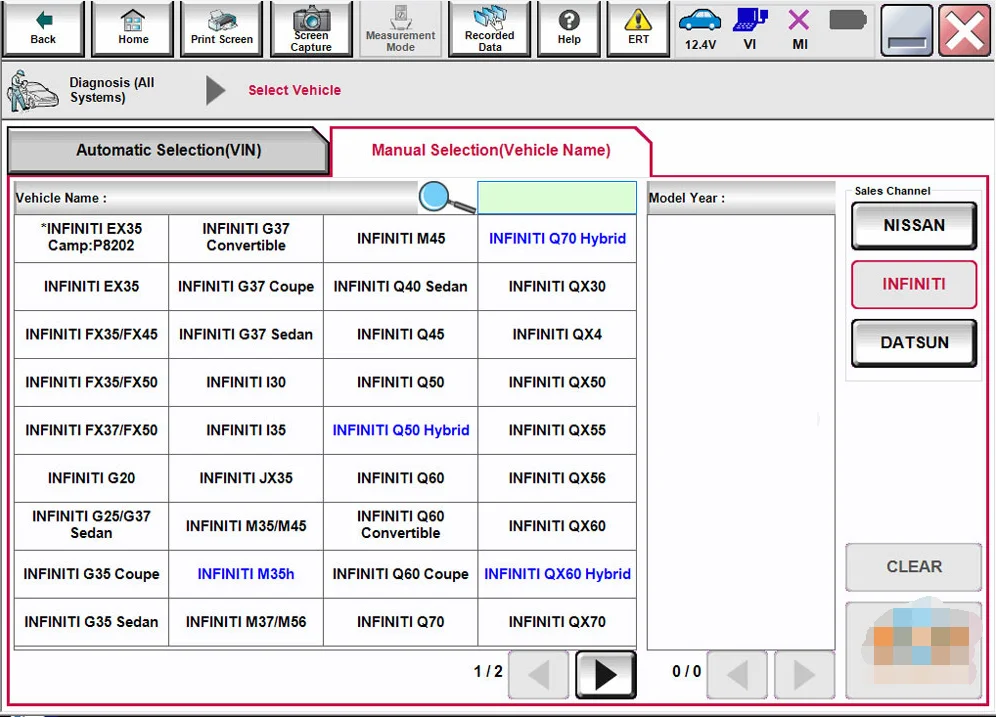
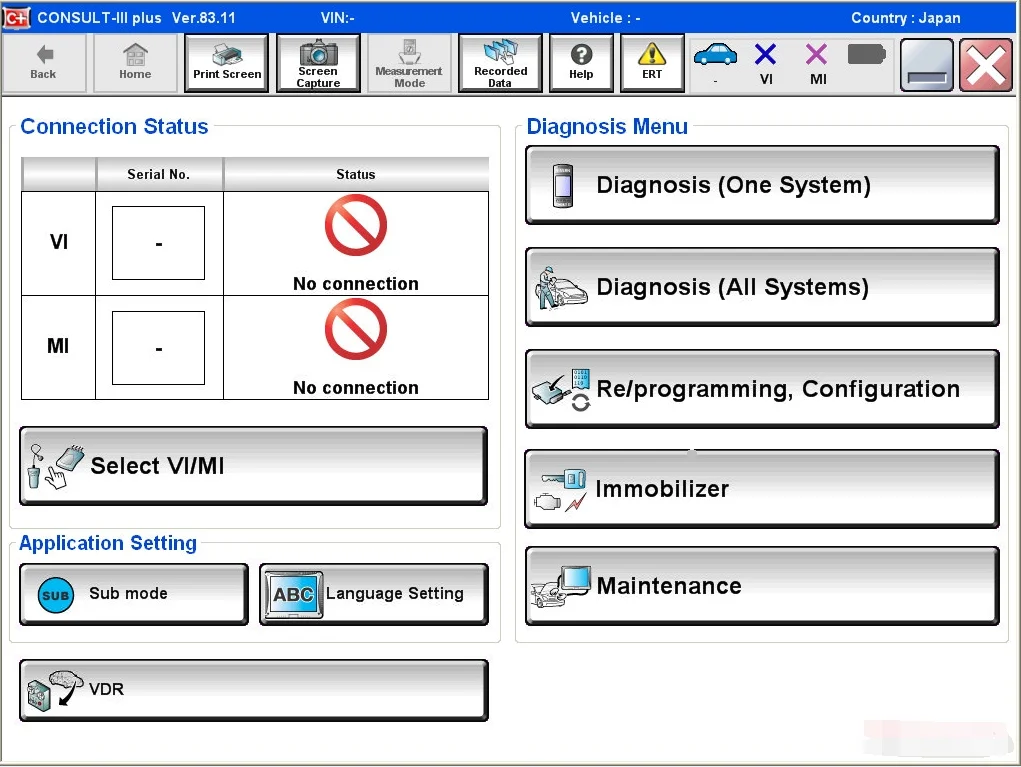
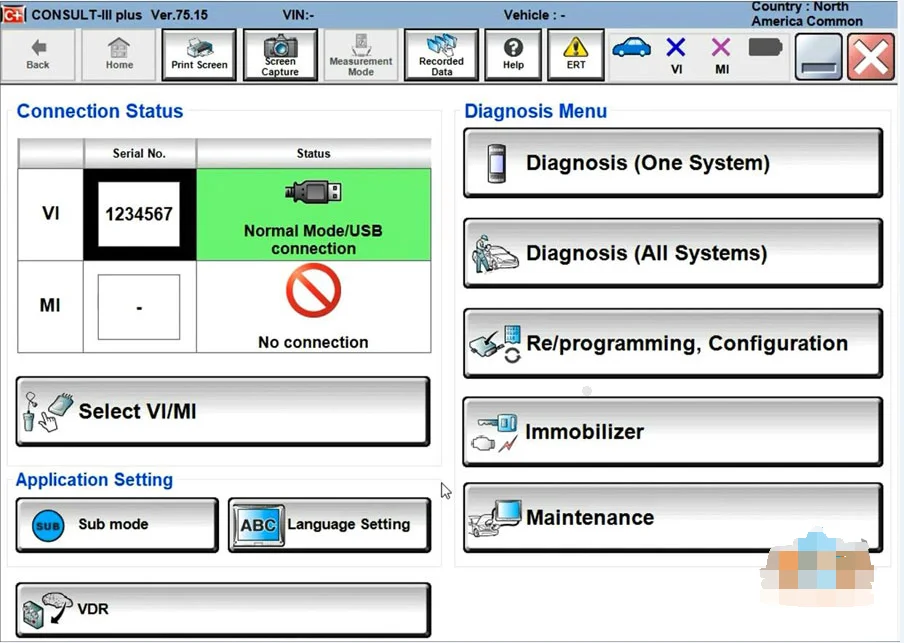
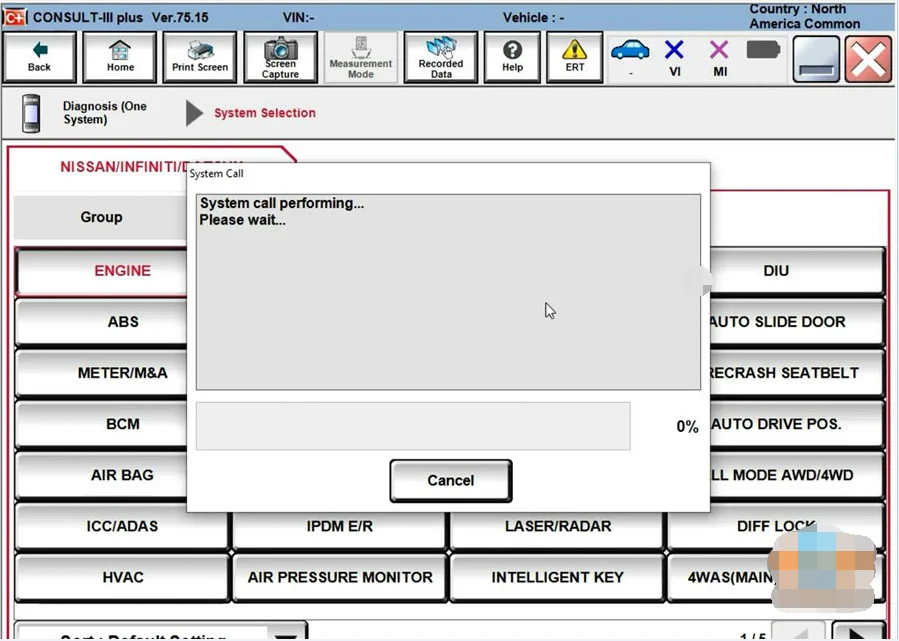
- The 2025 Consult 3 III Plus v241 Diagnostic Software is a cutting-edge solution designed for professional vehicle diagnostics.
- This software supports original diagnostic equipment compatibility, ensuring accurate and reliable vehicle analysis.
- A VX license is required to activate and unlock the full functionality of the software.
Key Features and Benefits
-
Original Diagnostic Equipment Support
- Optimizes performance by guaranteeing seamless compatibility with original diagnostic devices.
- Ensures precise data interpretation and reliable diagnostic outcomes.
-
Offline Programming with 214 Functions
- Offers extensive offline programming capabilities.
- Streamlines maintenance workflows with a broad set of diagnostic and programming functions.
-
2025 Consult 3 III Plus v241 Software
- Stay ahead with the latest software version for up-to-date diagnostic capabilities.
- Enhanced interfaces and improved data processing for faster results.
-
Remote Software Installation
- Facilitates hassle-free setup through remote installation.
- Reduces on-site time and accelerates deployment across teams.
Activation and Licensing
- A VX license is required to activate the software.
- Activation ensures access to all diagnostic features and verified compatibility with supported equipment.
- Please note the refund policy: once the email confirmation is sent and the transaction is considered complete, refunds are not issued for any reason.
Hardware and Equipment Compatibility
- Optimized for original diagnostic equipment to maintain calibration accuracy and reliability.
- Compatible with common diagnostic protocols used in modern vehicles.
How to Acquire and Activate
- Purchase the software and provide your email address for delivery after payment completion.
- You will receive an activation email containing the VX license and activation steps.
- Follow the remote installation instructions to deploy the software on your diagnostic workstation.
H2: Why Professionals Choose the 2025 Consult 3 III Plus v241
- Up-to-date diagnostic capabilities with 2024 software enhancements.
- Broad offline programming support to handle diverse maintenance tasks.
- Reliable performance through confirmed compatibility with original diagnostic equipment.
- Convenient remote installation to minimize downtime and streamline provisioning.
FAQs
-
Q: Do I need an additional license to use this software?
A: Yes, a VX license is required to activate and access all features. -
Q: Is a refund possible after activation?
A: Refunds are not issued after the transaction is completed and activation confirmation is sent. -
Q: Can I install the software remotely?
A: Yes, remote installation is supported to simplify deployment.
Customer Support and Compliance
- Our team provides ongoing support for installation, activation, and troubleshooting.
- All processes adhere to standard licensing and refund policies to ensure a transparent purchase experience.

You May Also Like
-
-
 2025.03 C4 Software For Mb Star C4 New SSD For ...US$ 89.10 US$ 99.00
 -
 Newest Autocom 2021.11 and Delphi 2021.10b Hot ...US$ 10.20 US$ 12.00
 -
 2025 Consult 3 Ⅲ Plus V241 Diagnostic Software ...US$ 80.10 US$ 89.00
 -

-
 Newest Full Software Xentry Vediam/DTS /WIS EPC...US$ 89.10 US$ 99.00
 -
 TIS Techstream 18.00.008 software Activate Code...US$ 9.90 US$ 15.00
 -
 MEDC17 EGPT PINOUT TOOL v1.4 BOSCH ECU Pinout W...US$ 21.51 US$ 23.90
- Company Info
- Feedback
- Customer Reviews
- About Us
- Contact Us
- News
- User Center
- Forget Password
- My Orders
- Tracking Order
- My Account
- Register
- Payment & Shipping
- Customs & Taxes
- Locations We Ship To
- Shipping Methods
- Payment Methods
- Company Policies
- Return Policy
- Privacy Policy
- Terms of Use
Customer Reviews