
Home>ALicar Vehicle Tools>ALicar TPMS Tools>Autel MaxiTPMS TS501 Pro Car TPMS Diagnostic Tool Activate Relearn All TPMS sensors Program Autel MX-sensors

|




Autel MaxiTPMS TS501 Pro Car TPMS Diagnostic Tool Activate Relearn All TPMS sensors Program Autel MX-sensors
Adding to cart succeed
Autel MaxiTPMS TS501 Pro Car TPMS Diagnostic Tool Activate Relearn All TPMS sensors Program Autel MX-sensors
color:red,size:xxl
Subtotal: US$ 0
View My Cart


-
- Product Name: Autel MaxiTPMS TS501 Pro Car TPMS Diagnostic Tool Activate Relearn All TPMS sensors Program Autel MX-sensors
- Item NO.: 28498884
- Weight: 1 kg = 2.2046 lb = 35.2740 oz
- Category: ALicar Vehicle Tools > ALicar TPMS Tools
- Creation Time: 2025-09-28
The AUTEL MaxiTPMS TS501 PRO is the upgraded, feature-rich TPMS tool designed to diagnose, activate, program, and reset TPMS systems across a wide range of vehicles. Built to wirelessly diagnose TPMS issues, activate known OEM and universal sensors, clone IDs, reprogram sensors to the vehicle's ECU, and turn off warning lights, the TS501 PRO is a versatile solution for techs and enthusiasts alike.
Section: Key Features of the TS501 PRO
-
All-In-One TPMS Tool
- Tire Sensors Relearn
- Tire Sensors Activation
- Tire Sensor Programming (Autel MX-Sensors only)
- TPMS Reset
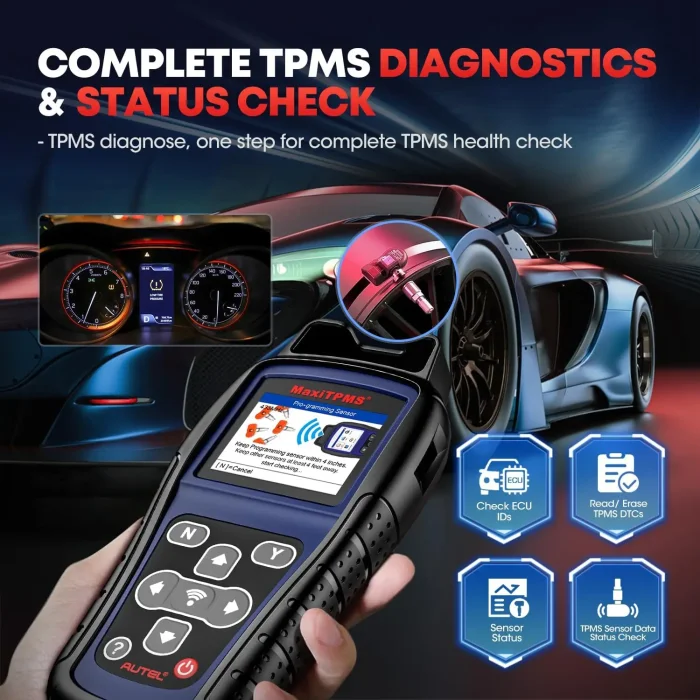
- TPMS Health Diagnose and Check
- Read Sensor Data & Erase TPMS Fault Codes
- Key Fob Frequency Test
-
Compatibility and Calibration
- Relearn sensors and activate a broad array of OEM and universal TPMS sensors.
- Read and clear TPMS DTCs, retrieve on-screen DTC descriptions, and perform OBD-based sensor ID reads.
-
MX-Sensors Programming (Autel MX-Sensors)
- Two programming options: Copy by OBD (not available on older TS408) and Auto Create 1–16 sensors to replace faulty units.
- Important: TS501 PRO can only program Autel MX-sensors (315/433 MHz); it cannot program third-party brand sensors.
-
ECU Access and TPMS Diagnostics
- Direct ECU access via OBD II enables sensor ID reprogramming and TPMS fault-code management.
- Upgraded diagnostic capabilities to cover latest models and frequent updates.
-
3 Ways to Relearn TPMS Sensors
- Stationary Relearn
- Automatic Relearn
- OBD Relearn (note: older TS408/TS401 do not support OBD Relearn)
Section: What’s New in the 2025 TS501 PRO
Subsection: Upgraded from TS501
- The TS501 PRO brings more functions and broader coverage while leveraging the same hardware and software lineage as the TS508WF.
- Offers Tire Type/Pressure Selection, Frequency Test, and RKE & RF Monitor.
- USB update support replaces older SD card methods, streamlining updates.
Subsection: Superior Capabilities Compared to Older Models
- Unlike TS408/TS401, the TS501 PRO provides comprehensive TPMS health checks, read/clear TPMS DTCs, and on-screen DTC descriptions.
- Includes Read Sensor ID by OBD and OBD-based Relearn, expanding diagnostic workflows.
Subsection: Tire Type and Frequency Tools
- Tire Type/Pressure Selection helps when the TPMS MIL remains on after fault clearance, ensuring correct value assignment.
- Frequency Test checks 315 MHz and 433 MHz frequencies for compatibility with various sensors.
Section: Programming Autel MX-Sensors: How It Works
Subsection: Two Programming Methods
- Copy by OBD (Not available on TS408): Quick transfer of settings to MX-sensors.
- Auto Create 1–16 Sensors: Generate new sensor IDs to replace faulty or depleted units.
Subsection: Important Considerations
- The TS501 PRO is designed specifically for Autel MX-Sensors. It cannot program non-Autel MX-sensors or third-party sensor brands.
- For best results, Autel recommends using original or MX-sensors to ensure accurate data and reliable sensor readings.
Section: Relearn and Activation: Keeping TPMS Healthy
- Relearn sensors after tire rotation or replacement to turn off TPMS warning lights and ensure accurate readings.
- The TS501 PRO provides multiple relearn methods to fit different vehicle systems and repair workflows.
- Activation capabilities enable you to diagnose and activate up-to-date sensors across many models (including newer vehicles through 2020 with ongoing updates).
Section: Compatibility and Support
- Functions are not universally compatible with all car models. It’s advised to provide your vehicle VIN to confirm compatibility before purchase.
- Availability of features can vary by make, model, and year. Checking compatibility via VIN is recommended.
- If you encounter issues or need technical support, AUTEL and sellers typically offer support to ensure a smooth experience.
Section: Why Choose the TS501 PRO?
- Cost-effective upgrade: More features at a price lower than many high-end TPMS tools.
- Expanded coverage: Relearn, diagnose, and program capabilities that were previously exclusive to more expensive devices.
- USB updates: Keeps the tool current with new vehicles and sensor technology, without reliance on older SD card methods.
- MX-Sensor programming: Streamlines sensor replacement and maintenance, saving time and dealership visits.
Section: Practical Use Cases
- Techs performing brake or tire service can quickly diagnose TPMS faults, read DTCs, and clear warnings.
- Fleet operations can manage TPMS health across multiple vehicles, ensuring optimal tire performance and safety.
- Enthusiasts upgrading to Autel MX-Sensors can clone and program sensors for multiple vehicles, reducing downtime.
Section: What’s in the Box (Typical Contents)
- TS501 PRO device with onboard battery and OBD II connector
- USB cable for updates
- MX-Sensor programming accessories (specific to Autel MX-Sensors)
- User manual and quick-start guides
- Vehicle VIN check prompt (for compatibility)
Section: How to Get Started
- Verify vehicle compatibility by providing your VIN (for accuracy).
- Update the TS501 PRO via USB to ensure you have the latest firmware.
- Connect to the vehicle’s OBD II port for ECU access and TPMS diagnostics.
- Use the relearn, activation, or programming features as needed.
- Confirm TPMS warnings are cleared and data is accurately reflected in the system.
You May Also Like
-
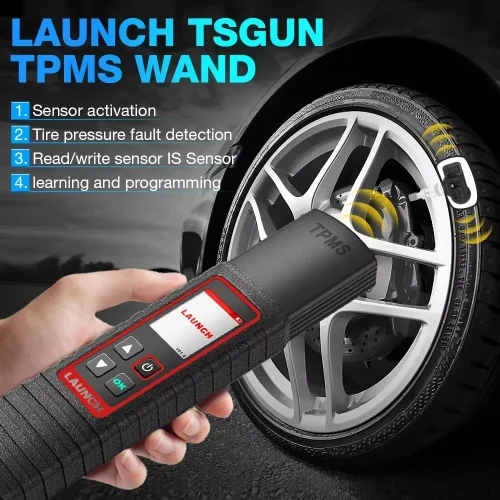 LAUNCH X431 TSGUN TPMS Tire Pressure Diagnostic...US$ 233.10 US$ 259.00
 -
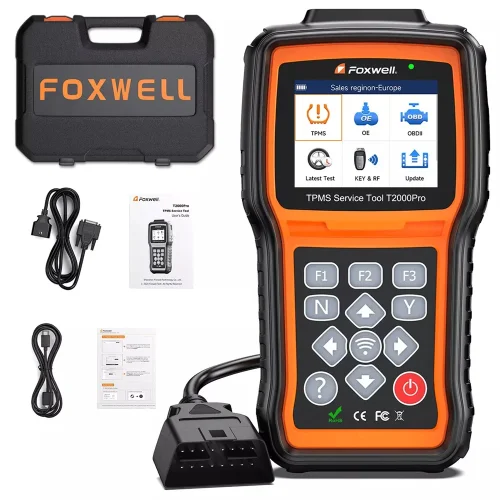 FOXWELL T2000 PRO Auto Tire Pressure TPMS Relea...US$ 206.10 US$ 229.00
 -
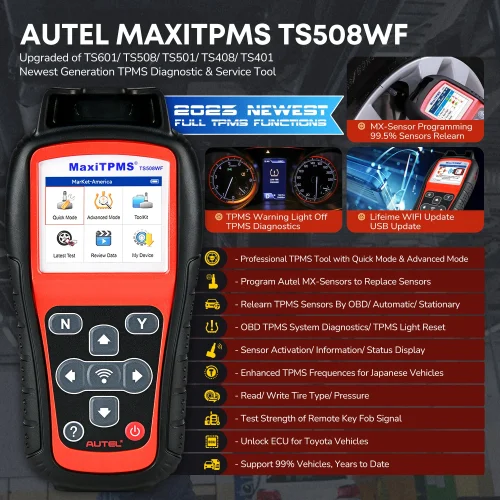 Autel MaxiTPMS TS508WF TPMS Programming Tool A...US$ 269.10 US$ 299.00
 -
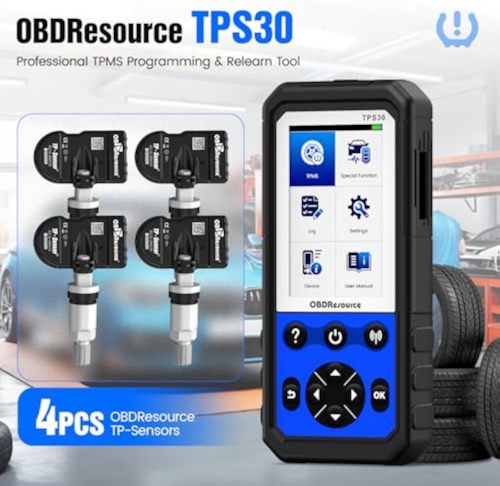 ALi30 TPMS Programming Tool With 4pcs TP-Sensor...US$ 260.10 US$ 289.00
Recently Viewed
-
 Topdiag P180 Car Battery Tester 6-30V with Brea...US$ 125.10 US$ 139.00
 -
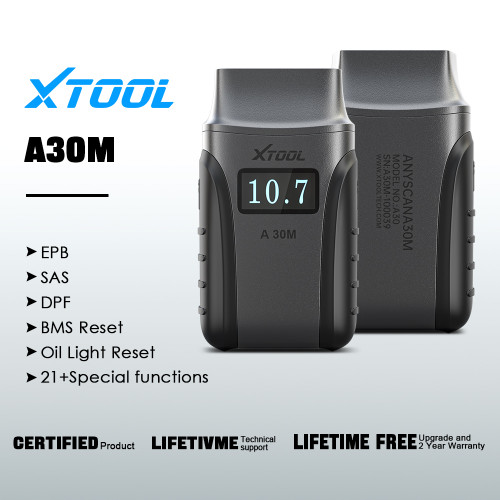 XTOOL Anyscan A30M OBD2 Scanner Supports Active...US$ 170.19 US$ 189.10
 -
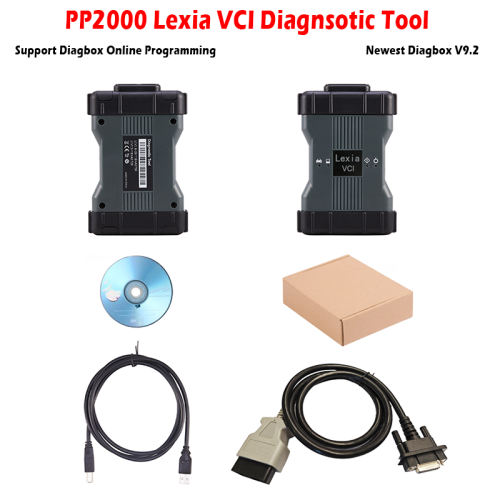 PP2000 Lexia 3 Dianostic Tool with Newest Softw...US$ 143.10 US$ 159.00
 -
 High Quality Peugeot Diagnostic Tools PP2000 Fu...US$ 150.15 US$ 165.00
 -
 WOYO CB007 CAN Tester 16 Pin Break Out Box Dete...US$ 89.10 US$ 99.00
 -
 Mercedes Benz MB Star C3 Pro Multiplexer Full S...US$ 107.10 US$ 119.00
- Company Info
- Feedback
- Customer Reviews
- About Us
- Contact Us
- News
- User Center
- Forget Password
- My Orders
- Tracking Order
- My Account
- Register
- Payment & Shipping
- Customs & Taxes
- Locations We Ship To
- Shipping Methods
- Payment Methods
- Company Policies
- Return Policy
- Privacy Policy
- Terms of Use
Customer Reviews