

|



VNCI MDI2 for GM models from 1996 Diagnostic Interface Support CANFD and DoIP Compatible with TLC, GDS2, DPS,Tech2win Software


-
- Product Name: VNCI MDI2 for GM models from 1996 Diagnostic Interface Support CANFD and DoIP Compatible with TLC, GDS2, DPS,Tech2win Software
- Item NO.: 28649239
- Weight: 1 kg = 2.2046 lb = 35.2740 oz
- Category: Car Diagnostic Tools > For Ford/GM/Opel/Saab
- Creation Time: 2025-11-14
The VNCI MDI2 for GM
Automobile Diagnostic Interface is designed as a genuine-grade GM MDI2 alternative that supports modern GM diagnostic protocols, including CAN FD and DoIP. It mirrors the functionality and compatibility of GM’s official MDI2 while offering flexible offline software options and convenient connection modes. This device is suitable for workshops and technicians who require reliable GM diagnostics across a wide range of vehicles from 1996 to the present.
Key Features of VNCI MDI2 for GM Diagnostics
Protocol and Software Compatibility
- CAN FD and DoIP protocol support: Enables high-speed data transport and modern diagnostic workflows.
- Compatibility with Techline Connect (TLC) software: Seamless integration with GM’s modern diagnostic ecosystem.
- Global A/B platform support: Covers GM vehicle architectures from 1996 to present, ensuring broad vehicle coverage.
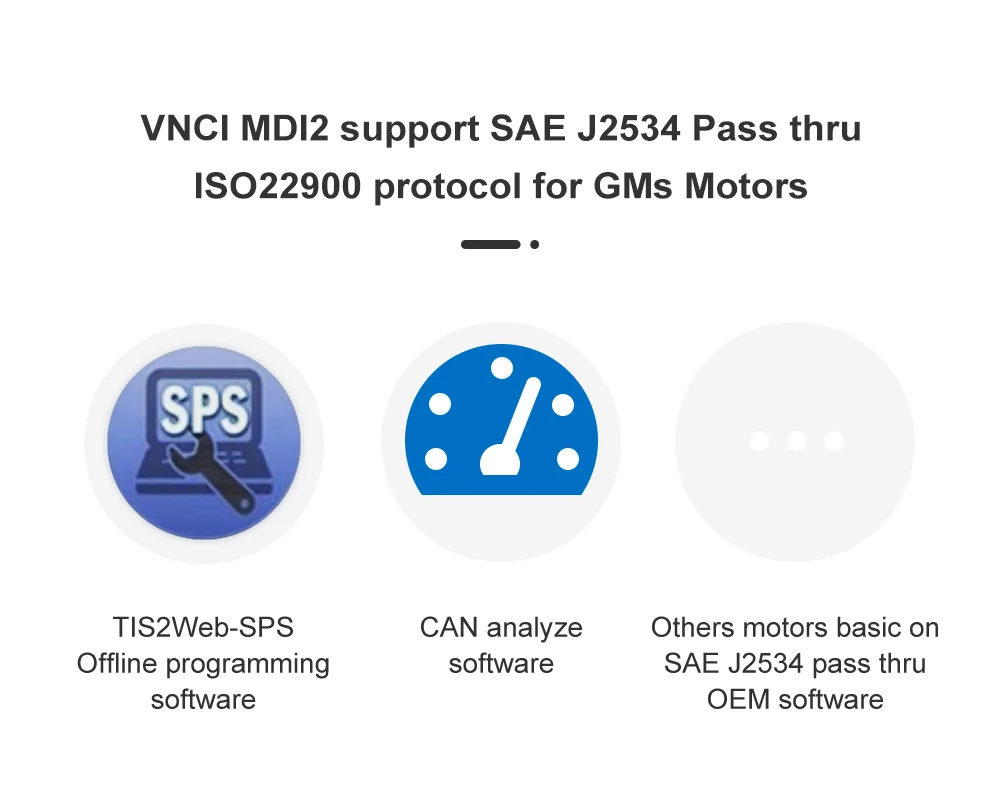
- Offline software support: Includes offline software packages (free of charge). Online programming requires the user to provide their own online software and account; the device itself does not include online programming software.
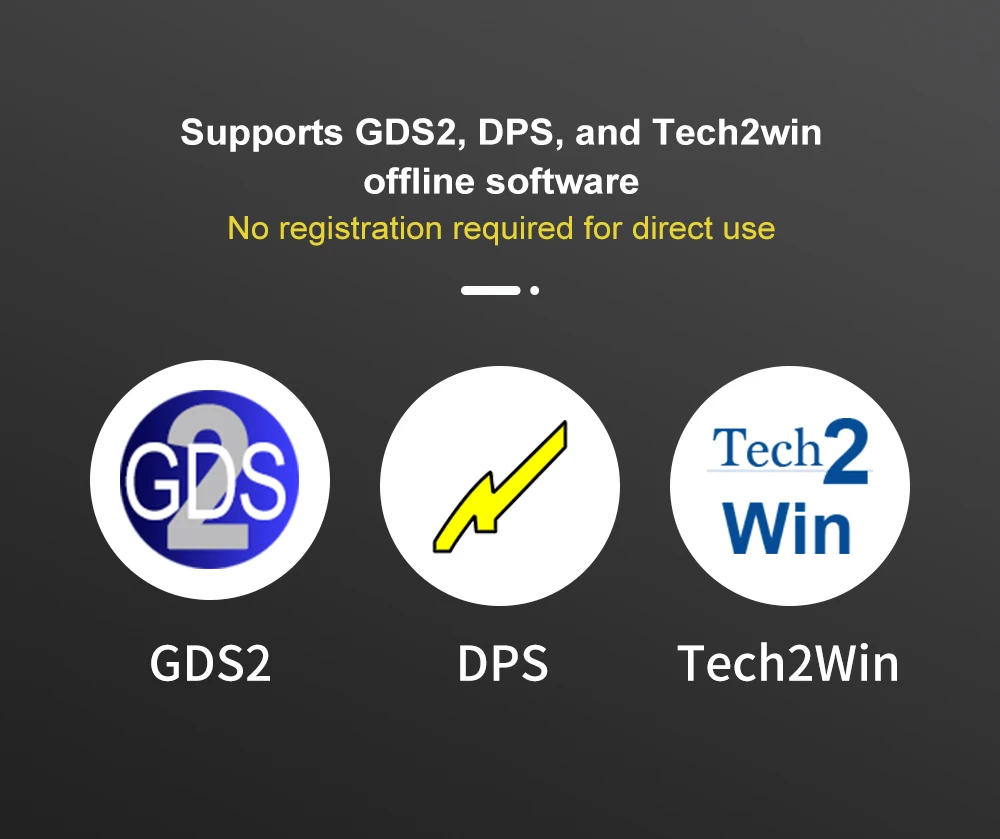
- Support for offline GM diagnostic tools: GDS2, DPS, and Tech2win offline software options are available, enabling diverse diagnostic and programming capabilities.
Programming and Immobilizer Capabilities
- ECU, PCM, ABS, VTA, and other automotive electronic system programming and immobilizer matching: Supports essential programming and immobilization procedures for GM vehicles.
Maintenance and Firmware
- Free maintenance for 1 year: Ensures reliability and ongoing support.
- Free online firmware upgrades: OTA-like firmware updates at no cost to keep the device current.
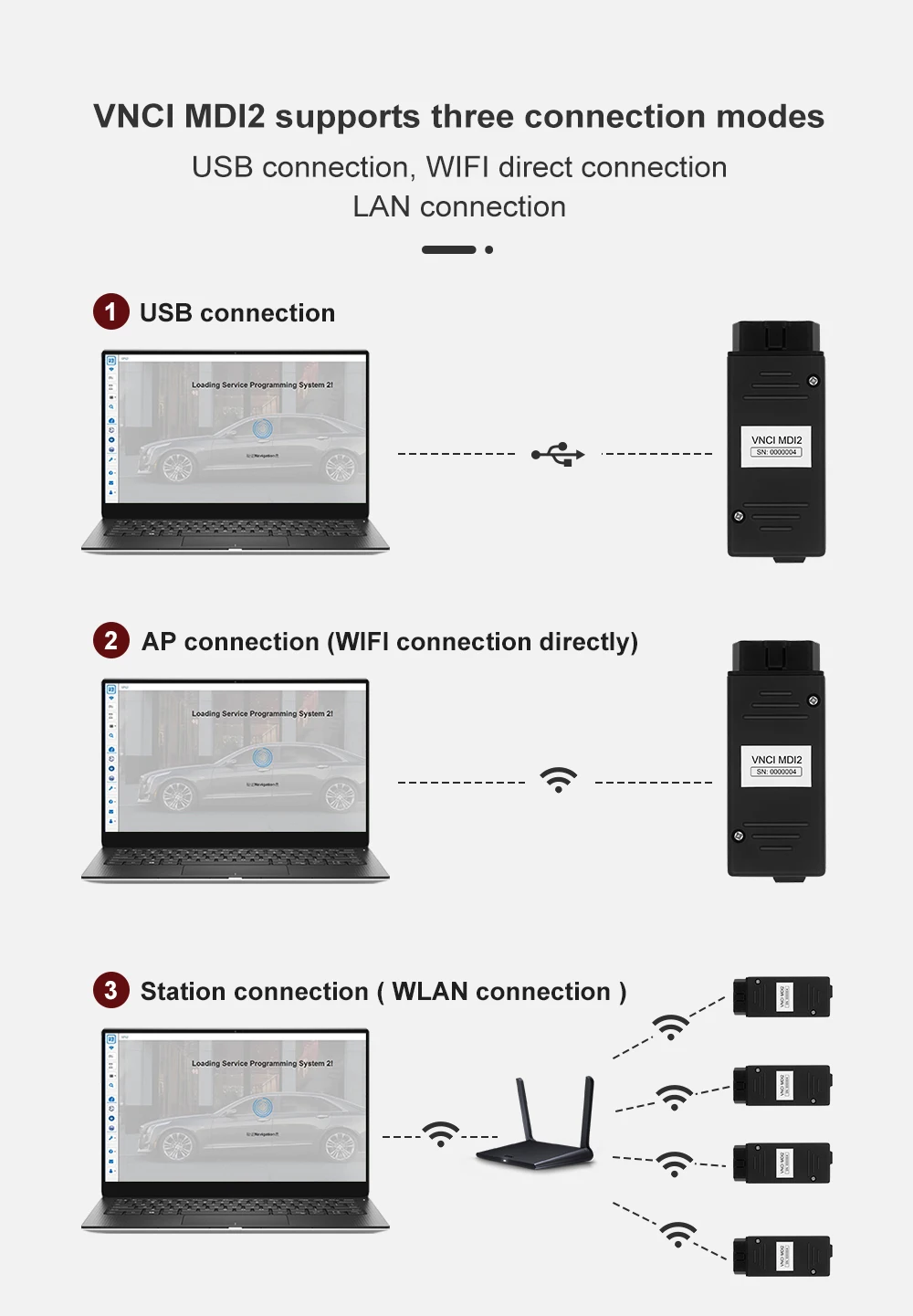
Three Flexible Connection Modes
USB Connection Mode
- Direct USB cable connection: Simple, stable, and widely compatible with standard PC setups.
AP Connection Mode (Wi-Fi)
- Built-in Wi-Fi AP mode: Connect to a computer via VNCI MDI2’s built-in Wi-Fi, similar in experience to Bluetooth pairing.
- Quick-switch capability: Easily switch between modes through the device button.
Station Connection Mode (WLAN)
- WLAN mode: Connect the VNCI MDI2 device and the computer to the same local area network for network-based diagnostics.
- User-friendly switching: Mode changes are accessible via a physical button on the device.
How to Use VNCI MDI2
Setup and Software Access
- Offline software comes free with the product. After receiving your order, contact the supplier to obtain the download link for offline software.
- Online programming requires your own online software and an online account; this is not provided with the device.
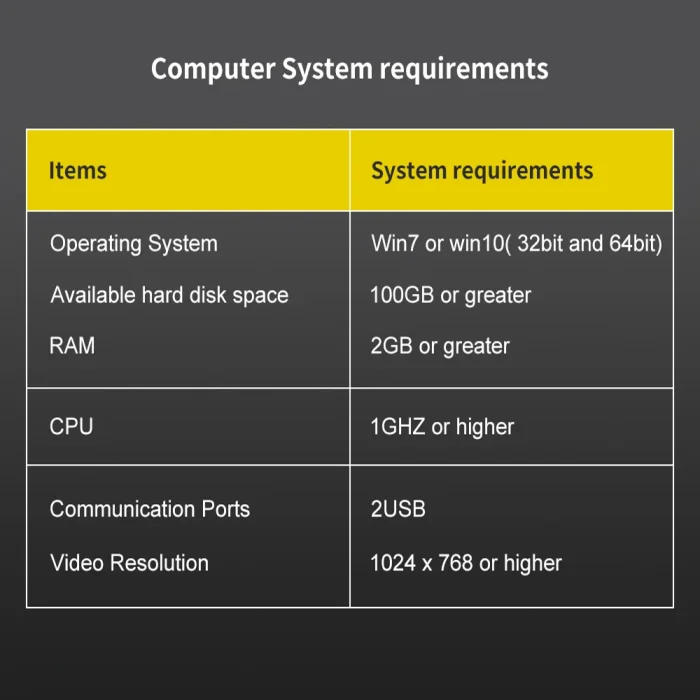
- To ensure optimal performance, verify that your offline software is properly installed and that your vehicle coverage aligns with GM Global A/B platform support (1996–present).
Switching Between Connection Modes
- Use the dedicated device button to toggle between USB, AP (Wi-Fi), and WLAN modes.
- Ensure your computer or diagnostic software is configured to communicate via the selected mode.
What’s Included and Support
What’s Included
- VNCI MDI2 hardware with three mode support (USB, AP, Station/WLAN)
- Offline GM diagnostic software options (GDS2, DPS, Tech2win) accessible offline
- 1-year free maintenance support
- Firmware upgrade capability with no cost
Support and Services
- Please contact the supplier after purchase to receive the offline software download link.
- Free firmware upgrades after purchase help maintain compatibility with GM vehicle updates.
Use Cases and Benefits
Why Choose VNCI MDI2 as a GM Diagnostic Alternative
- Genuine-grade capabilities: Functions similarly to GM’s official MDI2 for a broad vehicle range.
- Flexible connectivity: USB, AP, and WLAN modes provide adaptable installation in different workshop environments.
- Offline-first approach: Facilities in offline environments without mandatory online software, reducing reliance on internet access.
- Comprehensive GM ecosystem support: GDS2, DPS, Tech2win compatibility, plus Techline Connect compatibility for modern workflows.
Frequently Asked Questions
Does VNCI MDI2 require an online account for operation?
- Online programming requires your own online software and account; offline software is provided with the product.
What GM vehicle years are supported?
- The device supports GM Global A/B platform architectures from 1996 to the present.
Can I upgrade firmware online?
- Yes, firmware upgrades are available online at no charge.
Conclusion
VNCI MDI2 for GMs Automobile Diagnostic Interface delivers a robust, GM-compatible diagnostic solution that combines CAN FD and DoIP support, broad vehicle coverage, offline software readiness, and flexible connection modes. It stands as a credible alternative to the GM MDI2, enabling efficient diagnostic and programming workflows across a wide range of GM vehicles.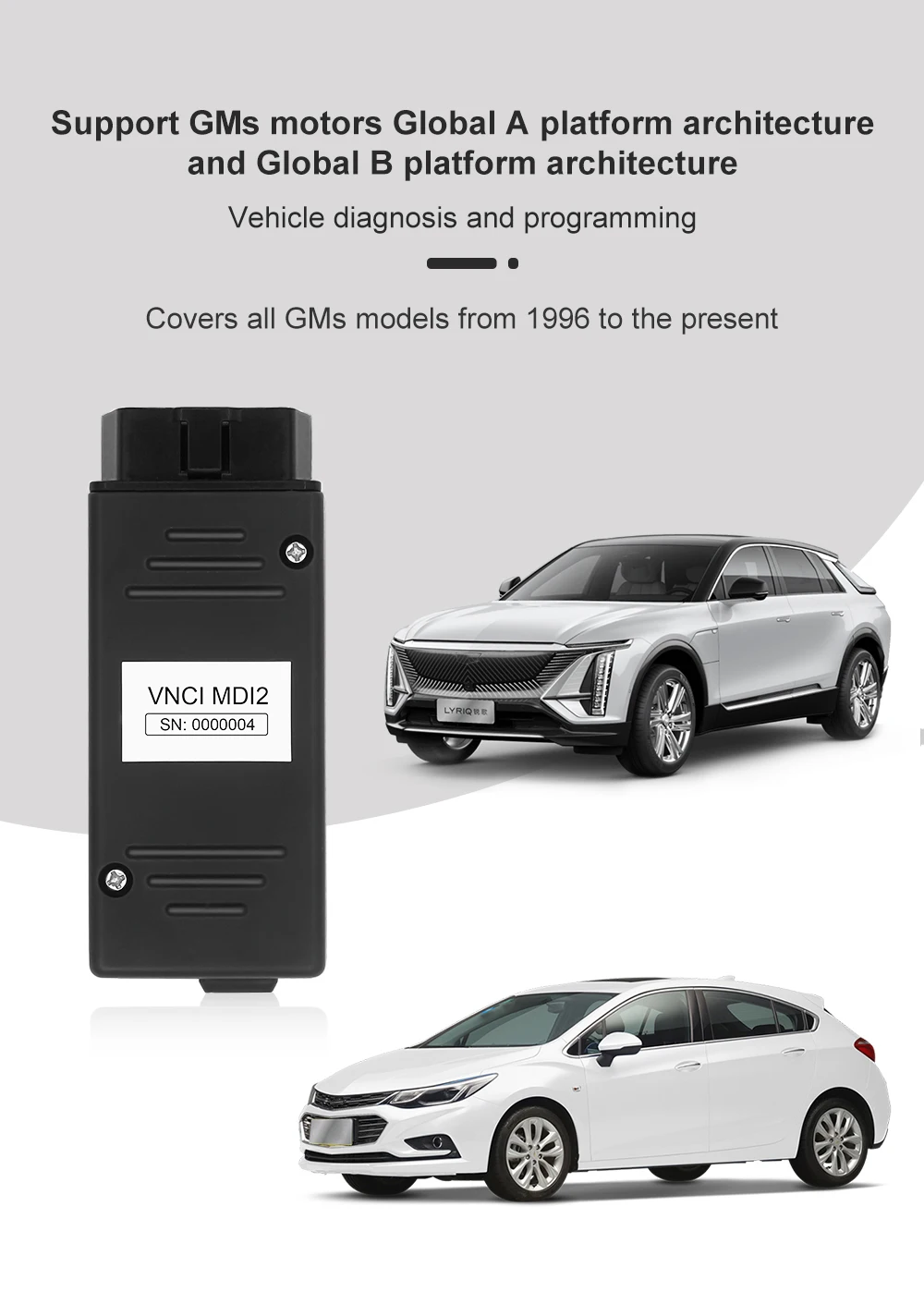

You May Also Like
-
 Alicar MDI2 Plus Car Diagnostic Tool for GM/OPE...US$ 59.40 US$ 66.00
 -
 BOSCH GM MDI 2 Original Multiple Diagnostic Int...US$ 1349.10 US$ 1499.00
 -
 General Motors MDI Scanner Tool Multiple Diagno...US$ 192.00 US$ 240.00
 -
 GM MDI 2 WIfI USB GM Multiple Diagnostic Interf...US$ 136.00 US$ 170.00
 -
Recently Viewed
-
 Vdiagtool V500 Vehicles Circuit Tester Multimet...US$ 242.10 US$ 269.00
- Company Info
- Feedback
- Customer Reviews
- About Us
- Contact Us
- News
- User Center
- Forget Password
- My Orders
- Tracking Order
- My Account
- Register
- Payment & Shipping
- Customs & Taxes
- Locations We Ship To
- Shipping Methods
- Payment Methods
- Company Policies
- Return Policy
- Privacy Policy
- Terms of Use
Customer Reviews