

|

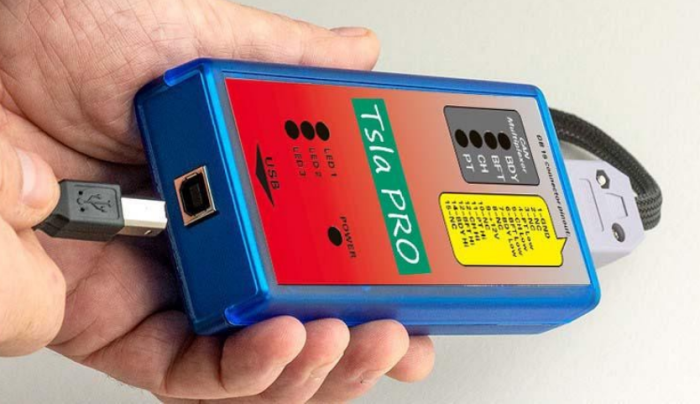


Tesla PRO Diagnsotic Tool for Tsla model S, X and 3 Programming With Digram Network


-
- Product Name: Tesla PRO Diagnsotic Tool for Tsla model S, X and 3 Programming With Digram Network
- Item NO.: 28338861
- Weight: 1 kg = 2.2046 lb = 35.2740 oz
- Category: Car Diagnostic Tools > For Toyota/Lexus/Maserati
- Creation Time: 2025-07-28
The TeSLA PRO Scanner is the first independent diagnostic and programming tool designed specifically for Tesla Model S, X, and 3. This advanced tool provides qualified technicians with the ability to diagnose and program various ECUs (Electronic Control Units) in Tesla vehicles.
Key Features of Tesla PRO Diagnostic Tool
- Supports diagnostics for Tesla Model S, X, and 3.
- Uses CAN network for ECU communication.
- Continuously updated software with new functionalities.
- Designed for qualified professionals with electronic skills.
What You Need to Know Before Using TeSLA Diagnostic Tool
1. Intended for Qualified Personnel
The TeSLA PRO Scanner is not for beginners. It requires:
- Advanced electronic skills to create custom adapters.
- Knowledge of Tesla’s CAN network and ECU systems.
2. Risks and Legal Considerations
- Some functions may be prohibited in certain countries.
- Incorrect use (e.g., BMS adaptations or key learning) can lead to vehicle malfunctions.
3. Hardware and Connectivity
- No standard diagnostic connector (x437A) – requires a custom DB15x437A adapter.
- Limited to CAN network – cannot update firmware or navigation via this tool.
How TeSLA PRO Scanner Works
Understanding Tesla’s Network
Tesla vehicles use a complex CAN network for ECU communication. The TSLA PRO scan tool taps into this network to diagnose and program specific modules.
Diagnostic Functions Available
- BMS (Battery Management System) – For Tesla Model S.
- TAS (Tesla Air Suspension System) – Adjust suspension settings.
- TPMS (Tire Pressure Monitoring System) – Monitor and reset tire sensors.
- EAS (Electronic Air Suspension) – Diagnose suspension issues.
- SDM (Supplemental Deployment Module) – Airbag system diagnostics.
Setting Up TeSLA PRO Scanner
Step-by-Step Connection Guide
- Prepare the Adapter – Ensure the DB15x437A adapter is correctly assembled.
- Connect to Tesla’s CAN Port – Locate the diagnostic socket and plug in the adapter.
- Launch the Software – The intuitive interface guides you through diagnostics.
Troubleshooting Connection Issues
If the tool shows an incorrect connection error:
- Check if the plug is loose.
- Verify the adapter wiring.
Future Developments
The TeSLA PRO Scanner is a continuously evolving tool. Future updates will include:
- Expanded compatibility for newer Tesla models.
- More diagnostic functions for enhanced troubleshooting.
Conclusion
The TeSLA PRO Scanner is a groundbreaking tool for Tesla diagnostics, offering professionals unparalleled access to the vehicle’s ECU systems. While it requires expertise, its capabilities make it indispensable for Tesla technicians.
Stay updated as the software evolves to include even more features!
You May Also Like
-
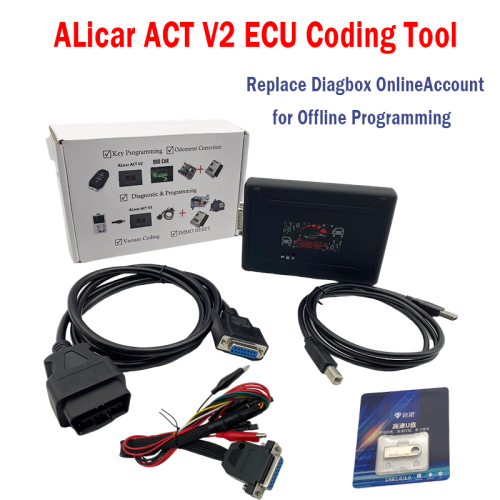 ALicar ACT V2 Car Coding Tool Support Diagnosis...US$ 276.50 US$ 350.00
 -
 Maserati Diagnostic Tool MDVCI Detector Support...US$ 2070.00 US$ 2300.00
 -
 T6 PRO MAX 13in1 Car Diagnostic Tool Support CA...US$ 419.30 US$ 599.00
 -
 Toyota OTC TIS3 Techstream V18.00.008 Latest Pr...US$ 40.19 US$ 44.65
 -
 Newest DENSO DST-010-A Car Diagnostic Tool for ...US$ 119.20 US$ 149.00
 -
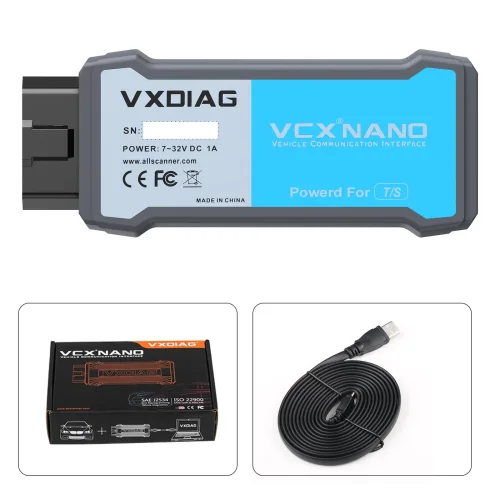 VXDIAG VCX Nano for Toyota Diagnostic Tool with...US$ 197.10 US$ 219.00
Recently Viewed
-
-
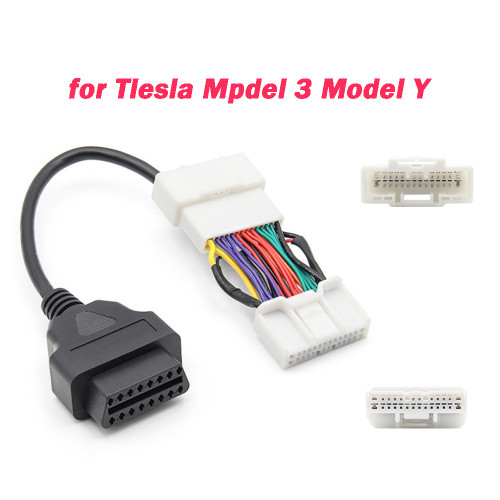 For Tesla Model 3 OBD Cable 12/20/26Pin Male Fe...US$ 12.00 US$ 15.00
 -
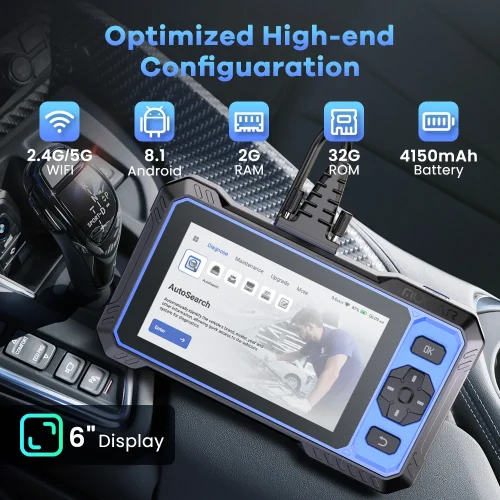 MUCAR 682 AI-Assisted Car Diagnostic Tool CANFD...US$ 269.10 US$ 299.00
- Company Info
- Feedback
- Customer Reviews
- About Us
- Contact Us
- News
- User Center
- Forget Password
- My Orders
- Tracking Order
- My Account
- Register
- Payment & Shipping
- Customs & Taxes
- Locations We Ship To
- Shipping Methods
- Payment Methods
- Company Policies
- Return Policy
- Privacy Policy
- Terms of Use
Customer Reviews