
|


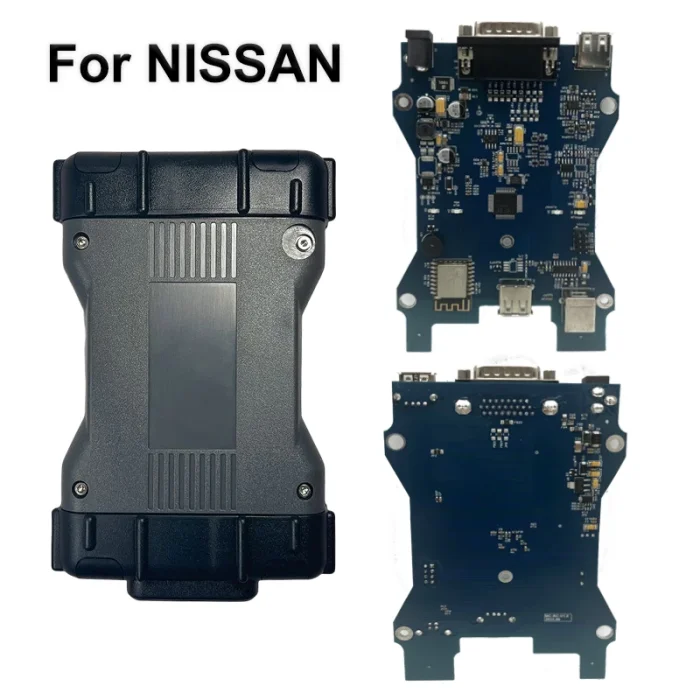


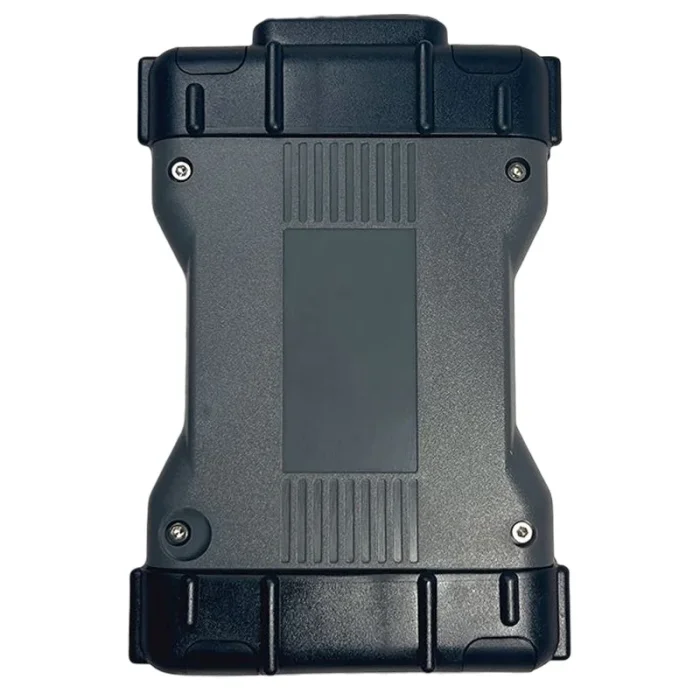

Nissan VCI Consult 3 Plus Immobilizer Key Programming V226 For Infiniti Car Diagnostic Tool


-
- Product Name: Nissan VCI Consult 3 Plus Immobilizer Key Programming V226 For Infiniti Car Diagnostic Tool
- Item NO.: 28659748
- Weight: 1 kg = 2.2046 lb = 35.2740 oz
- Category: Car Diagnostic Tools > For Volvo/Renault/Nissan/Mitsubishi
- Creation Time: 2025-11-20
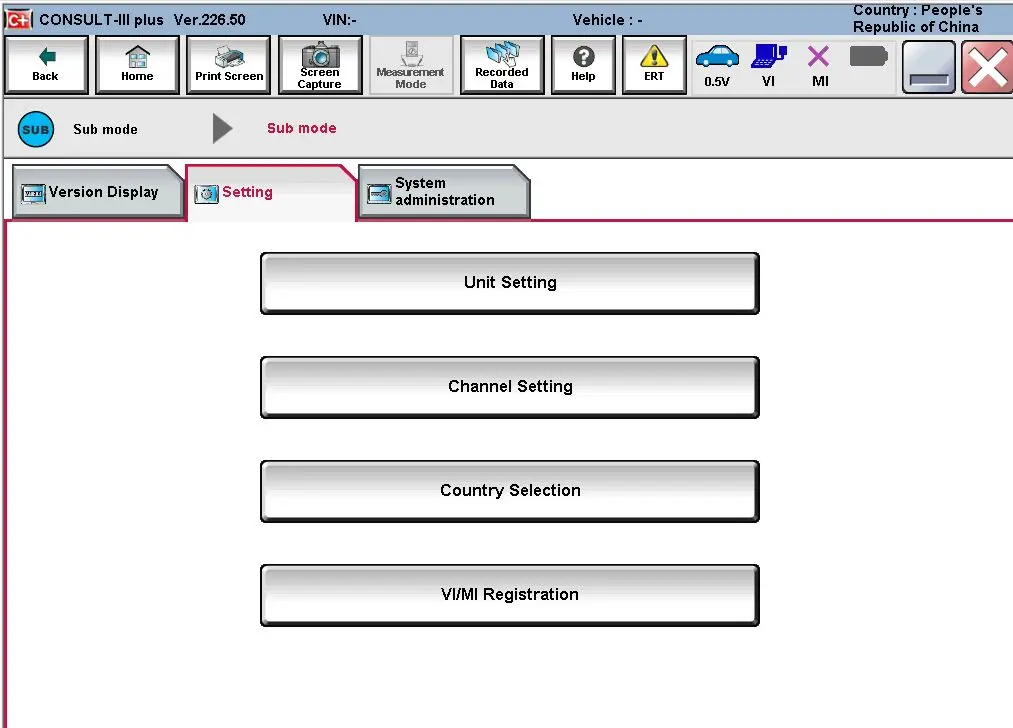
Explore Nissan VCI-powered diagnostic capabilities with Nissan Consulting III Plus V226, a free diagnostic software solution for Nissan and Infiniti vehicles. Built to work with a Nissan VCI interface, this tool offers extensive diagnostic functions, multilingual support, and versatile connectivity, making it a valuable asset for enthusiasts, independent technicians, and service shops. This article covers key features, vehicle coverage, system requirements, and usage tips to optimize your Nissan VCI experience.
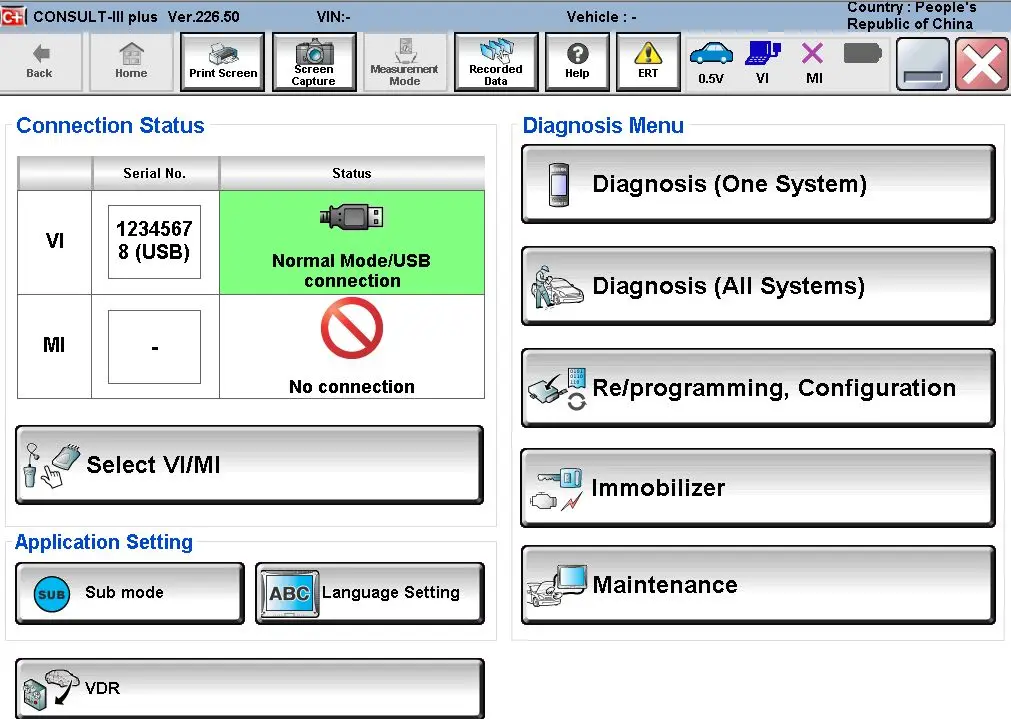
Nissan VCI Software Overview and Language Support
Free Download and Lifetime Updates
- The Nissan VCI-based software is provided as a free download (V226) with a lifetime license, enabling ongoing firmware updates for the VCI and software.
- It supports firmware updates to keep the VCI interface and functions current.
Multilingual Support
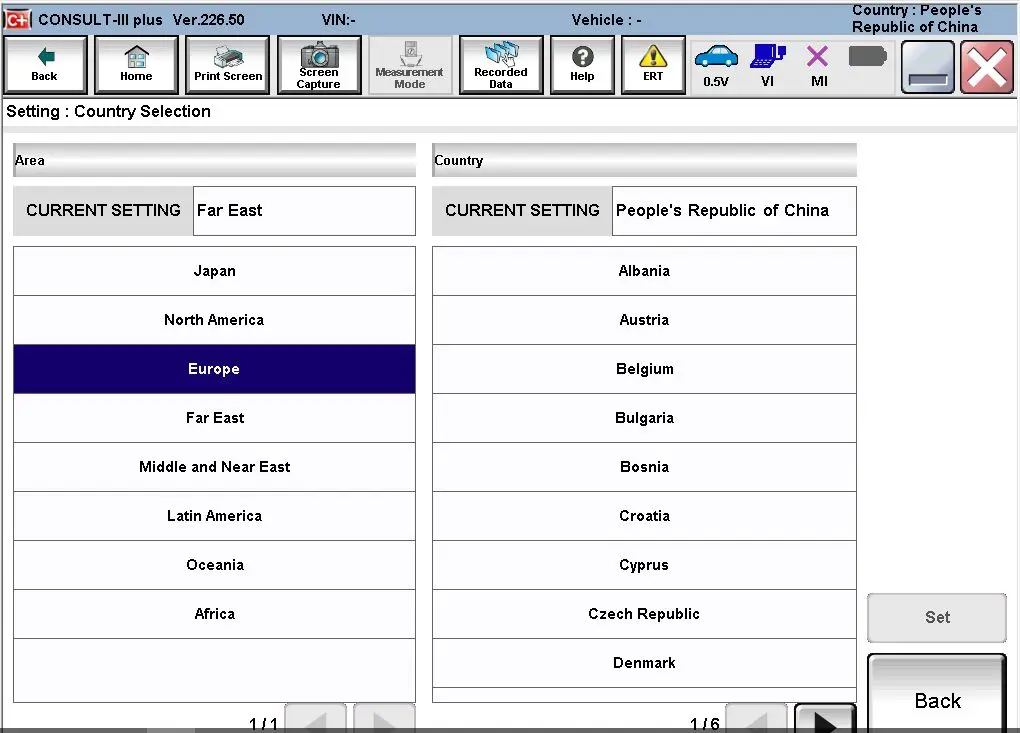
- Language availability: English, Finnish, French, German, Greek, Italian, Japanese, Portuguese, Russian, Spanish, Turkish, Thai, Czech, Polish, Hungarian, Chinese (Simplified), Chinese (Traditional).
- Multilingual support enhances usability for international technicians working with Nissan VCI.
Cross-Platform and Nissan VCI Connectivity
- Operating system: Windows 10 64-bit (tested; other systems may be compatible).
- Interfaces: USB, WLAN, and Wi-Fi connections to a PC (Wi-Fi password for testing: 12345678).
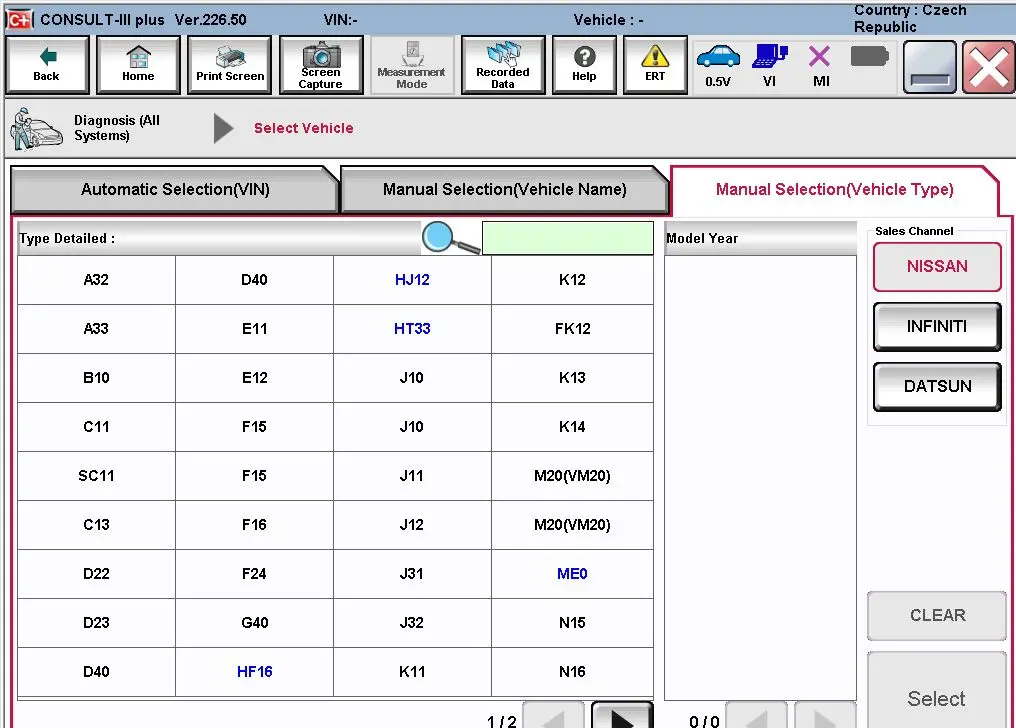
- Nissan VCI compatibility: The software leverages the Nissan VCI interface for OEM-level diagnostics and programming.
- J2534 compatibility: Functions as a J2534 device for OEM online programming (online account required).
- Compatibility with third-party software: Works with pcm flash and BitBox when used with the VCI.
Vehicle Coverage and Model Range via Nissan VCI Car Diagnostic Tool
Nissan Models (Post-2005, with caveats)
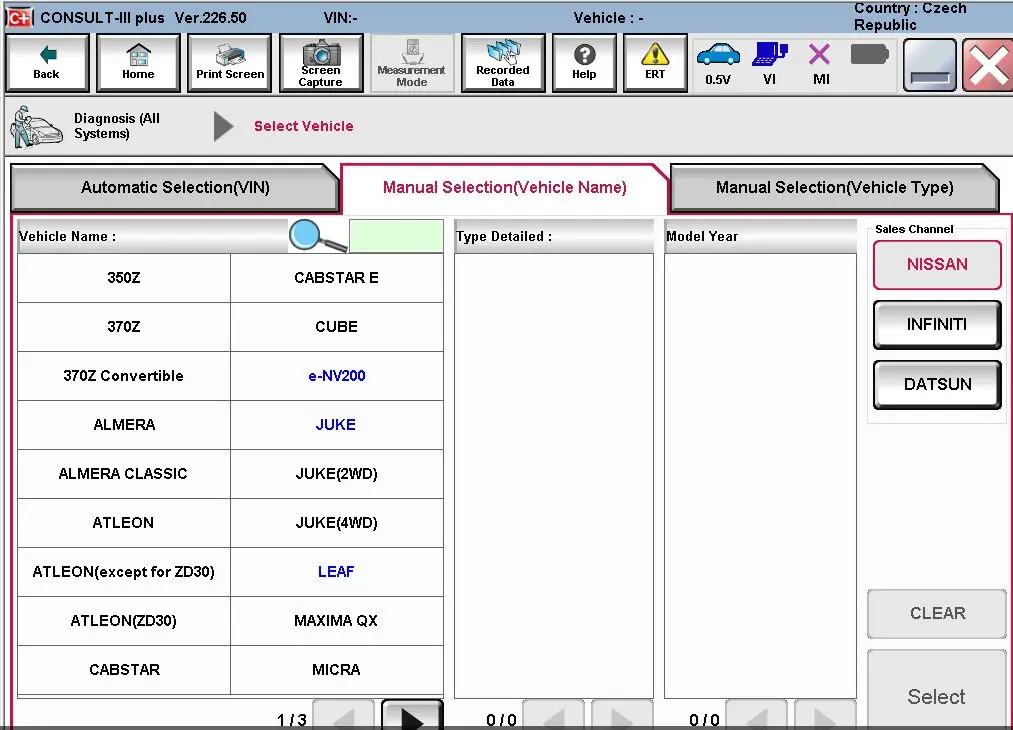
- Broad coverage includes many Nissan models such as Murano, Cube, Murano CrossCabriolet, Pathfinder Hybrid, 350Z, Frontier, Murano Hybrid, Qashqai/Louge Sport, 370Z, Juke, GT-R, Quest, 370Z Convertible, Juke Nismo, GT-R Nismo, Rogue, Altima, Kicks, NV, Rogue Hybrid, Versa (hatchback, Note, Sedan), Xterra, X-Trail, and Z (some models supported up to 2023).
- Note: After 2005, most Nissan models are supported, with exceptions related to K-Line coverage in certain cases.
Infiniti Models
- Infiniti coverage includes EX35, G37 Convertible, M45, Q70 Hybrid, EX35 Camp, G37 Coupe, Q40 Sedan, QX30, FX35/FX45, G37 Sedan, Q45, QX4, FX35-FX50, I30, Q50, QX50, FX37/FX50, I35, Q50 Hybrid X70, QX80.
Nissan Diagnostic Software Features via Nissan VCI Diagnostic Tool
Diagnostic and Coding Capabilities
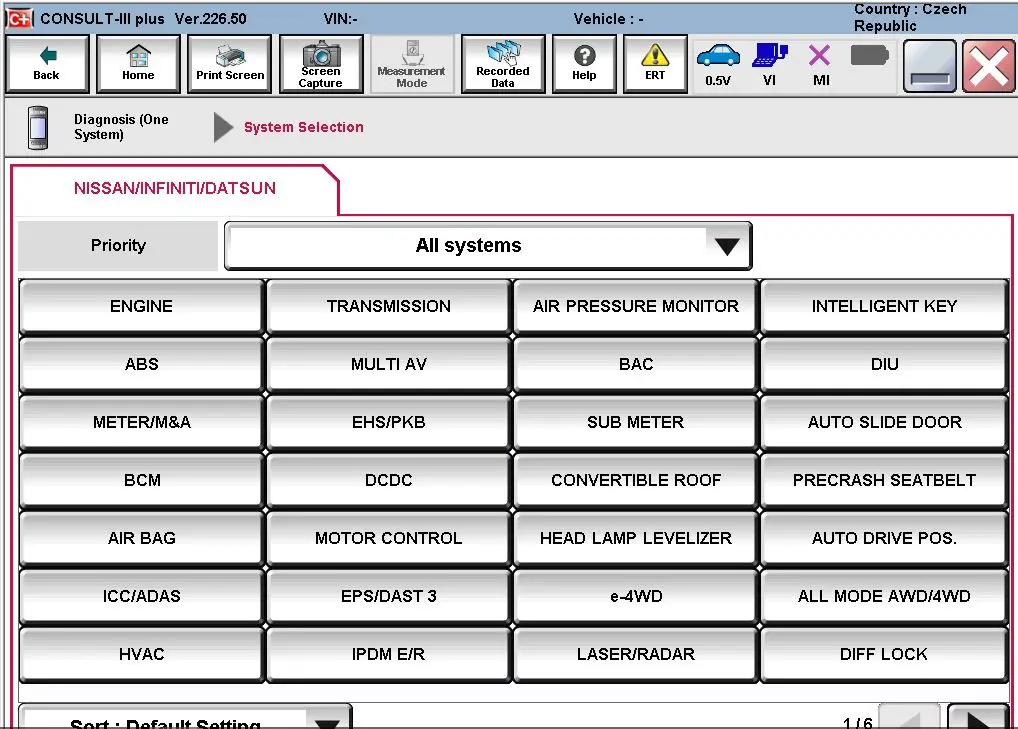
- Diagnostic Trouble Code (DTC) reading: Read and display ECU fault codes via the Nissan VCI interface.
- Clear fault codes: Erase fault codes from the vehicle’s ECU.
- Retrieve vehicle information: Access essential vehicle metadata.
- Automatic full scan: Perform comprehensive vehicle diagnostics.
- Read-in data reset: Reset read-in data in the vehicle system.
- Manual fuel injector cut-off: Manual control over fuel injector cut-off.
- Manual DPF Service Regeneration: Manual regeneration for diesel particulate filters (DPF).
- Parameter changes: Adjust vehicle parameters.
- Sensor and parameter monitoring: Continuous monitoring of sensors and parameters.
- Real-time data: Live data streams from the vehicle via Nissan VCI.
- Transmission sensor value: Focused monitoring of transmission-related sensors.
- Conventional sensor value: Monitor standard sensor values.
Advanced Features and Data Reporting
- Trip report generation: Create diagnostic reports for service records or customers.
- Remote programming and coding: Access online OEM programming features via an online account.
- Compatibility with OEM and third-party tools: Use with pcm flash and BitBox when integrated with the Nissan VCI workflow.
How to Get Started with Nissan Diagnostic Tool
System and Account Setup
- Ensure Windows 10 64-bit is installed and meets minimum requirements.
- Install Nissan Consulting III Plus V226 from the free download.
- Create or obtain an online account if you intend to perform OEM online programming or access advanced VCI features.
- Connect the PC to the vehicle using USB or Wi-Fi (default Wi-Fi password for testing: 12345678).
Vehicle Preparation
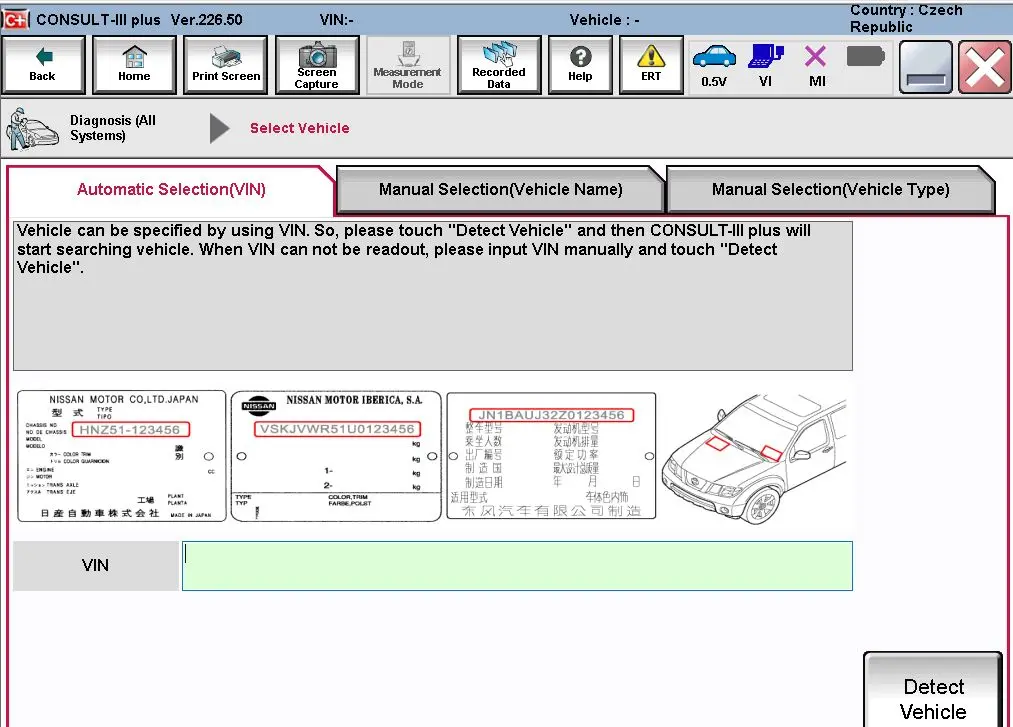
- Confirm model year and compatibility with the Nissan VCI tool’s coverage (post-2005 Nissan models are generally supported; verify exceptions).
- Prepare the vehicle for diagnostics (keys, ignition, battery health, safety checks).
Benefits and Considerations
Benefits
- Free access with lifetime license and firmware updates for the Nissan VCI ecosystem.
- Multilingual support enhances usability for international technicians.
- Broad Nissan and Infiniti vehicle coverage via the VCI interface.
- Flexible connectivity options (USB, WLAN, Wi-Fi) for versatile lab setups.
- Comprehensive diagnostic features, from basic DTC reading to advanced parameter changes, all facilitated through the Nissan VCI.
Considerations
- Some features (e.g., OEM online programming, certain online accounts) require an active online subscription or account.
- Coverage may vary by model and year; verify current compatibility with the Nissan VCI tool.
- While the software is free, ensure compliance with licensing terms and online service requirements for the VCI.
About Nissan VCI Diagnostic Tool FAQ
Is Nissan VCI software free to use?
- Yes, the software download is free (V226) and includes a lifetime license with firmware updates for the VCI ecosystem.
Do I need an online account for programming?
- Online programming and certain coding features may require an original online account.
What devices can I use with Nissan VCI?
- It supports USB, WLAN, and Wi-Fi connections to a Windows PC (Windows 10 64-bit tested).
Conclusion
Nissan VCI-powered Nissan Consulting III Plus offers a powerful, cost-effective diagnostic solution for Nissan and Infiniti vehicles. With broad model coverage, multilingual support, and a flexible Nissan VCI workflow, this tool is valuable for professional shops and enthusiasts alike, delivering essential diagnostic capabilities, real-time data, and potential for advanced programming.
You May Also Like
-
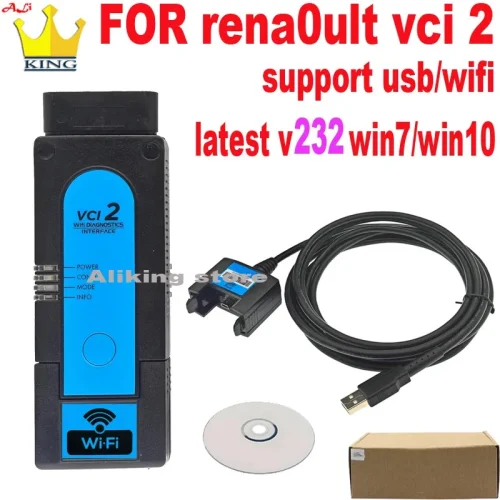 Renault Clip VCI 2 Can Clip V232 Wifi OBD2 Auto...US$ 127.20 US$ 159.00
 -
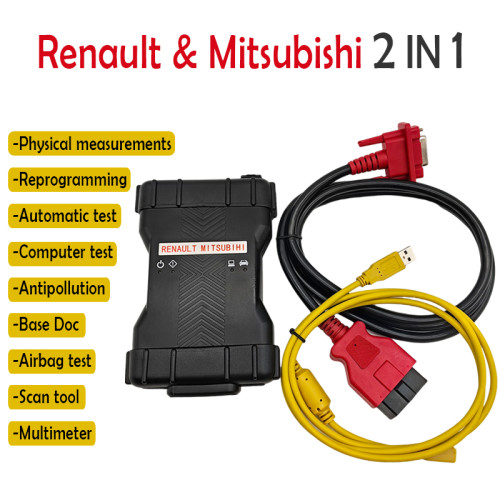 Latest Renault & Mitsubishi 2-in-1 Car Diagnost...US$ 211.50 US$ 235.00
 -
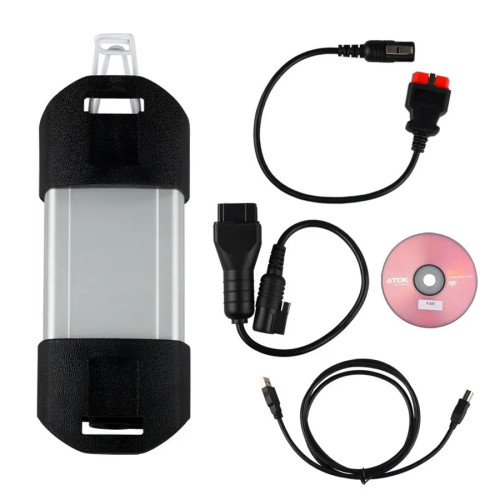 Top Quality Clip Renault Diagnostic Interface F...US$ 166.50 US$ 185.00
 -
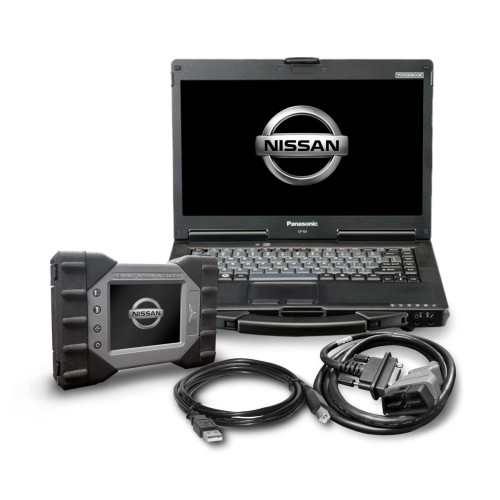 Original Nissan Mitsubishi Renault Consult 3 Pl...US$ 3150.00 US$ 3500.00
 -
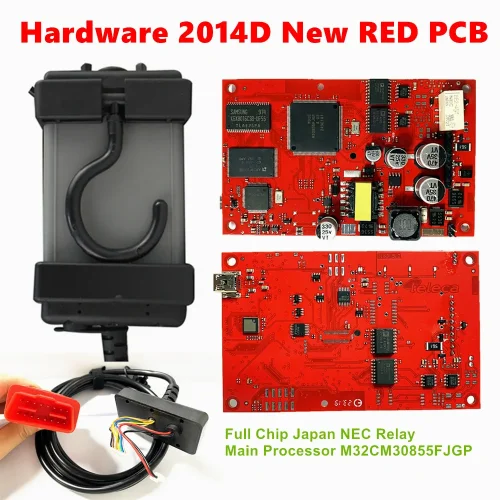 Volvo Vida Dice 2014D Car Diagnostic Tools Wind...US$ 80.10 US$ 89.00
 -
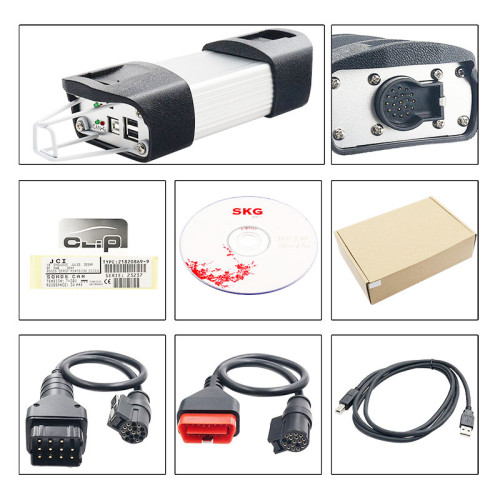 Reault Can Clip For V234 Reprog Can Clip Suppor...US$ 64.03 US$ 71.14
 -
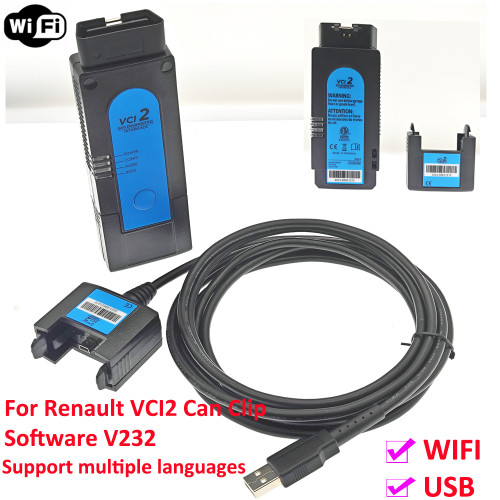 NEW WiFi Renault VCI2 V232 Professional Renault...US$ 127.20 US$ 159.00
 -
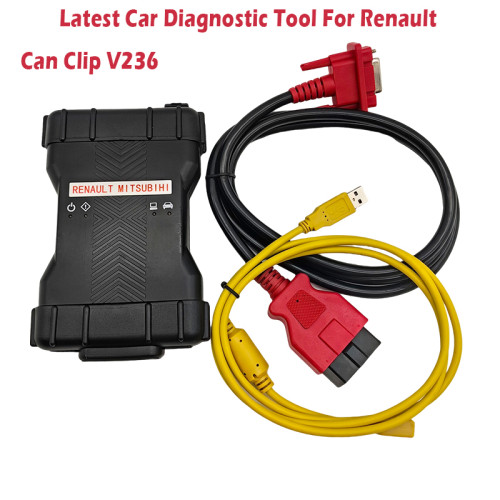 2024 Newest Released car diagnostic tool for re...US$ 139.50 US$ 155.00
Recently Viewed
-
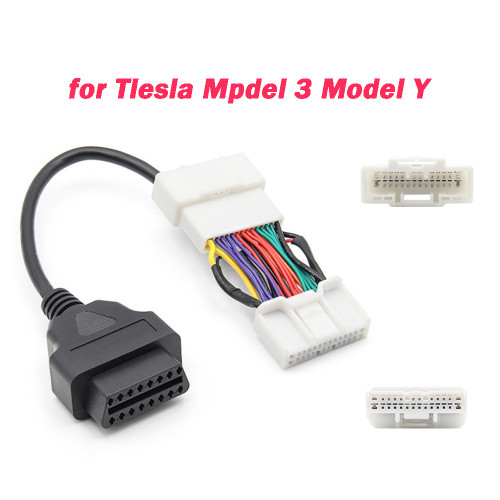 For Tesla Model 3 OBD Cable 12/20/26Pin Male Fe...US$ 12.00 US$ 15.00
- Company Info
- Feedback
- Customer Reviews
- About Us
- Contact Us
- News
- User Center
- Forget Password
- My Orders
- Tracking Order
- My Account
- Register
- Payment & Shipping
- Customs & Taxes
- Locations We Ship To
- Shipping Methods
- Payment Methods
- Company Policies
- Return Policy
- Privacy Policy
- Terms of Use
Customer Reviews