

|


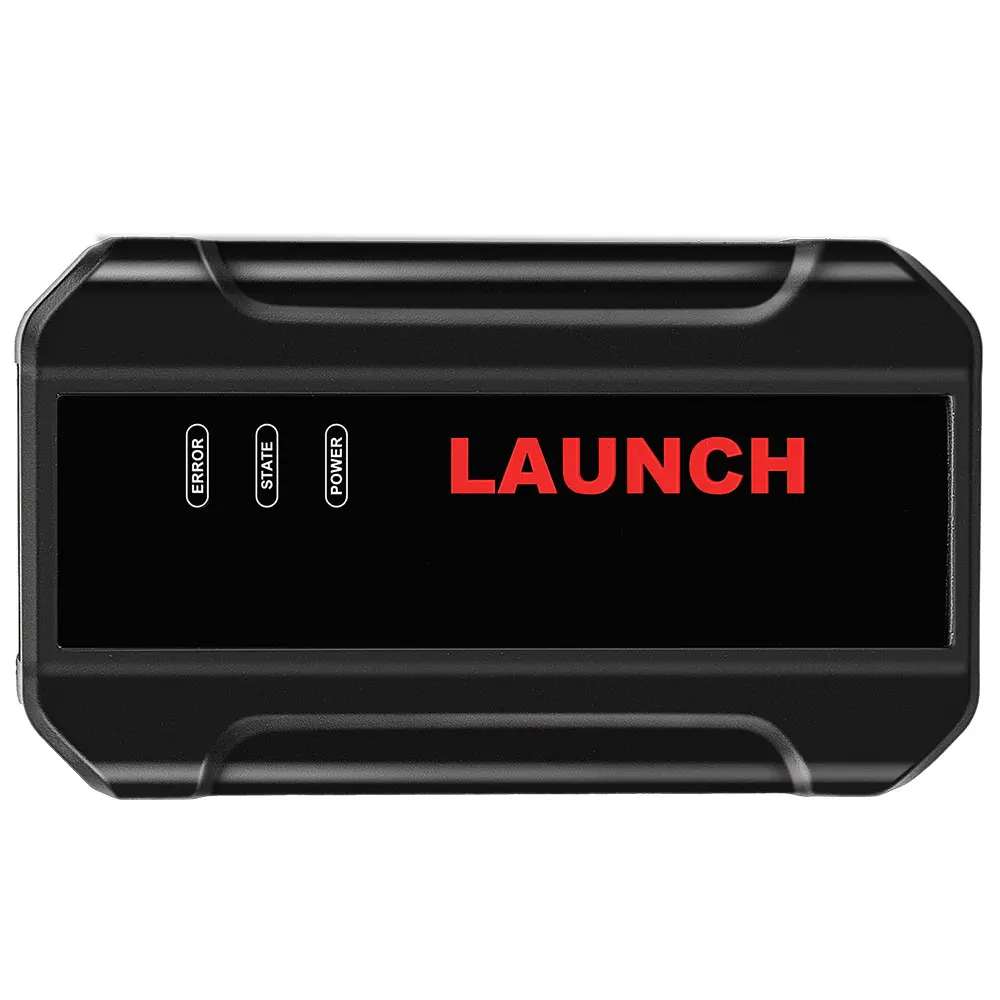
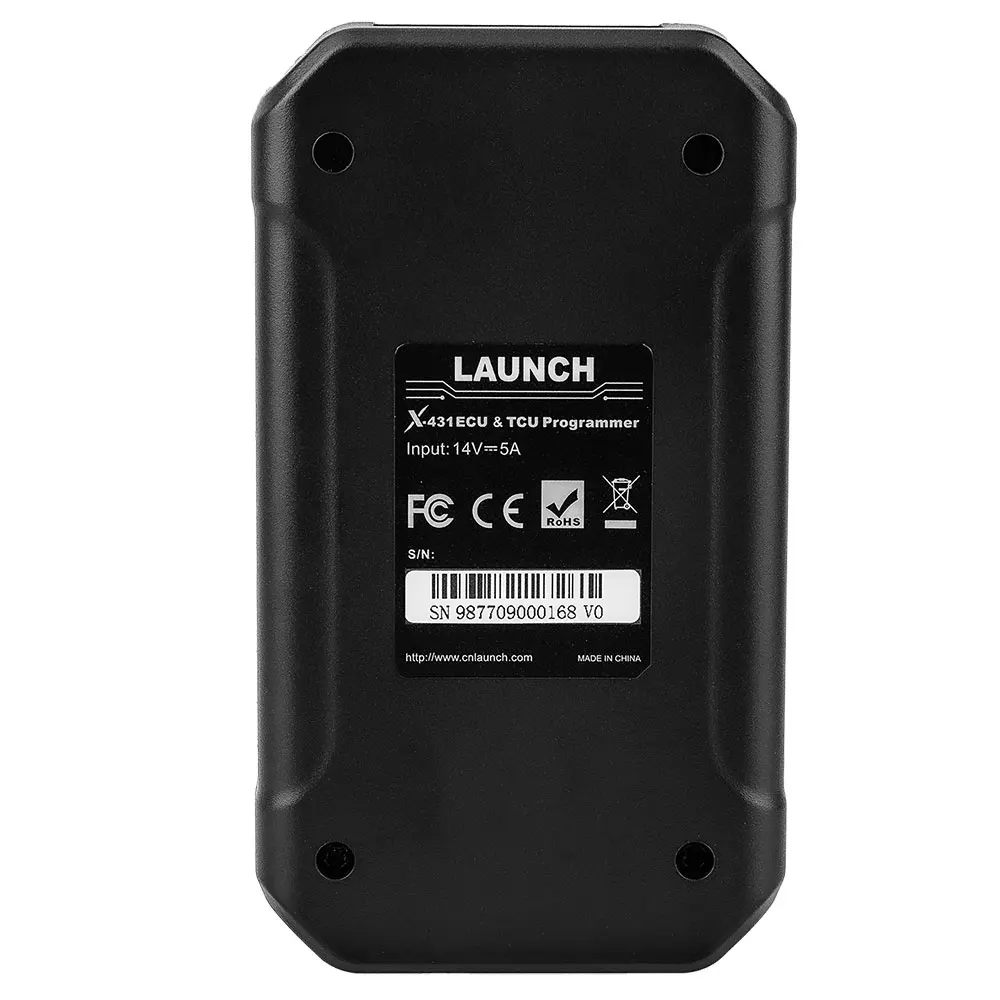
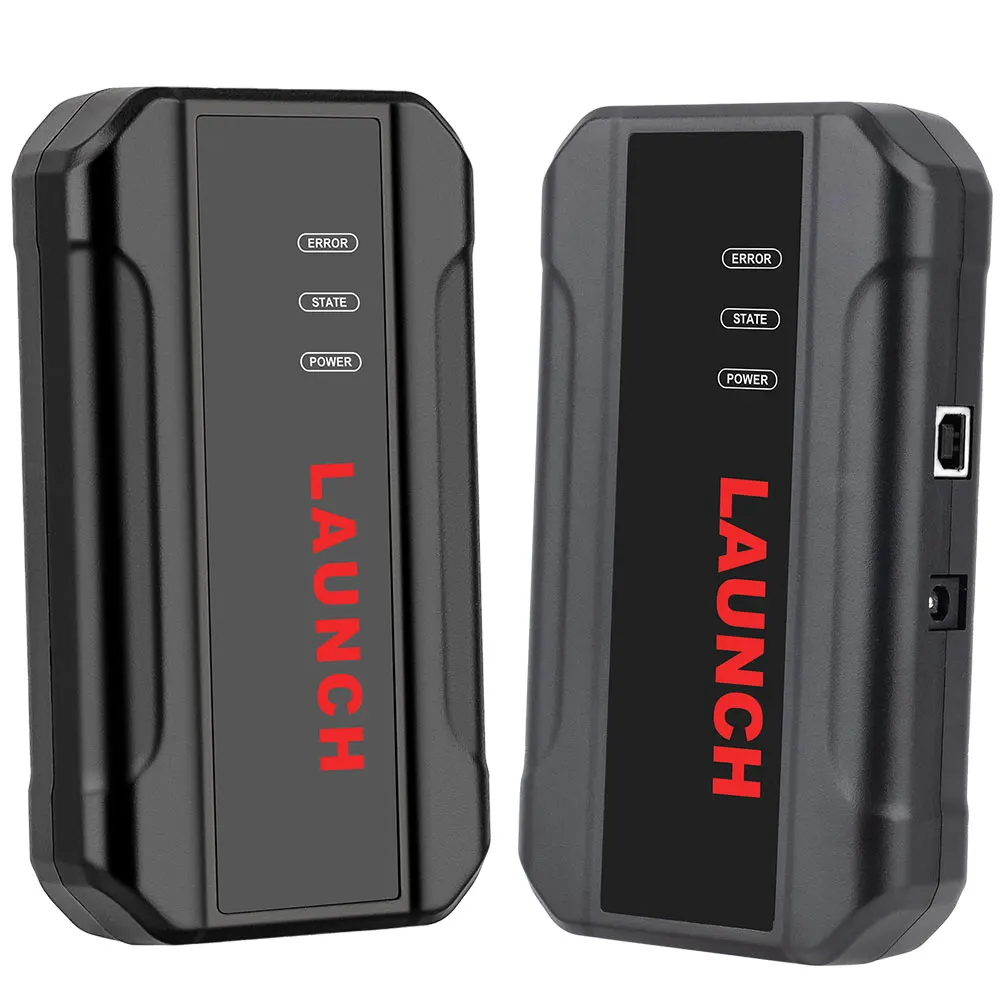
Newest Launch X431 ECU & TCU Programmer Engine Transmission Cloning Data Verification Standalone tools


-
- Product Name: Newest Launch X431 ECU & TCU Programmer Engine Transmission Cloning Data Verification Standalone tools
- Item NO.: 28816674
- Weight: 1 kg = 2.2046 lb = 35.2740 oz
- Category: ALL CATEGORIES > Original-Launch-X431-Tools
- Creation Time: 2026-02-03
LAUNCH X431 ECU & TCU Programmer 2D Menu EC-U Data Read/ Write 1 Year free update (after 1 year, after fee about US$150/Year)
Standalone Clone Product
LAUNCH X431 ECU & TCU Progarmmer 2D Menu ECU Data Reading/ Writing
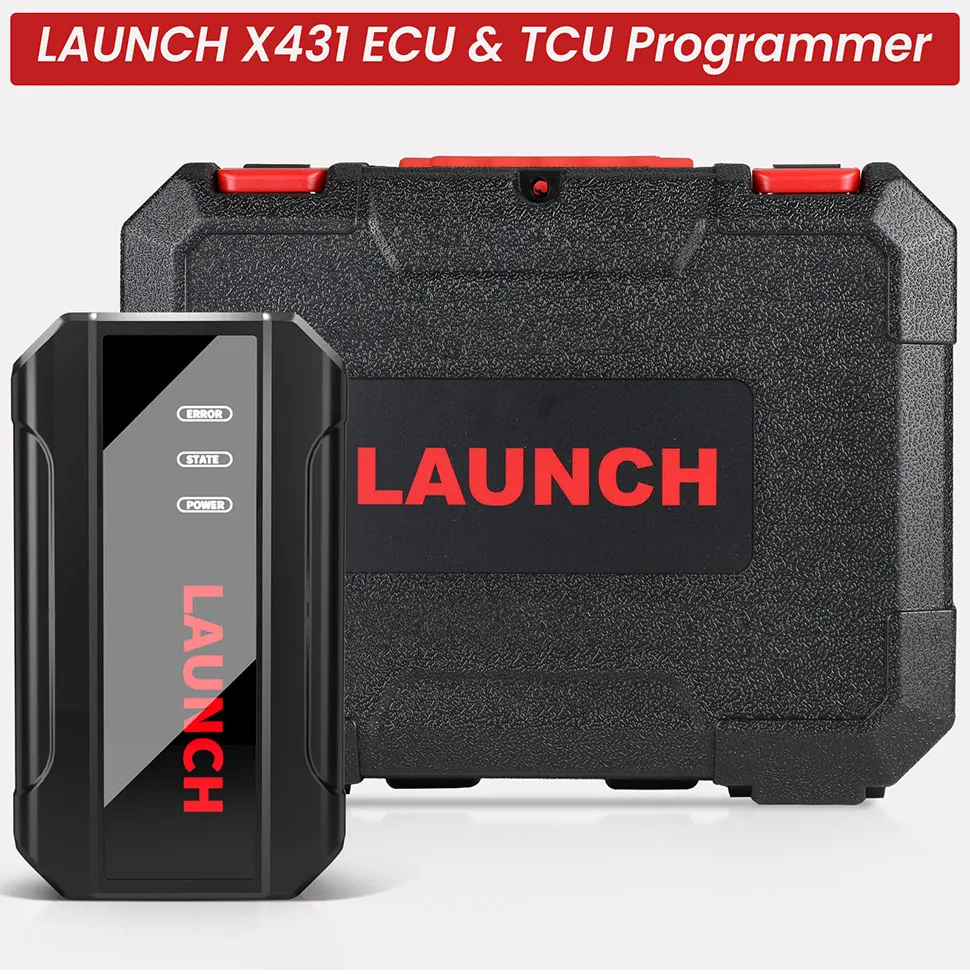
Product Features:
1. 2D menu, clear and easy to choose
2. Powerful search function
3. Convenient modification of E-C-U data
4. USB communication, with a speed more than three times that of Android devices, making it more stable
5. Easy to copy data
6. Support engine data validation function
7. One year free update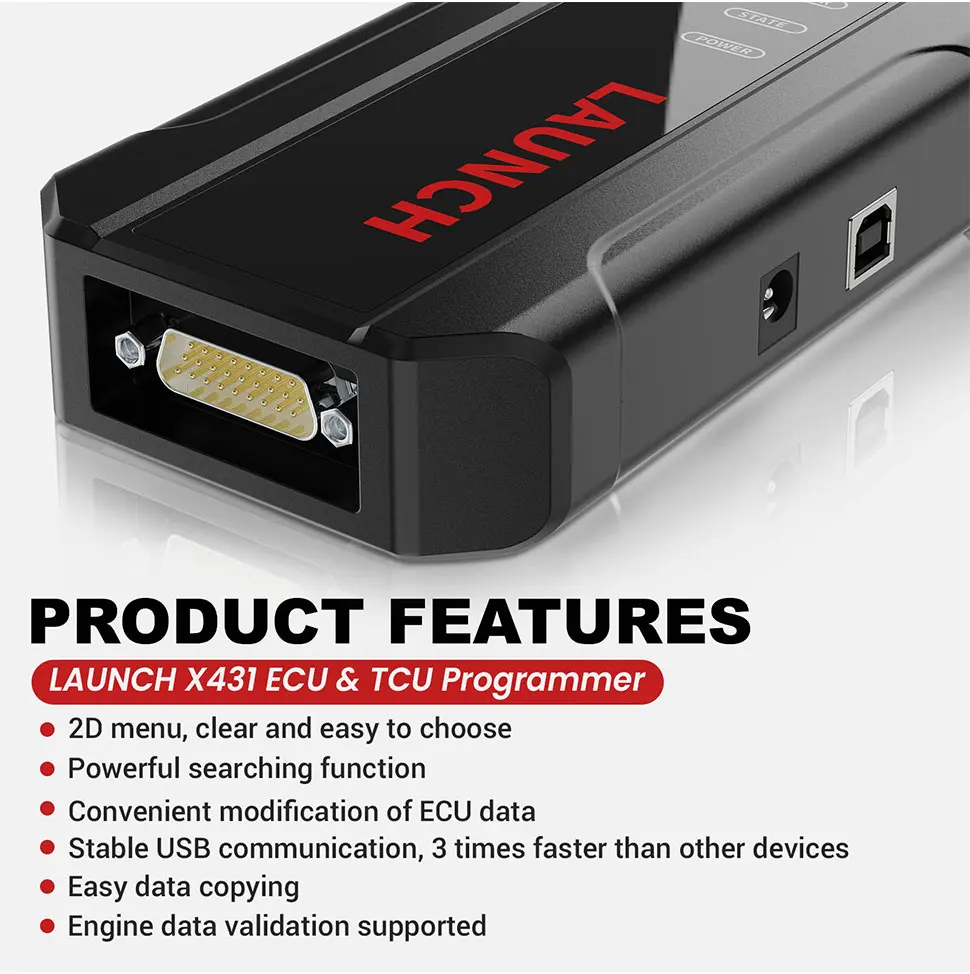
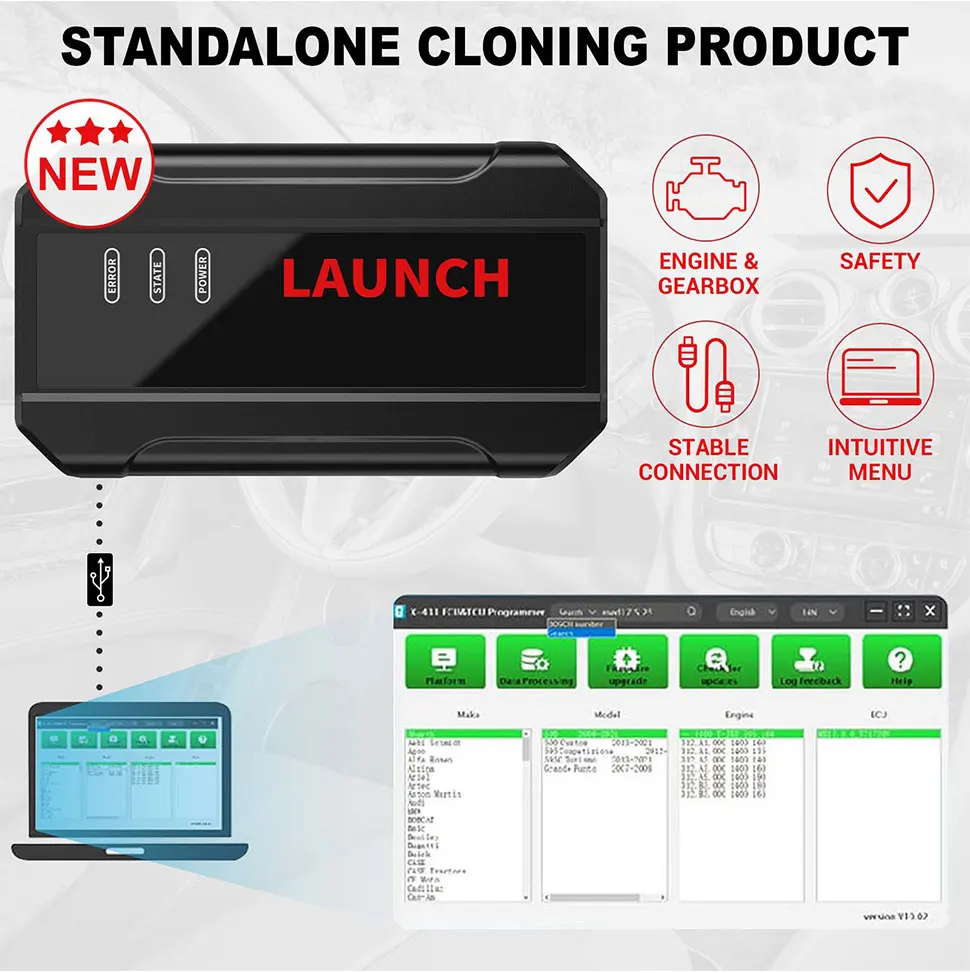
Connect with PC software:
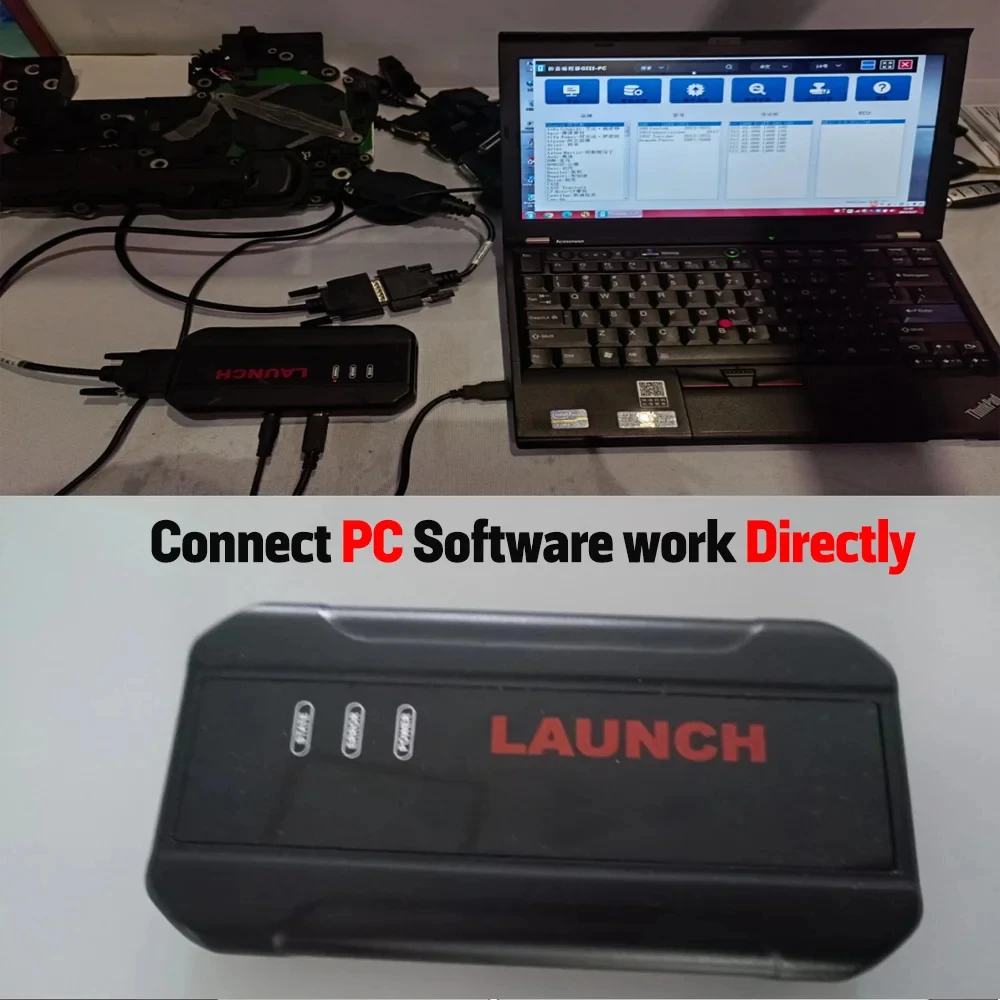
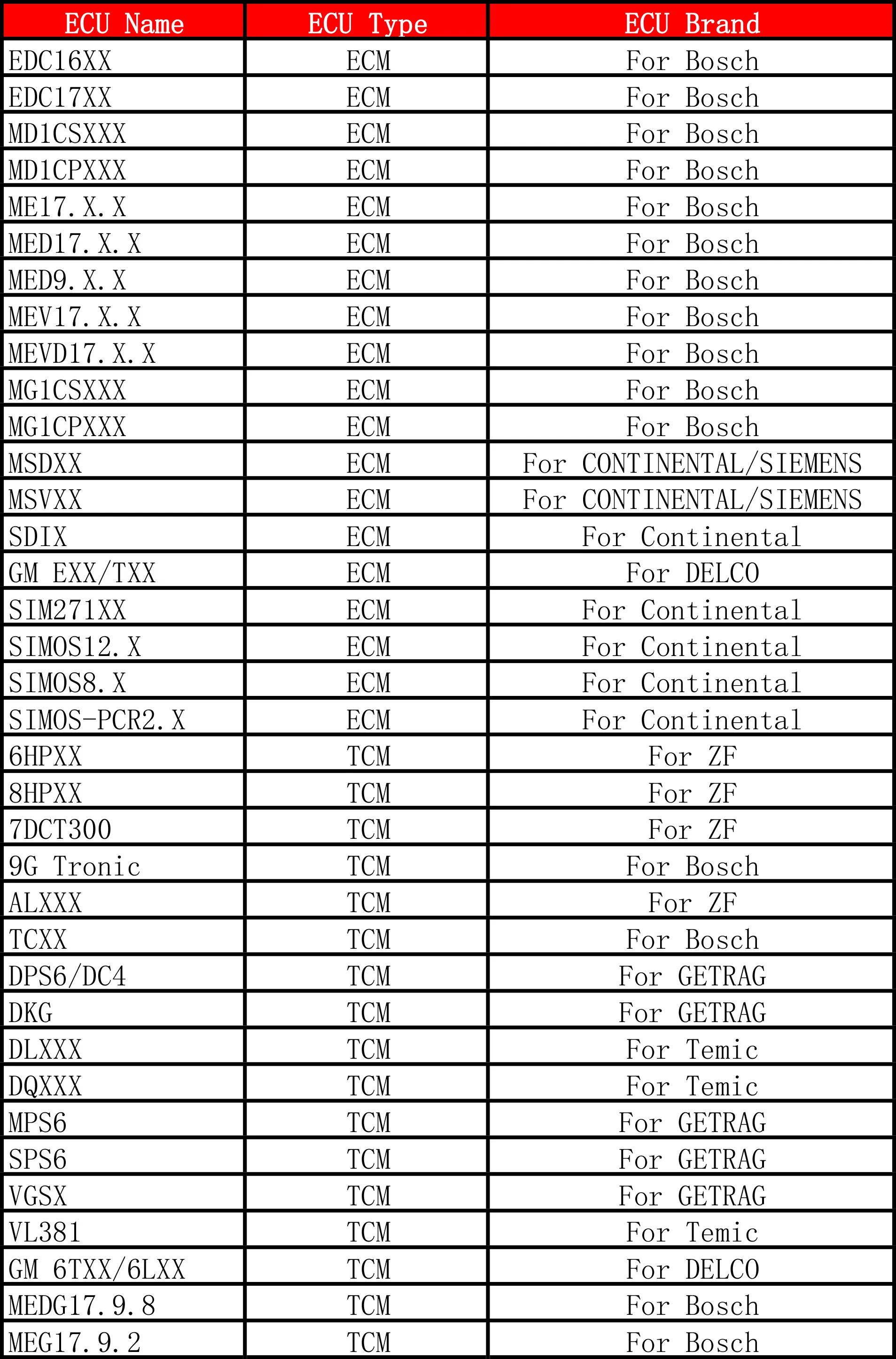
ECU Support lists:
I. ECU Data Reading/ Writing
1. Obtain the related ECU.
(1) Method 1: Obtain the desired ECU type through brand > model > engine > ECU in turn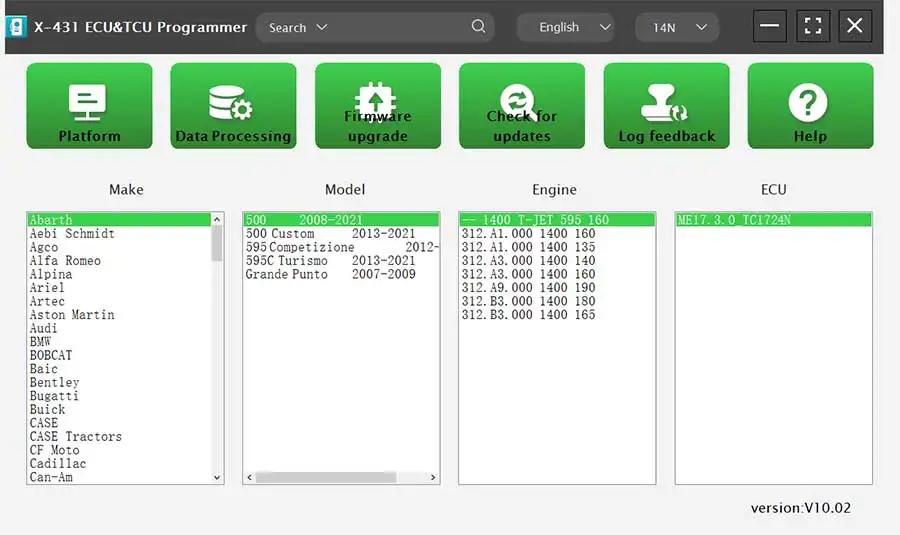
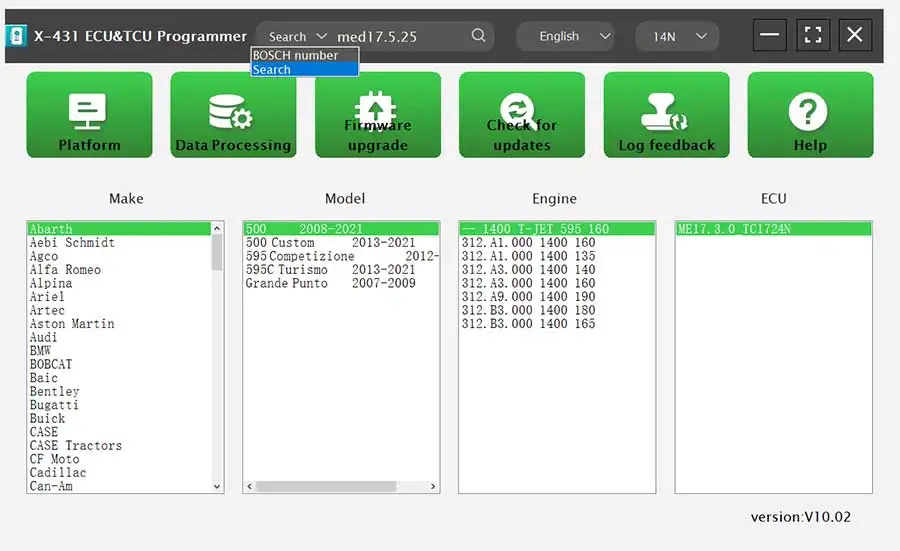
(2) Method 2: Query the desired ECU by entering a value in the search box.
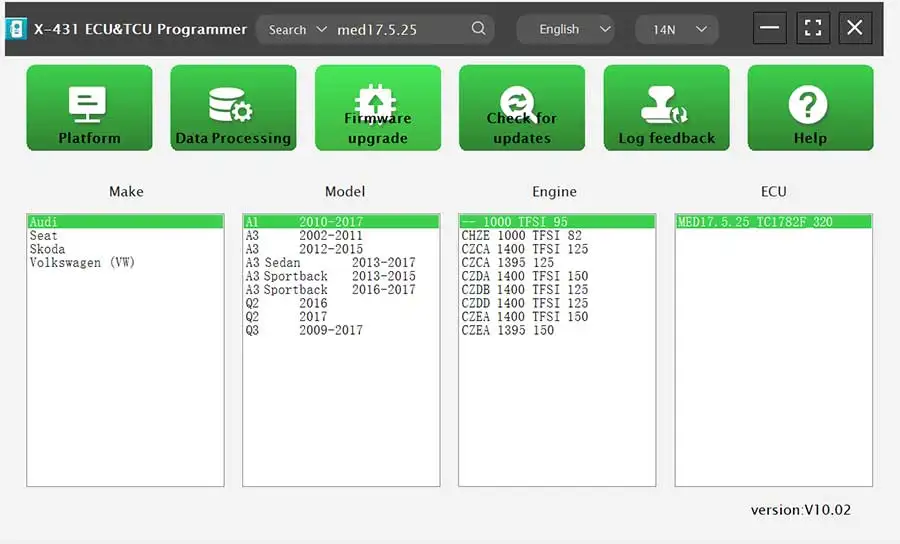
The search categories includeB-osch number and Search, For example, search for the MED17.5.25 engine by Search
2. Click [Direct Connection Diagram] to obtain the ECU connection diagram
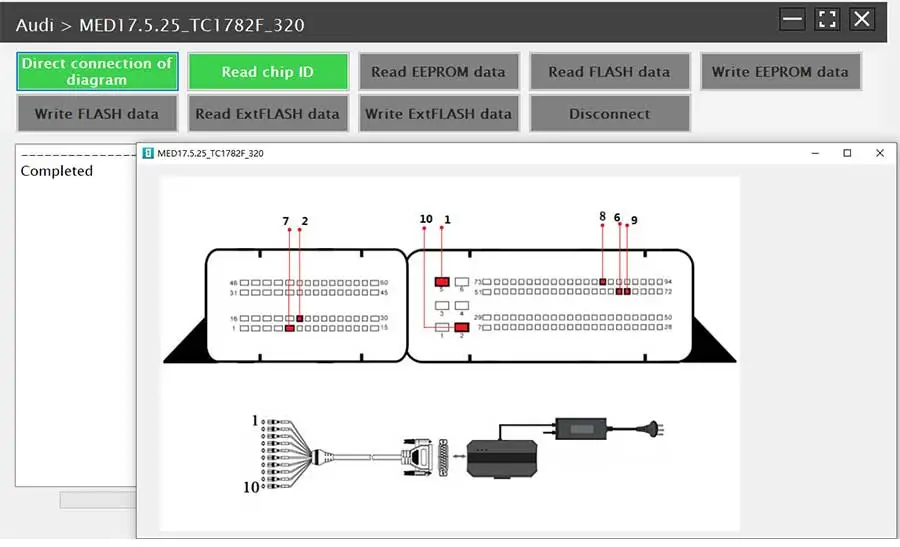
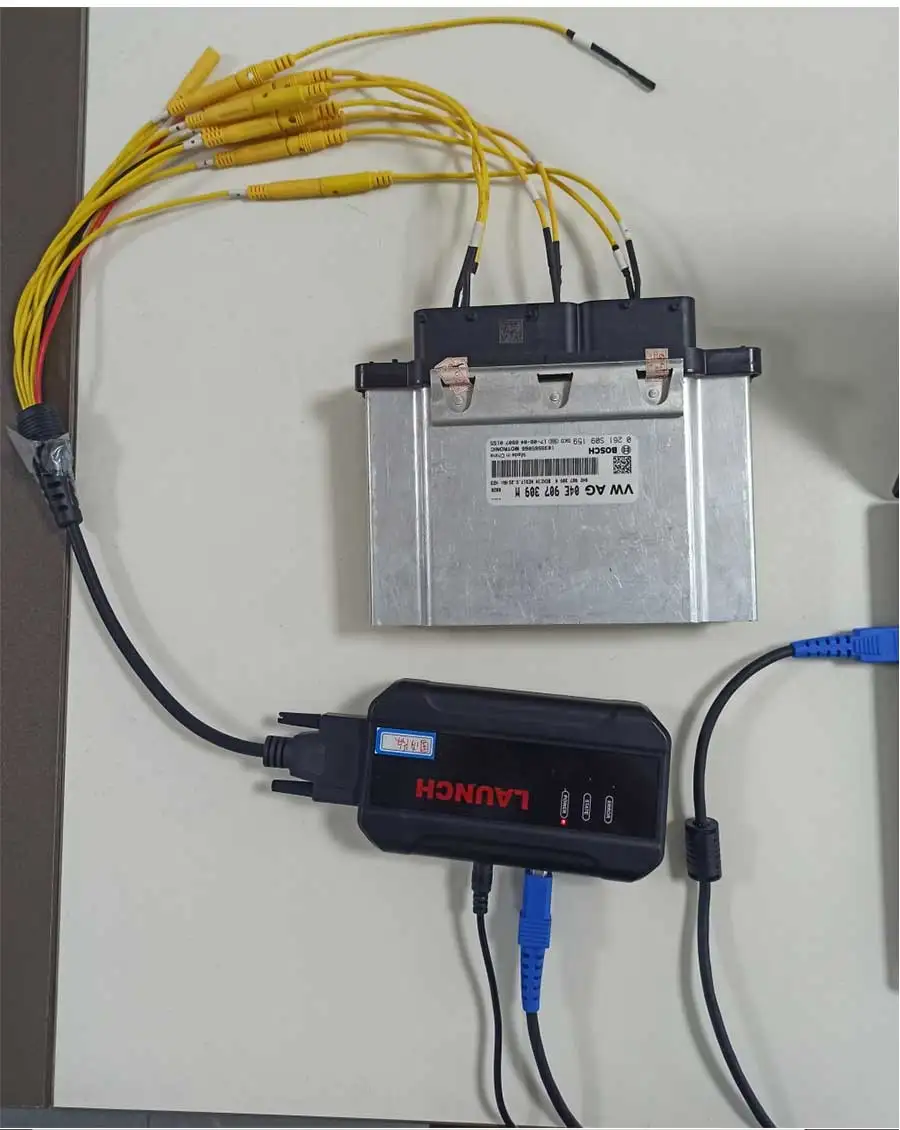
3. Connection: Connect the E-C-U and PCBOX according to the information provided in the connection diagram.
The physical connection diagram of MED17.5.25 (using the BENCH mode line), and the physical connection diagram using the gearbox adapter
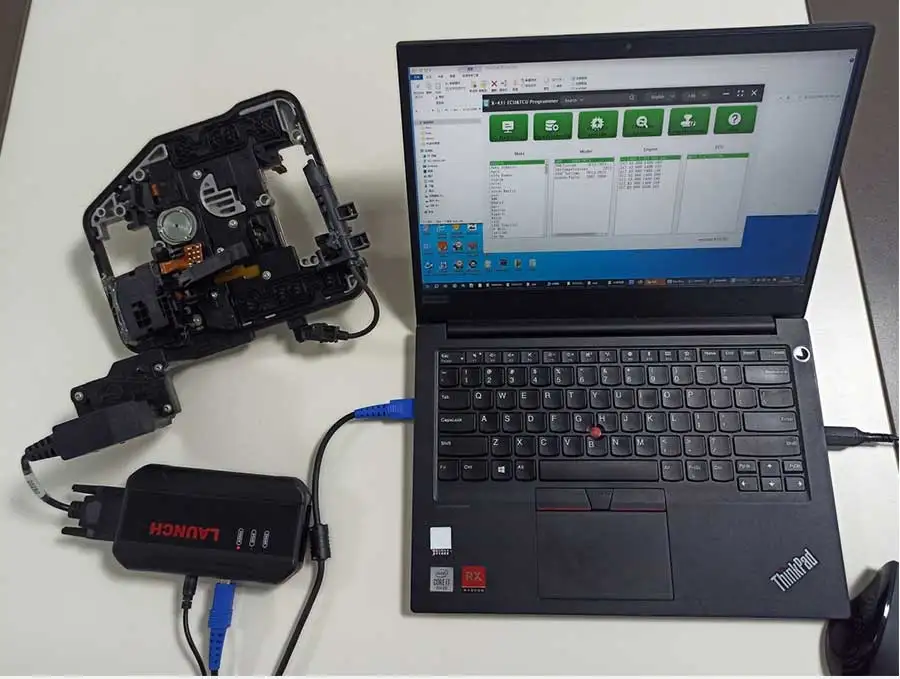
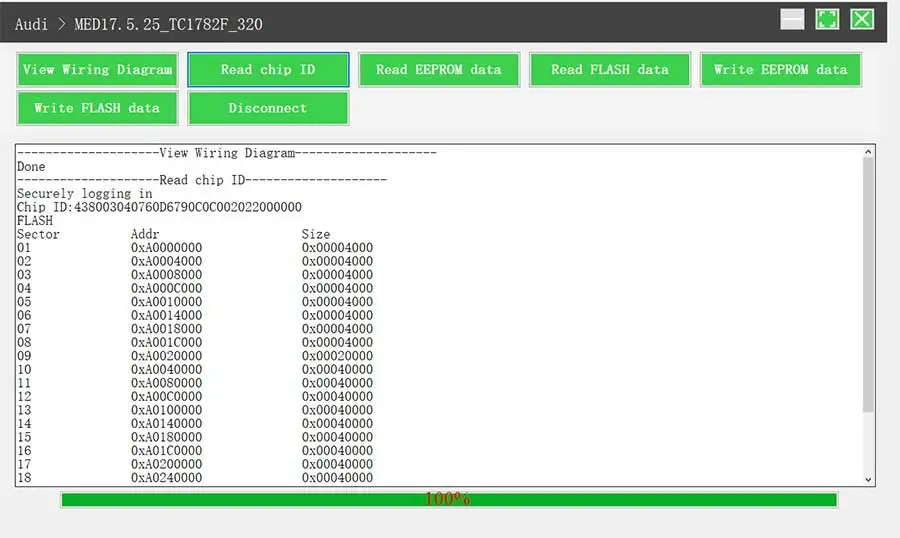
4. Read the chip ID
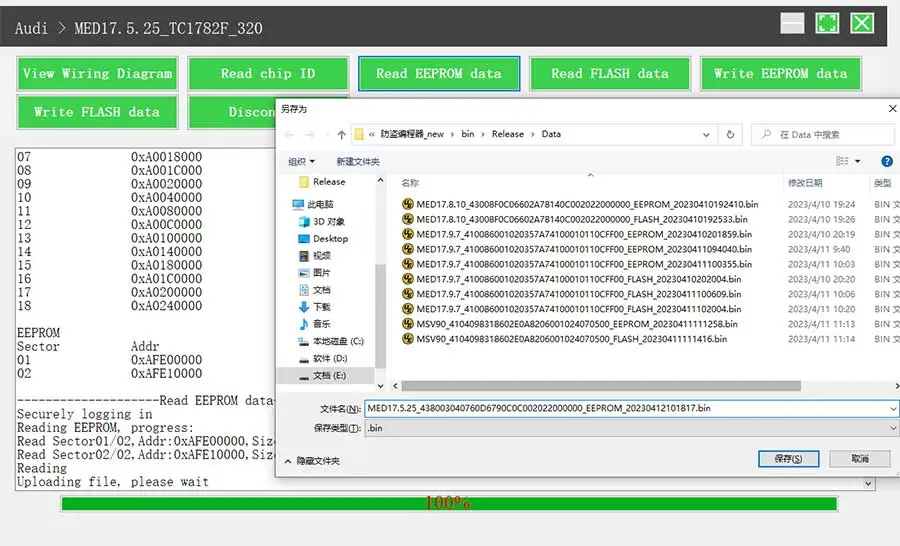
5. Back up the EEPROM data and save it
the figure shows the save page of the read data.
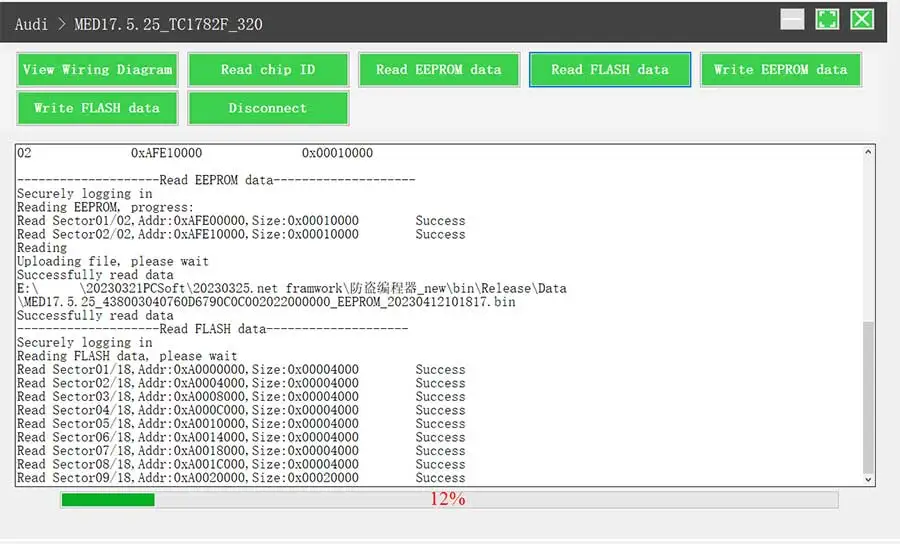
6. Back up the FLASH data and save it (the figure shows the process of reading FLASH data).
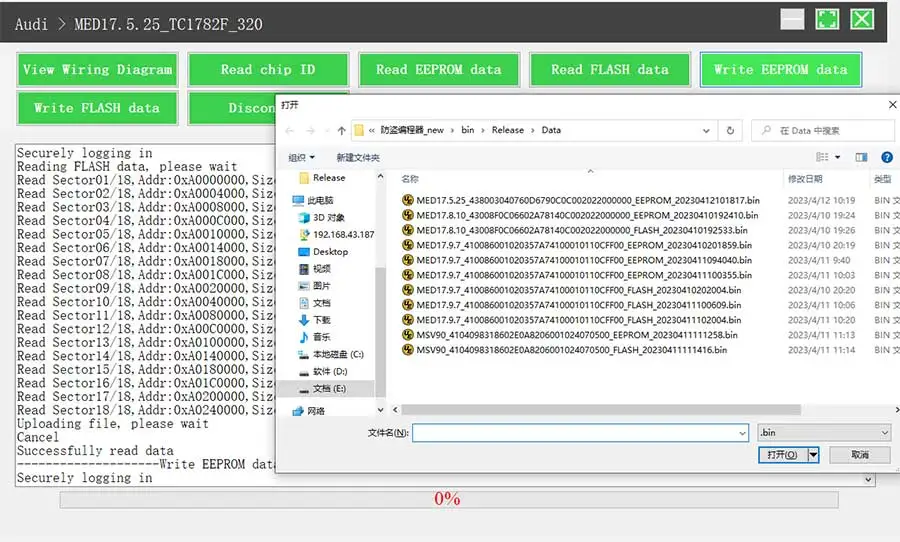
7. Restore EEPROM/ FLASH data (the figure shows the file selection page).
II. Data Processing
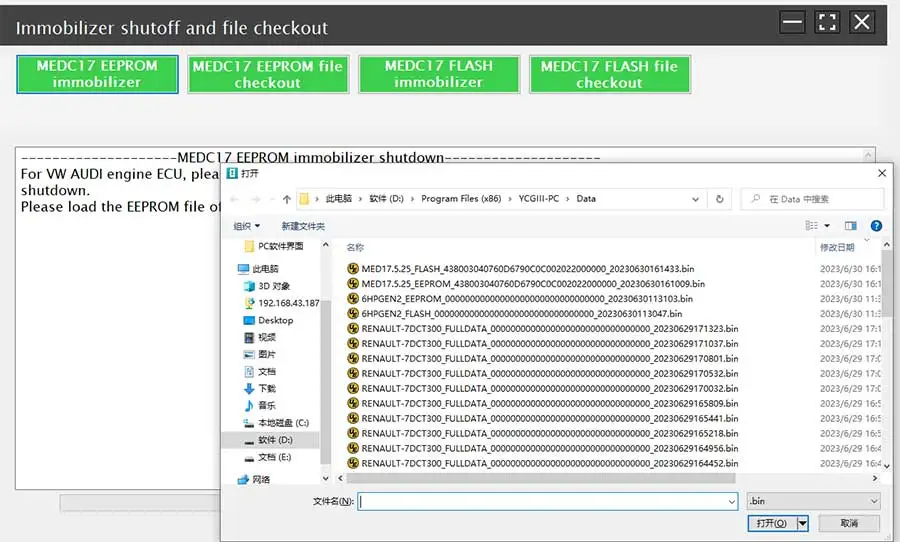
1. Click the [Data Processing] button on the main page, and select [IMMO Off and File Verification] ([DTC Shield] is not currently supported)
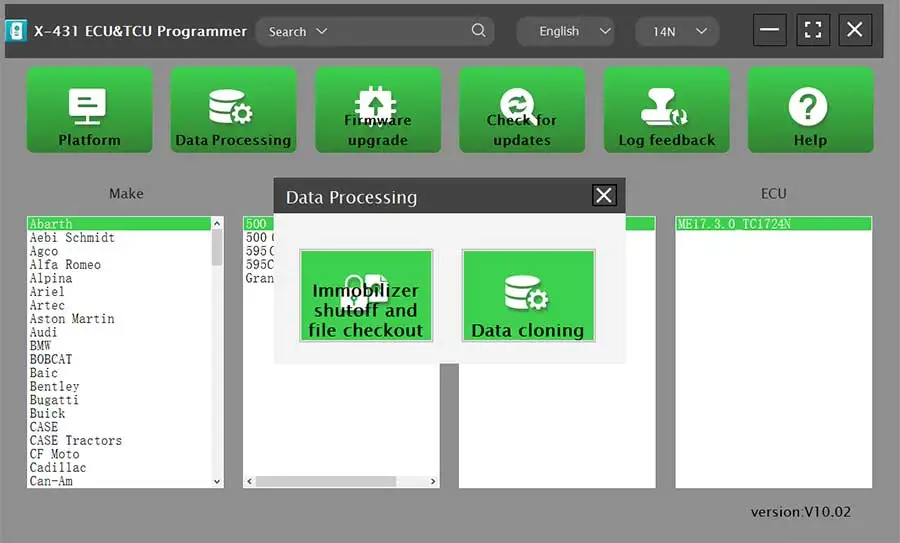
2. File verification and IMMO off (process: select file > connect network to obtain > save file)
PC Software Description:
https://en.cnlaunch.com/products-detail/i-243.html
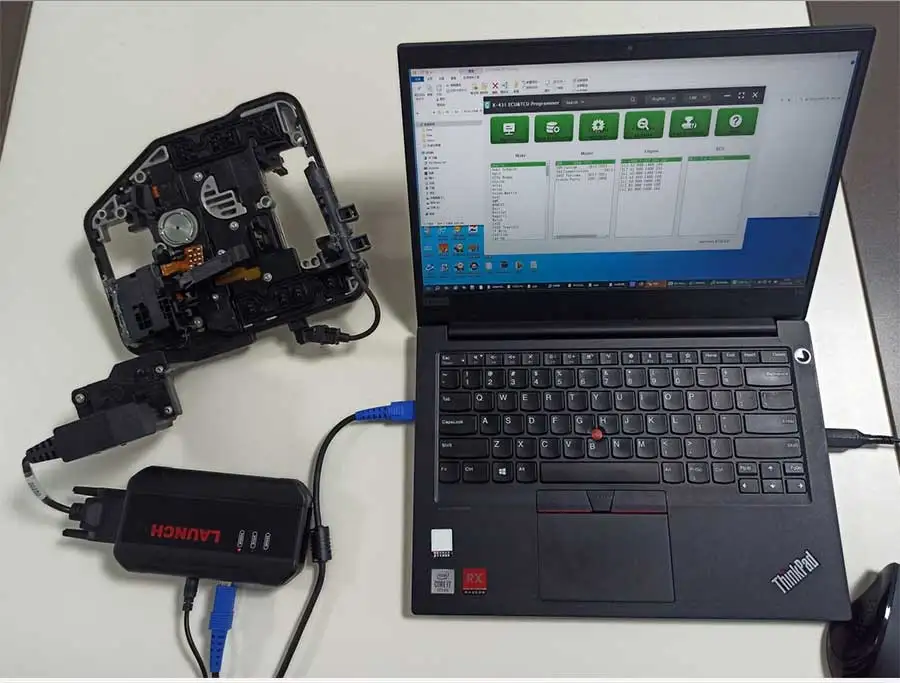
Firstly, connect the X-431 ECU & TCU Progarmmer to the computer with a hole wire.
Then, click to enter the software. The serial number will be automatically recognized from the X-431 ECU & TCU Progarmmer, and the activation code needs to be obtained from the envelope bar of the X-431 ECU & TCU Progarmmer.
Click [Activate] to activate (only activate once, no need to activate again later)
Without connection, you cannot access the software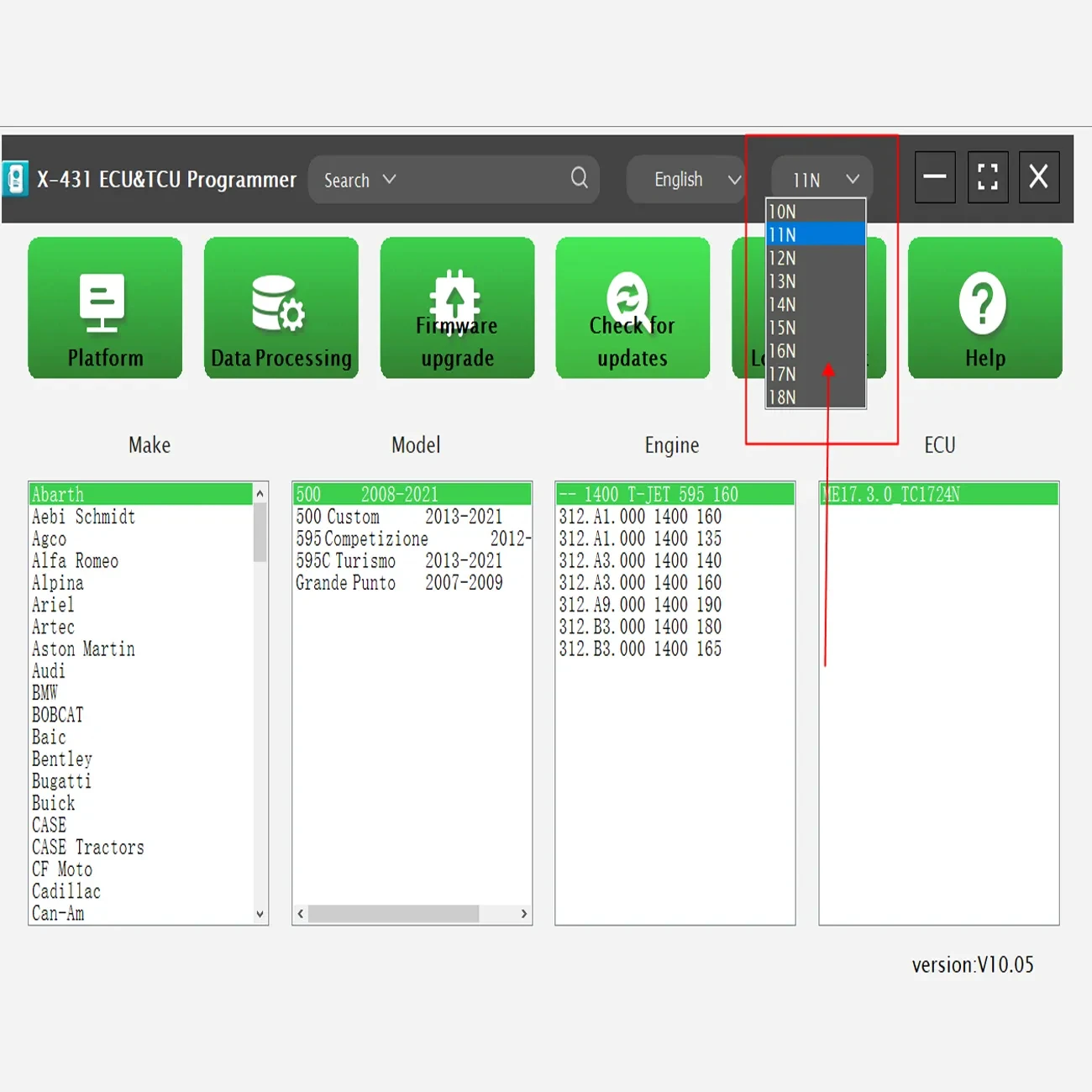
LAUNCH X-431 ECU & TCU Programmer
Standalone Clone Product
The X-431 ECU & TCU Programmer supports ECUs data reading & writing quickly, including reading the chip ID and backing up the EEPROM data, backing up the FLASH data and restoring EEPROM/ FLASH data. There are two methods to read various vehicle brand ECUs info. The X-431 ECU & TCU Programmer also supports Data Processing, anti-theft shutdown and file verification.
1. ECUs Data Reading & Writing quickly.
· Support two methods to read various vehicle brand ECUs info.
· Support Read the chip ID and Back up the EEPROM data.
· Support Back up the FLASH data and Restore EEPROM/ FLASH data.2. Support Data Processing, anti-theft shutdown and file verification.
3. Current adapter accessories as below:
· X-PROG3 Adapter Cable 1 (DQ200XX)
· X-PROG3 Adapter Cable 2 (VL381)
· X-PROG3 Adapter Cable 3 (DQ380)
· X-PROG3 Adapter Cable 4 (DQ250)
· X-PROG3 Adapter Cable 5 (DL501)
· X-PROG3 Adapter Cable 6 (DL382)
· X-PROG3 Adapter Cable 7 (VGS-NAG3)
· X-PROG3 Adapter Cable 8 (VGS2-FDCT/VGS-FDCT)
· X-PROG3 Adapter Cable 9 (VGS3-NAG2)
· X-PROG3 Adapter Cable 10 (8HP_V1(BMW/LR)/8HP_V2/8HP_V3)
· X-PROG3 Adapter Cable 11 (MPS6)
· X-PROG3 Adapter Cable 12 (DPS6)
· X-PROG3 Adapter Cable Main Line (ML)Download Launch ECU Programmer Software:
https://en.cnlaunch.com/products-detail/i-243.html
Drop down and click “Download”Software language:
English, German, Spanish, French, Italian, Russian, Portuguese, Korean, Arabic, Japanese, Traditional Chinese
Tips: Select the corresponding language setup to install.
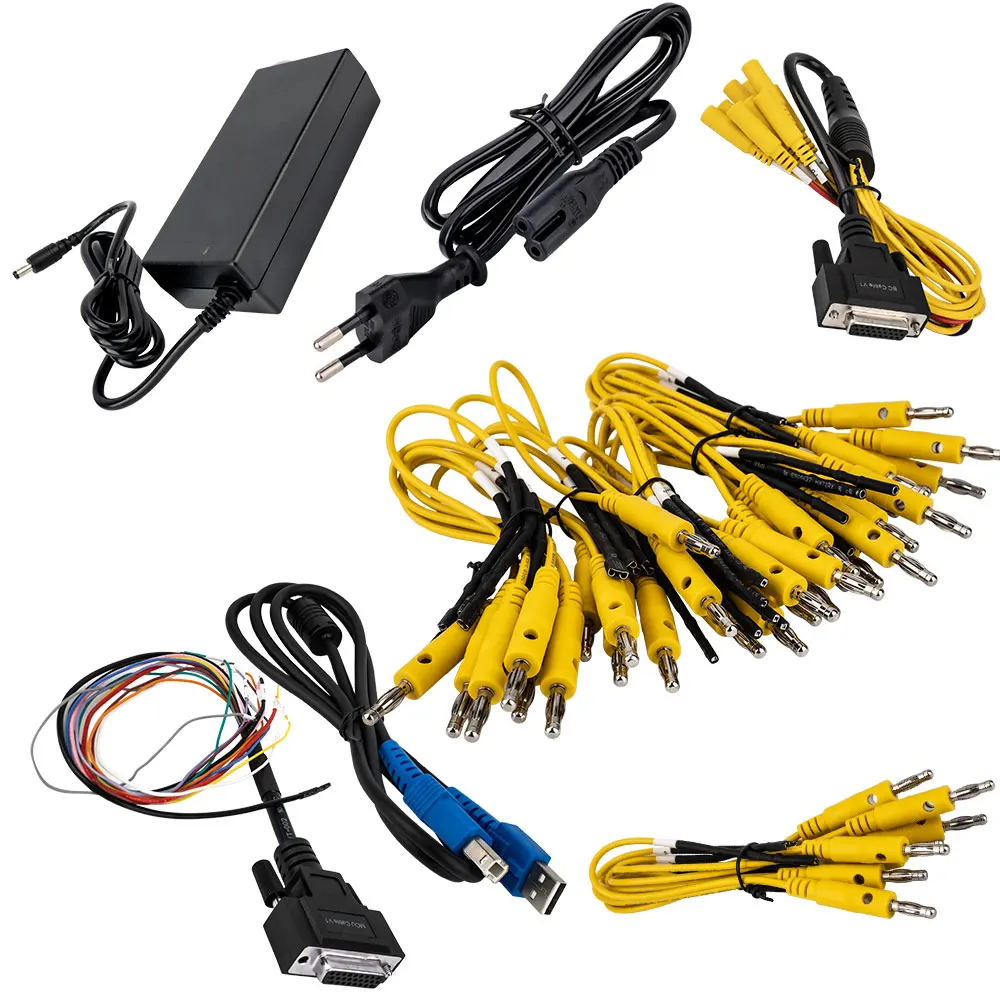
Package List
1pc x the host
1pc x jumper
1pc x MCU cable
1pc x EU adapter
1pc x US adapter
1pc x power supply cable
1pc x USB cable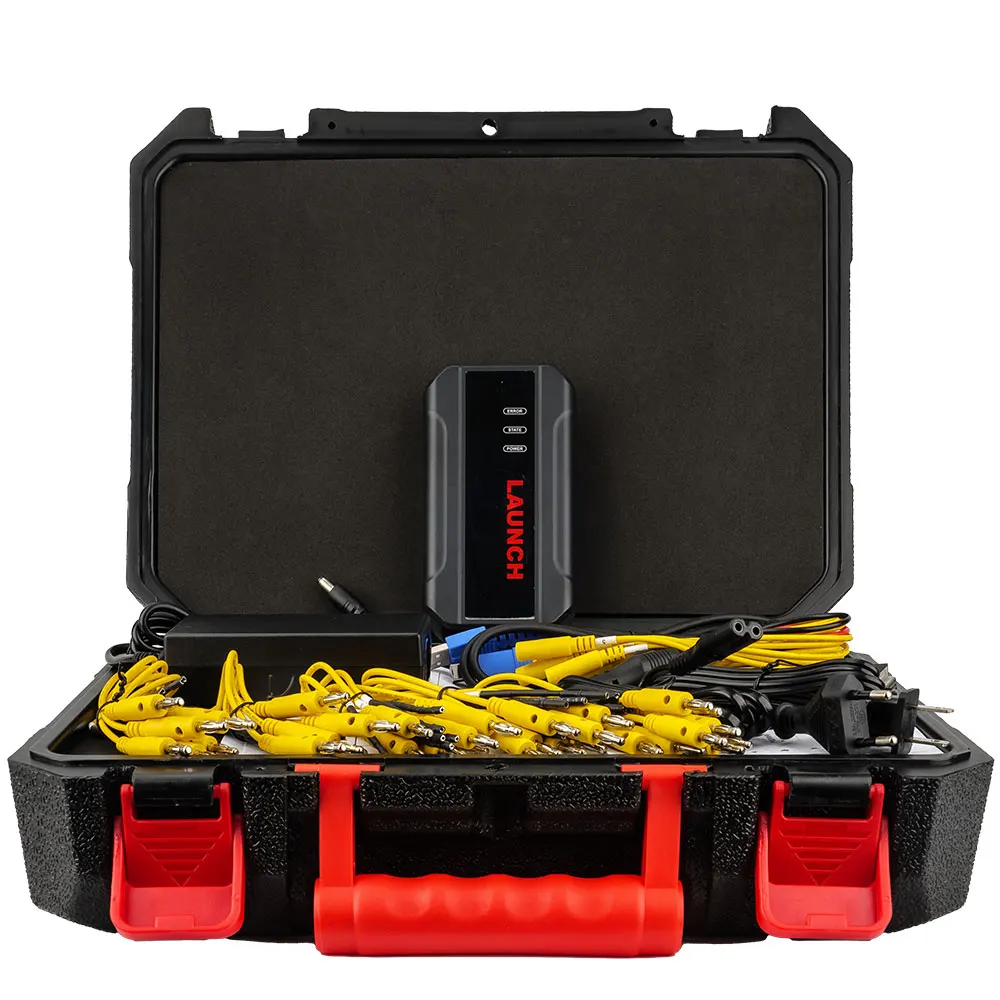
You May Also Like
-
 LAUNCH CRP129 HD Heavy Duty Truck Scanner,Full ...US$ 629.10 US$ 699.00
 -
-
 LAUNCH X431 TSGUN TPMS Tire Pressure Diagnostic...US$ 233.10 US$ 259.00
 -
 Launch X431 SmartLink C 2.0 Heavy Duty Truck Di...US$ 1080.00 US$ 1200.00
 -
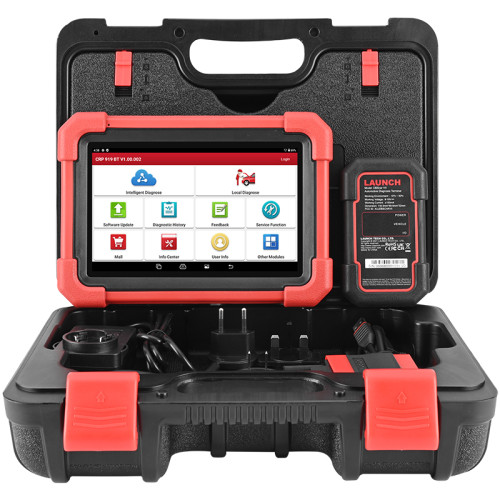 LAUNCH X431 CRP919X BT Automotive Diagnostic Sc...US$ 449.44 US$ 499.38
 -
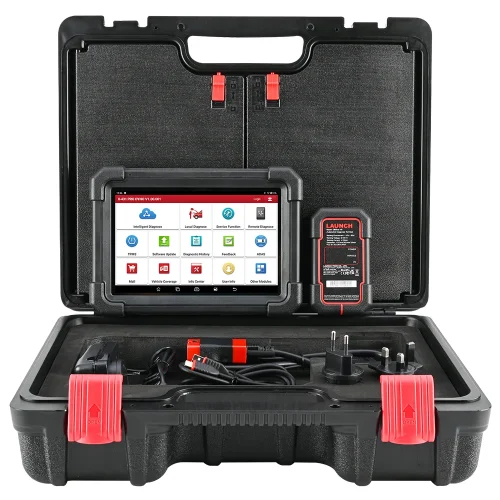 LAUNCH X431 CRP919X BT OBD2 Scanner Automotive ...US$ 629.10 US$ 699.00
 -
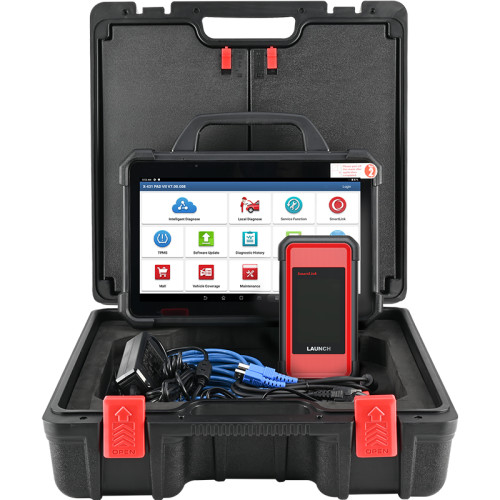 LAUNCH X431 PAD 7 VII PAD7 PADVII Car Diagnosti...US$ 3059.10 US$ 3399.00
 -
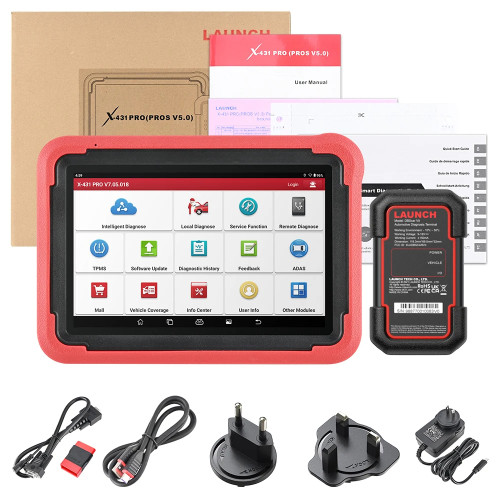 LAUNCH X431 PROS V5 Vehicle Diagnostic Tools OB...US$ 713.75 US$ 793.06
Recently Viewed
-
 OBD2 V519 OBDii Scanner Automotive Fault Diagno...US$ 44.91 US$ 49.90
- Company Info
- Feedback
- Customer Reviews
- About Us
- Contact Us
- News
- User Center
- Forget Password
- My Orders
- Tracking Order
- My Account
- Register
- Payment & Shipping
- Customs & Taxes
- Locations We Ship To
- Shipping Methods
- Payment Methods
- Company Policies
- Return Policy
- Privacy Policy
- Terms of Use
Customer Reviews