

|

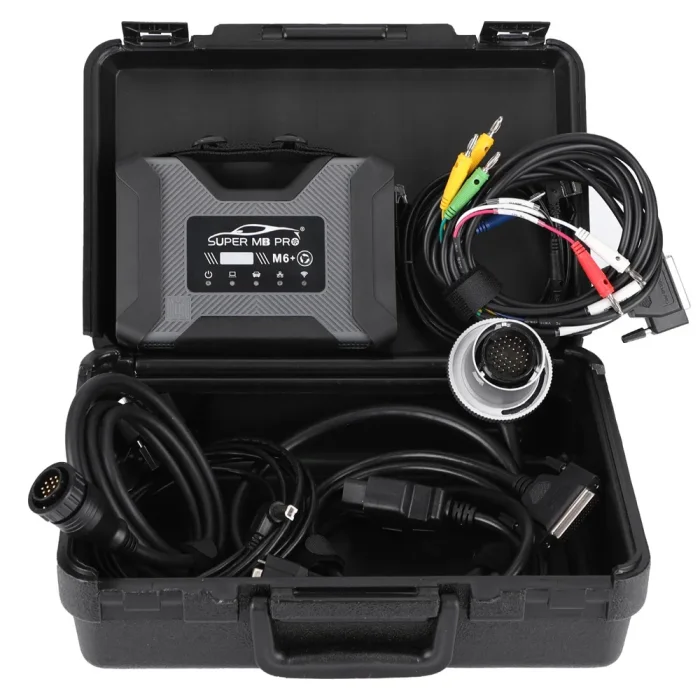

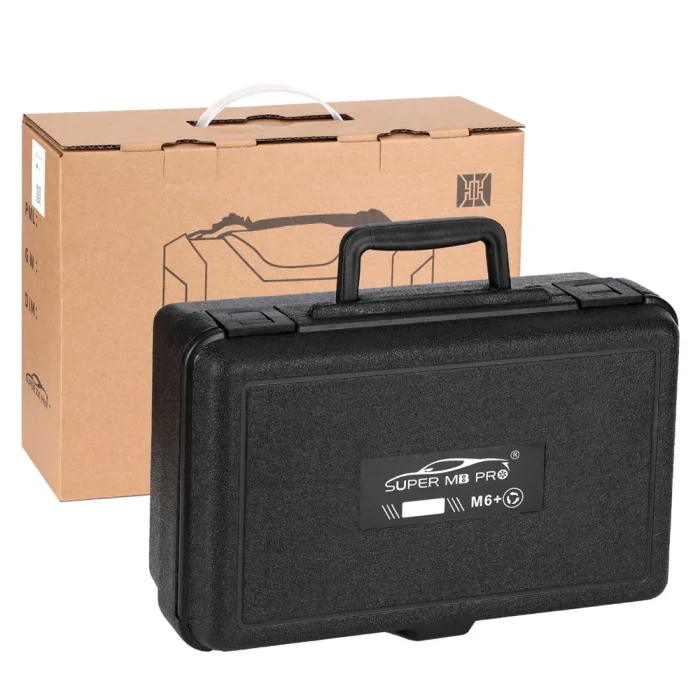

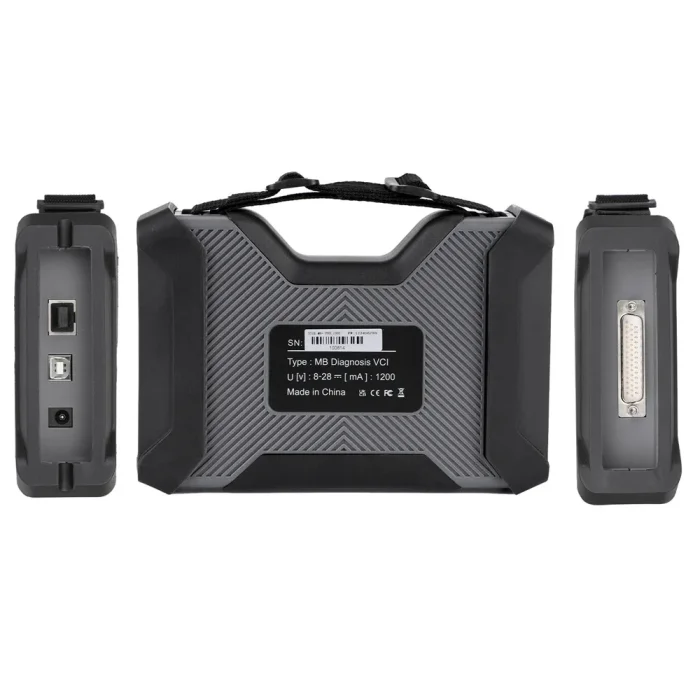


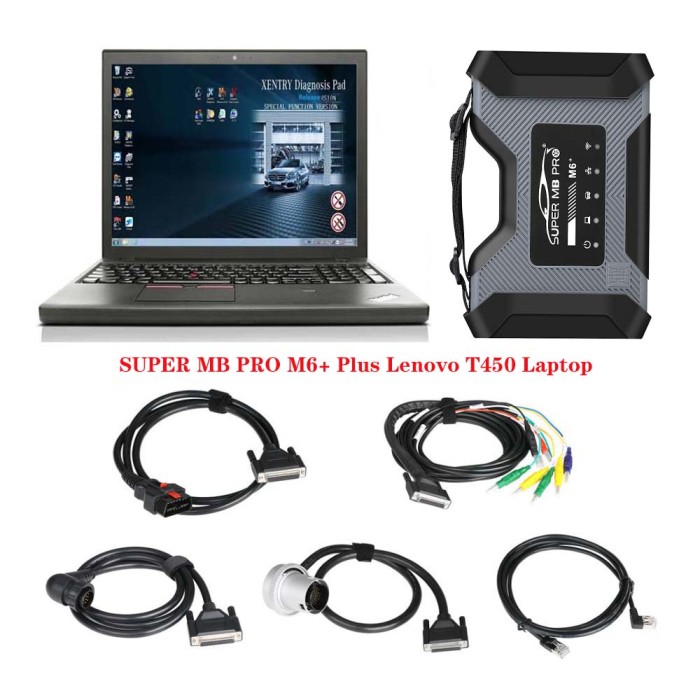
Latest SUPER MB PRO M6+ Star Diagnosis with Multiplexer For Mercedes Benz Cars and Trucks


-
- Product Name: Latest SUPER MB PRO M6+ Star Diagnosis with Multiplexer For Mercedes Benz Cars and Trucks
- Item NO.: 28757441
- Weight: 4 kg = 8.8185 lb = 141.0958 oz
- Category: Car Diagnostic Tools > For Benz
- Creation Time: 2026-01-13
Introducing Super MB PRO M6+ Pro: Enhanced Mercedes-Benz Compatibility and Beyond
The Super MB PRO M6+ Pro is the upgraded successor to the popular M6+ series, delivering greatly improved functionality and broader compatibility. It is designed to be 100% compatible with original Mercedes-Benz software, ensuring reliable diagnostics, coding, and maintenance workflows for both workshop environments and individual technicians.

Super MB Pro M6+ Key Features at a Glance
- 100% Mercedes-Benz software compatibility
- Front-label design featuring trademark and art copyrights for enhanced product recognition
- Flexible connectivity via USB 3.0 or LAN, enabling seamless use with modern computers and tablets
- Compatibility with both old and new computing devices, without requiring legacy port constraints
- Remote C-side operation: remote diagnosis and paid diagnostic services accessible through a standard internet-connected PC
- Local remote diagnostics over a LAN for flexible in-house testing
- Comprehensive BMW support: E-SYS, Aicoder, wired/wireless F- and G-series programming and coding, and BMW modification/hide‑function activation
- Mobile app ecosystem integration: Bimmercode (coding), Bimmerlink (diagnostics/codes), and other related apps, plus MHD, BimmerGeeks, XHP Flashtool support
- DOIP support for newer brands (VW, Audi, Skoda, Bentley, Lamborghini, etc.) with a dedicated transition button
- Support for new Mercedes models (W223, C206, 213, 167) and ongoing software updates
Mercedes-Benz Software Suite: DAS, Xentry, WIS, and More
- DAS 2025.09 for cars and DAS 2025.01 for trucks: Automatic Diagnosis Assistance System with free registration for 257+ new cars
- Xentry 2025.09 for cars and Xentry 2025.01 for trucks: Latest diagnosis software released for new car models after 04/2009
- WIS net 2021.10: Workshop Information System providing wiring diagrams, component location diagrams, and maintenance methods
- EPC.net 2018.11: Electronic Parts Catalog
- ST Finder: Part Location Finder options for 2016, 2020, and 2022
- STARUTILITIES: Movement management and self-test system
- SD MEDIA 2014, PL76 2022.01
- HHT Software for older vehicles
- Disassembly Assistant and Selit Service Literature V1.4
- Engineer versions Vediamo (V5.01.01) and DTS (V9.02) upgraded to the latest 2022 data
- Enhanced offline capabilities: password-free DAS access, 204 DAS sedan stand-alone version (more powerful than Vediamo), and other offline improvements
Enhanced Capabilities: Troubleshooting, Coding, and Offline Power
- Resolve the limitation of Mercedes-Benz DAS not directly calling WIS
- Add DAS sedan smart offline programming
- Integrate 204 DAS stand-alone version for offline usage and greater functionality
- Password-free access to PKW and SMART DAS features
- Offline repair for SMART models (450, 451, 452, 454) without TAN calculators
- Expanded offline EOL and VMAX coverage for trucks; unlocks higher speed limits
- Remove NOx/TORQUE restrictions on trucks; direct entry and legitimate speed limit overrides
- Clear truck SCR/AdBlue fault codes without FDOK XN calculations
- Introduce DAS 212 and 207 prototype models
- Add Xentry special features and VeDoc calculator (activation: $53)
Why Choose the M6+ Pro for Your Workshop?
- Seamless integration with original Mercedes-Benz software, minimizing compatibility concerns
- Modern connectivity that works with current and legacy devices
- Flexible remote diagnostic options to reduce downtime and expand service offerings
- Broad vehicle coverage across brands (Mercedes, BMW, VW Group, and more) with a single tool
- Access to a rich ecosystem of official and third-party software for coding, diagnostics, and maintenance
- Ongoing updates to keep pace with new model launches and regulatory requirements
How to Get Started
- Verify system requirements: a computer or tablet with a USB 3.0 or LAN connection
- Connect the M6+ Pro to your device and install the necessary drivers and software packages
- Register for remote diagnostic services if you intend to use C-side operations
- Access the Xentry, DAS, WIS, EPC, and related software according to your vehicle focus
- Explore BMW E-SYS, Bimmercode, Bimmerlink, MHD, and other mobile apps to extend mobile diagnostics and coding
M6+ PRO Mercedes-Benz and BMW configuration
1. Plug the M6+PRO into the power supply or connect the OBD to the test vehicle, and plug in the USB/LAN cable of the M6+PRO.
2. Turn on the computer and plug in the computer USB/LAN cable.
3. Open the computer network configuration interface and find the Realtek USB FE Family Controller network/the network adapter that comes with the PC.

4. Click “Properties”--TCP/IPV4, and set the IP address as shown in the figure below.

5. Click “Advanced”, and add a group of network IP addresses as shown in the figure below.

6. Click “OK”. After the configuration is successful, the display is as follows.

7.For the same computer, if you replace a new M6+PRO, you need to reset the IP address. After the setting is completed, the computer is successfully bound to the M6+PRO and there is no need to set the IP address again for wired and wireless Internet access. (Use LAN port connection mode, no need to re-set IP when changing devices).
8.You can test Mercedes-Benz normally. Please connect the diagnostic cable with SUPER MB PRO logo.

9. BMW wireless BMWAiCode configuration(only for F+G chassis)
Connect to the M6+PRO -***, password:123456789, wirelessly, press and hold the M6+PRO switch button for 3 seconds, and the M6+PRO host wireless indicator will flash. The computer-side BMWAiCoder configuration is as follows:

10. BMW wired BMWAiCode configuration(only for F+G chassis)
Connect the USB/LAN cable, press and hold the M6+PRO switch button for 3S, and the M6+PRO host wired indicator light will flash. The computer-side BMWAiCoder configuration is as follows:

11. BMW wired and wireless E-Sys configuration(only for F+G chassis)
Connect to the M6+PRO -*** wirelessly, press and hold the M6+PRO switch button for 3 seconds, and the M6+PRO host wireless indicator will flash. On the computer side, select the following for direct connection. Wired is similar, no setup required.

12. BMW wired ISTA configuration(only for F+G chassis)
Connect the USB cable, press and hold the M6+PRO switch button for 3S, and the M6+PRO host wired indicator light will flash. The computer ISTA configuration is as follows:


13. BMW Wireless ISTA configuration(only for F+G chassis)
Connect to the M6+PRO -*** wirelessly, press and hold the M6+PRO switch button for 3 seconds, and the M6+PRO host wireless indicator will flash. The computer side is selected as follows:


14.The mobile phone BWM APP adopts wireless connection. (only for F+G chassis)
Connect to the M6+PRO -***, password: 123456789, press and hold the M6+PRO switch button for 3 seconds, and the M6+PRO host wireless indicator will flash.
Safety, Compliance, and Support
- Ensure you use legitimate licenses and comply with manufacturer terms for software and diagnostics
- Keep firmware and software up to date to maintain compatibility and security
- Seek official training and documentation for advanced coding and diagnostics to minimize risk
M6+ Pro, M6+ and M6 product function comparison chart
Passenger Car Supported List:M6 Product Functions
M6+ Product Functions
M6+ Pro Functions
XENTRY
√
√
√
XENTRY Truck
√
√
√
DTS
√
√
√
VIDEO
√
√
√
MB DOIP
√
√
√
MB WIFI
√
√
√
PC USB
×
√
√
PC RJ45
√
×
√
Vehicle Voltage Real-time Display
×
×
√
BWM Aicoder
×
√
√
BWM E-SYS
×
√
√
BWM APP
×
√
√
Other DOIP
×
√
√
A(176), A(169), A(168), B(246), B(245), CLC(117), C(204) C(203), C(202), 190(201), E(212), E(211), E(210), 124(124), S(222), S(221), S(220), S(140), S(126),
E(207), CLK(209), CLK(208), CLS(218), CLS(219), CL(216), CL(215), CL(140) SLK(172), SLK(171), SLK(170), SL(231), SL(230), SL(129), SL(107), SLS(197),
M(166), M(164), M(163), G(463), G(461), E(212), E(211), E(210), 124(124), S(222), S(221),S(220), S(140), CLK(209), CLK(208), CLS(218), CLS(219), CL(216),
CL(215), CL(140), SLK(172), SL(231), SL(230), SL(129), SL(107),SLS(197), M(166), M(164), M(163), G(460), GL(164), GLK(204), R(251)
Van Supported List:
MB 100(631), T1, SprinterIII, SprinterII, SprinterI, Sprinter900, Citan, Vito(639), Vito(638), V(638), Viano(639), T2, Vario, Vaneo(414)
Truck Supported List:
Actros963/4, Actros2,3, AtegoIII, AtegoII, AxorII, Eonic, Zetros, Actros, Atego Light, Atego Heavey, HPN M96, Atron, HPN M2000, SKL, FSK, Further model series
Unimog Supported List:
U20, UGN, UHN
Bus Supported List:
TRAVEGO, INTOURO, INTEGRO, CITARO, CAPACITY, CITO, TOURISMO, O350/O403, CONECTO, O404, O405-O408,
Minibus, OC500, TOURO, TOURINO, MBC, MULITEGO, O500, O500/OH, OH, OH368, OF, OF384, LO, O400, FURTHER MODEL SERIES
Super Sports Car Supported List:
SLR(199)
Conclusion
The Super MB PRO M6+ Pro stands out as a versatile, forward-looking diagnostic tool that delivers full Mercedes-Benz software compatibility, robust BMW and DOIP capabilities, and comprehensive access to Benz’s Xentry/WIS/EPC and related suites. Whether you’re a professional workshop, independent technician, or a fleet service provider, the M6+ Pro provides a unified platform for diagnostics, coding, and maintenance across multiple brands, with flexible connectivity and ongoing updates to stay ahead of the curve.
You May Also Like
-
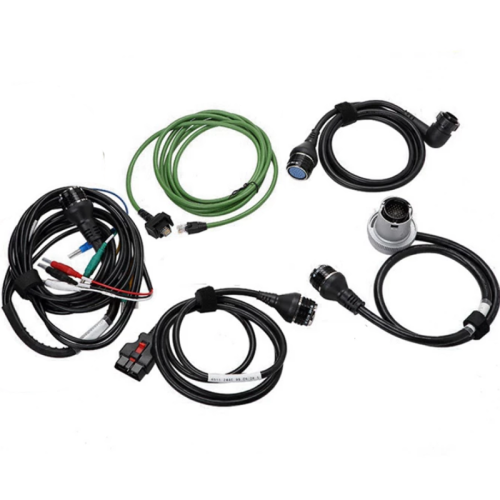 MB Star C4 Benz diagnostic cable MB SD Connect ...US$ 78.44 US$ 87.16
 -
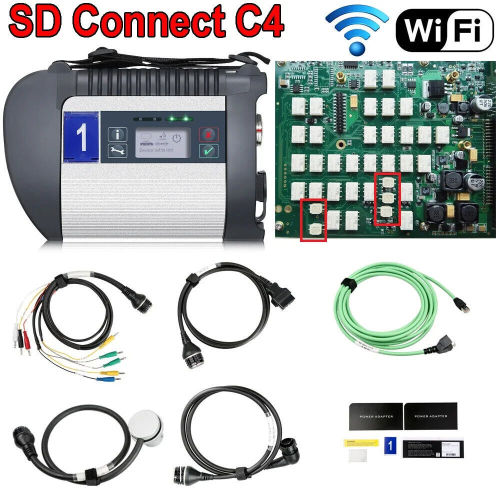 09/2025 Wifi MB STAR C4 DOIP Full Chip MB SD Co...US$ 297.61 US$ 330.68
 -
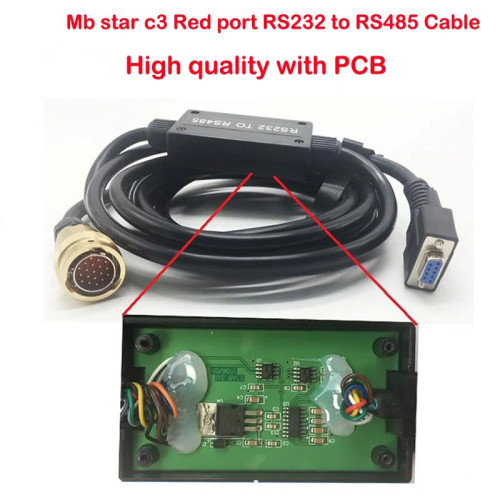 RS232 to RS485 diagnostic Cable with PCB board...US$ 67.50 US$ 75.00
 -
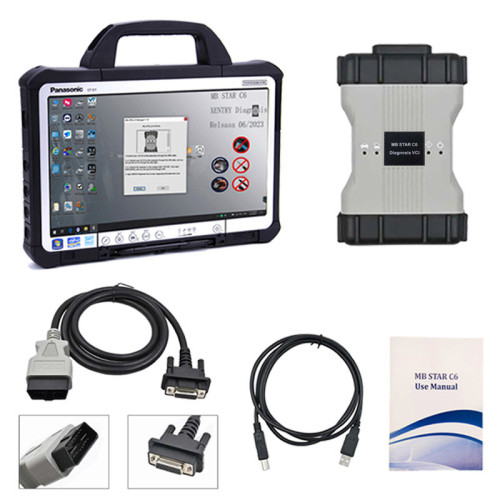 Mercedes Benz MB STAR C6 DOIP C6 Diagnostic VCI...US$ 305.10 US$ 339.00
 -
 Top Quality MB Star C3 Pro Full Set Benz Diagno...US$ 63.00 US$ 70.00
 -
 1:1 Original MB Star C6 support DOIP V2025 For ...US$ 557.10 US$ 619.00
 -
 As Original 1:1 MB Star C6 DOIP Multiplexer VCI...US$ 765.00 US$ 850.00
 -
 MB Star C6 Mercedes Benz xentry diagnosis tool ...US$ 305.10 US$ 339.00
Recently Viewed
-
 Latest Release ALicar Super Mb Star M7 Benz Dia...US$ 429.14 US$ 499.00
 -
 Volvo Vida Dice 2014D Car Diagnostic Tools Wind...US$ 80.10 US$ 89.00
 -
-
Mercedes Benz MB STAR C6 DOIP C6 Diagnostic VCI...US$ 305.10 US$ 339.00
-
 2024 Newest VCDS HEX V2 VAG COM Update V24.7 Fo...US$ 116.10 US$ 129.00
 -
 Newest Ford/ Mazda VNCI MF J2534 Diagnostic Too...US$ 143.10 US$ 159.00
 -
 ANCEL BA301 Battery Tester 6-12V Diagnostic Too...US$ 56.70 US$ 63.00
- Company Info
- Feedback
- Customer Reviews
- About Us
- Contact Us
- News
- User Center
- Forget Password
- My Orders
- Tracking Order
- My Account
- Register
- Payment & Shipping
- Customs & Taxes
- Locations We Ship To
- Shipping Methods
- Payment Methods
- Company Policies
- Return Policy
- Privacy Policy
- Terms of Use
Customer Reviews