
|
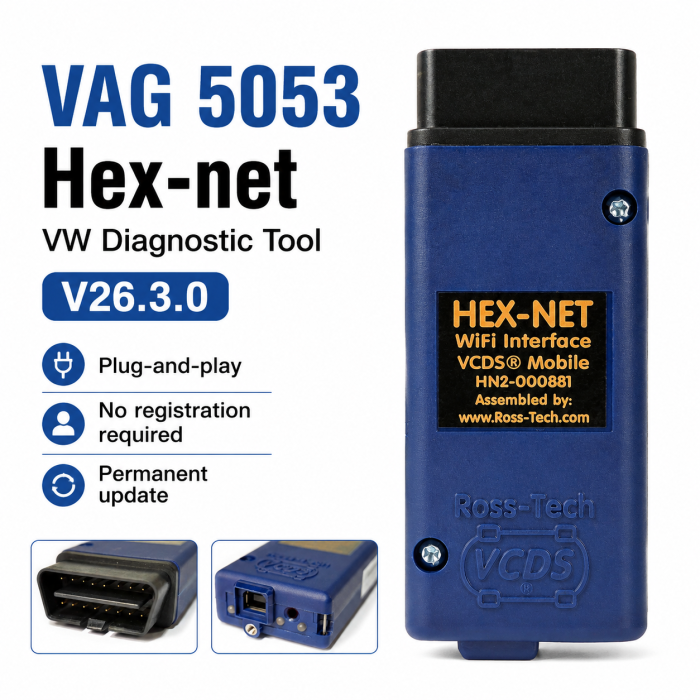




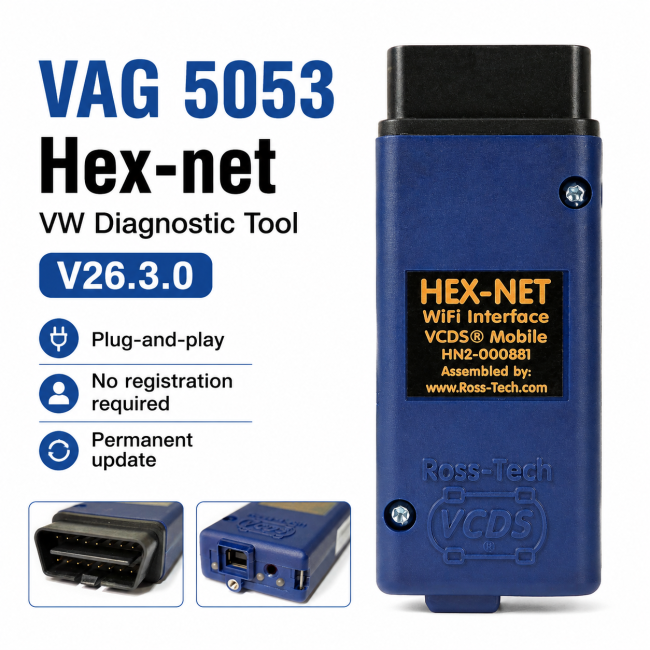
Latest HEX-NET Pro Diagnostic Tool with VCDS Software for VW-Audi Group Cars From 1996~2026


-
- Product Name: Latest HEX-NET Pro Diagnostic Tool with VCDS Software for VW-Audi Group Cars From 1996~2026
- Item NO.: 29047469
- Weight: 1 kg = 2.2046 lb = 35.2740 oz
- Category: Car Diagnostic Tools > For VW/Audi/Skoda/Porsche
- Creation Time: 2026-05-13
- Current Release Version of VCDS software is 26.3.0
All New Interface Release
English VCDS only !!!
If you want to use the latest version V26.3.0, only the English version can be used!!!
If you want to use the French version, you need to download version V25.3.2 instead!!!
Unlimited VINs
Update Self !!!
Real one buy and plug use simple device it is !!!
The HEX-NET Scanner (VAG 5053) is the new wireless diagnostic solution for VW, Audi, SEAT, Škoda, and Bentley vehicles. Designed for professional workshops and enthusiasts alike, this tool provides unlimited VIN access, versatile connectivity, and advanced diagnostics features for all modern and classic vehicles.
Key Features of HEX-NET VW Diagnostic Tool
Wireless and USB Connectivity
The HEX-NET diagnostic interface can be connected to your PC via USB or WiFi, offering full flexibility in workshops or on-the-go diagnostics.
Comprehensive Vehicle Coverage
Compatible with VW, Audi, SEAT, Škoda, and Bentley vehicles from 1995 to the latest models, including VW Crafter I & II. It also supports young timers like Golf III VR6 and industrial applications with VW TDI engines. Initial support for 2026 models is already available.
HEX-net Scan Tool Functions
-
Read and clear fault codes with German plain text
-
Perform Auto Scan of all vehicle control units
-
Read basic control unit information
-
Execute actuator tests and basic settings
-
Perform codings, such as retrofitting a tow bar
-
Reset service intervals and check readiness codes
-
Read live measurement data, OBD II data, and battery history
Hex net VAS Group Tool Specifications
-
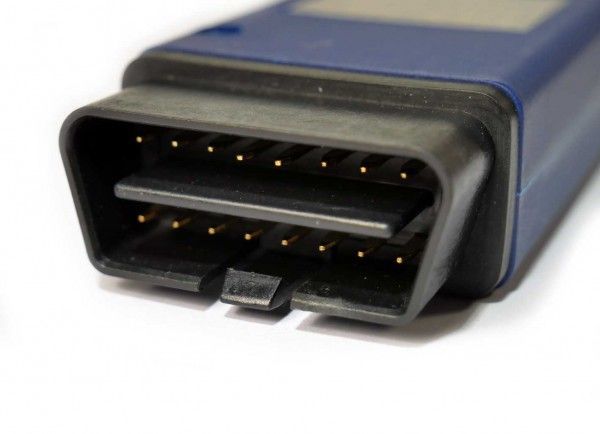
Rugged blue housing with 16-pin OBD II connector
-
Compatible with Windows 7–11 (32/64 bit)
-
Supports KKL / CAN / DoIP protocols
-
Replaceable 2m USB cable with screw lock
-
Firmware updateable and multi-user capable via license dongle
-
Three bi-color status/activity LEDs
HEX-NET Official VCDS Software V26.3.0 Download & Installation
-
Download the self-installing VCDS distribution from the Ross-Tech website.
-
Follow prompts to install on your PC’s hard drive; do not run from external media.
-
Installer offers an optional PDF of installation instructions.
-
Default installation folder:
C:\Ross-Tech\VCDS\. -
Avoid installing in
\Program Files\on Windows Vista or newer. -
Uninstall previous versions using Add/Remove Programs or
Uninstall.exe.
Plug-and-Play & Compatibility
-
Newest Hex-net VCDS software works immediately with a licensed Ross-Tech interface (HEX, KEY, KII, or Micro-CAN).
-
Plug-and-play setup: connect the interface to the car, turn ignition ON, select the correct communications port in VCDS, and start diagnostics.
-
Supports Windows 7, 8, 10, 11 (32/64-bit); not supported on Windows S mode or very old versions (95/98/ME/NT4).
-
Limited support for ARM CPUs via WiFi; use USB cable if issues occur.
Usage & Firmware Updates
-
Internet not required for basic use, but firmware updates need online access.
-
Always check for software updates to maintain compatibility with new car models.
Vehicle & Interface Limitations
-
Only works with genuine Hex-net interfaces; third-party interfaces are not supported.
-
Older legacy interfaces (pre-2004) may not support 2019+ vehicles.
-
Some 2020+ vehicles have restrictions on module changes due to SFD protection; unlock possible using official VAG offline tokens.
Disclaimer
-
VCDS software is provided “as is”; use is at your own risk.
-
Ross-Tech disclaims liability for damage to computer or vehicle.
-
Extensive testing is done, but full compatibility cannot be guaranteed for all systems and vehicles.
Hobby vs. Professional Versions
Hobby (Enthusiast) Version
-
Limited to 10 VINs
-
Service functions restricted beyond the VIN limit
-
Compatible with pre-2001 models and vehicles with unreadable VINs
Professional Version (No VIN Limit)
-
Unlimited VIN access – ideal for workshops, agencies, and schools
-
Supports PC connectivity via WiFi or USB
-
Includes VCDS-Mobile for diagnostics on smartphones and tablets
-
Fully updateable 32-bit microcontroller
-
Supports modern communication protocols including DoIP
-
12-month guarantee against defects
Why Choose HEX-NET Diagnostic Interface
Ideal for Workshops and Professionals
Whether you're servicing modern VW/Audi vehicles or restoring classic models, the HEX-NET diagnostic scanner provides reliable, high-speed diagnostics and unlimited access, ensuring maximum efficiency in your workflow.
Flexible Usage with Mobile Devices
With VCDS-Mobile, you can perform diagnostics on-the-go from tablets, laptops, or smartphones, making it ideal for fleet management, mobile workshops, or teaching environments.
Future-Proof and Updateable
The HEX-NET interface features a modern microcontroller and firmware updates, ensuring compatibility with upcoming VW, Audi, SEAT, Škoda, and Bentley models.
HEX-NET vs HEX-V2 – Detailed Differences
Both the Ross-Tech HEX-V2 and Ross-Tech HEX-NET are official VCDS diagnostic interfaces from Ross‑Tech.
They both provide full access to VCDS functions for Volkswagen Group vehicles, including diagnostics, coding, adaptations, live data, and service functions.The main differences are in connectivity, usage scenarios, mobility, and VIN licensing — not in the core diagnostic capability itself.

1. Connection Method & Device Compatibility
Feature HEX-V2 HEX-NET Connection Type USB only USB + Wi-Fi Supported Devices Windows laptop / PC PC, tablet, smartphone Mobility Best for fixed workstations Ideal for mobile diagnostics Workshop Usage Traditional wired setup Wireless operation around the workshop HEX-V2
The HEX-V2 uses a standard USB connection to a Windows laptop or PC.
It is simple, stable, and ideal for DIY users, fixed workshop benches, or technicians using a dedicated diagnostic laptop.
HEX-NET
The HEX-NET supports both USB and Wi-Fi connectivity.
Technicians can connect wirelessly using laptops, tablets, or smartphones, making it much more convenient for mobile workshops, large repair bays, and multi-vehicle environments.Wireless operation also eliminates cable limitations when moving around vehicles during testing or coding.
2. Software Functions & Vehicle Compatibility
Both interfaces use the same VCDS software platform, so their core functions are nearly identical.
Supported functions include:
- Reading and clearing fault codes
- Live data / measuring blocks
- Adaptations and coding
- Basic settings
- Service reset
- Output tests
- Long coding
- Module scanning
- Data logging
Both interfaces support:
- Volkswagen
- Audi
- Skoda
- SEAT
- Bentley
Covering most VAG vehicles from approximately 1990 to current models.
Key Difference
The HEX-NET uses a newer hardware architecture and is generally considered more future-proof for newer vehicle platforms and DoIP (Diagnostics over Internet Protocol) communication support.
3. Price & Intended Users
Interface Positioning Best For HEX-V2 Cost-effective solution DIY users & small shops HEX-NET Premium professional interface Professional workshops HEX-V2 Interface
The HEX-V2 focuses on affordability and simplicity.
It delivers full VCDS functionality at a lower price point, making it the best value choice for most users.
HEX-NET Interface
The HEX-NET is positioned as a high-end professional interface.
The higher price mainly reflects:- Wi-Fi capability
- Mobile device support
- Improved future compatibility
- Enhanced workshop flexibility
VCDS(Tool: hex-net) vs ODIS(Tool: hex-v2) –Software Application Scenarios
What is VCDS?
VCDS is a professional aftermarket diagnostic software system developed by Ross‑Tech.
It is widely used by:
- Independent workshops
- Automotive electronics technicians
- DIY enthusiasts
- Retrofit and coding specialists
1. Main Applications of VCDS
Daily Diagnostics & Vehicle Coding
VCDS is ideal for:
- Fault diagnosis
- Hidden feature activation
- Retrofit coding
- Service reset
- Module adaptation
- Lighting and sensor coding
- Seat and comfort feature configuration
It is especially popular among coding enthusiasts and retrofit specialists.
Advanced Data Logging & Analysis
Compared with many OEM systems, VCDS offers highly flexible data analysis features, including:
- Long-term data logging
- Graphing and waveform display
- Acceleration testing
- MOST bus diagnostics
- SRI one-click service reset
These functions are extremely useful for troubleshooting intermittent faults and performance analysis.
Coding Backup & Safety
VCDS includes coding assistance and automatic scan logging, allowing technicians to:
- Save original coding
- Compare coding changes
- Restore previous configurations if mistakes occur
This is particularly useful for retrofits and custom vehicle modifications.
OBD Compatibility Beyond VAG
VCDS also supports standard OBD protocols such as:
- ISO 9141-2
- KWP2000
- CAN
This allows limited generic OBD diagnostics on some non-VAG vehicles, something OEM ODIS systems generally do not focus on.
2. Main Applications of ODIS Software
Official Dealer & Factory Repair Environment
ODIS is the official Volkswagen Group diagnostic platform used by authorized dealerships and factory repair centers.
It is primarily used for:
- Warranty repairs
- Recall campaigns
- Factory procedures
- Official ECU flashing
- Guided diagnostics
ODIS typically requires authorized dealer accounts and online access.
Guided Fault Finding (GFF)
ODIS provides manufacturer-guided diagnostic workflows that help technicians follow standardized repair procedures.
This is especially useful for:
- Dealer environments
- Standardized repair operations
- Warranty compliance
- Factory documentation requirements
ECU Flashing & Advanced Factory Functions
ODIS supports advanced OEM functions including:
- Full ECU programming
- SFD authorization
- Online parameterization
- Vehicle configuration updates
- Security access
- Software version management
Many newer VAG vehicle functions can only be completed through ODIS.
ODIS Engineering (ODIS-E)
ODIS Engineering is the engineering version of ODIS.
It is designed for:
- ECU development
- Engineering testing
- Advanced flashing
- Calibration work
- Prototype systems
- Research and development environments
ODIS-E is significantly more advanced and complex than standard ODIS Service (ODIS-S).
Recommended Real-World Usage
Use VCDS For:
- Daily diagnostics
- Vehicle coding
- Retrofits
- Hidden feature activation
- Data logging
- Independent workshop repairs
- Automotive electronics troubleshooting
VCDS is faster, easier, and more cost-effective for routine repair and customization work.
Use ODIS For:
- Dealer warranty work
- Recall procedures
- Factory programming
- New vehicle PDI
- ECU flashing
- OEM calibration procedures
- Advanced online functions
ODIS is essential whenever official manufacturer procedures are required.
Recommended Combination for Professional Workshops
Many professional VAG technicians use both systems together:
Task Recommended Software Diagnostics & Coding VCDS Retrofit & Customization VCDS Long-Term Data Logging VCDS ECU Flashing ODIS Factory Calibration ODIS Warranty & Recall Work ODIS
Conclusion
The VCDS HEX-NET vag group car diagnostic tool is the ultimate choice for automotive professionals, enthusiasts, and institutions. With wireless connectivity, unlimited VIN support, advanced diagnostic features, and VCDS-Mobile compatibility, this tool delivers unmatched versatility for all VW, Audi, SEAT, Škoda, and Bentley vehicles.
You May Also Like
-
 OBDII Car Diagnostic Tool For Wow Snooper 2022 ...US$ 37.31 US$ 41.45
 -
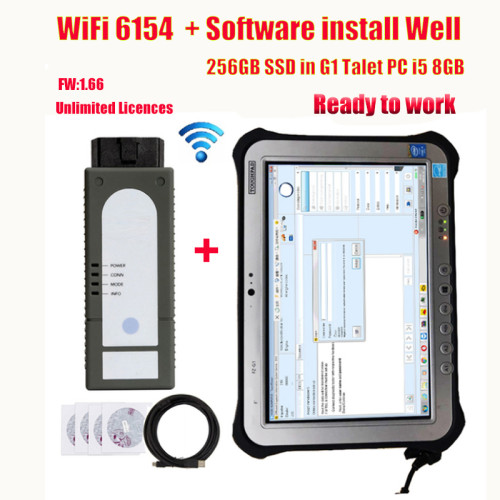 WiFi V6154 ODiS V6.2 with PAD FZ-G1 Free Engine...US$ 44.46 US$ 49.40
 -
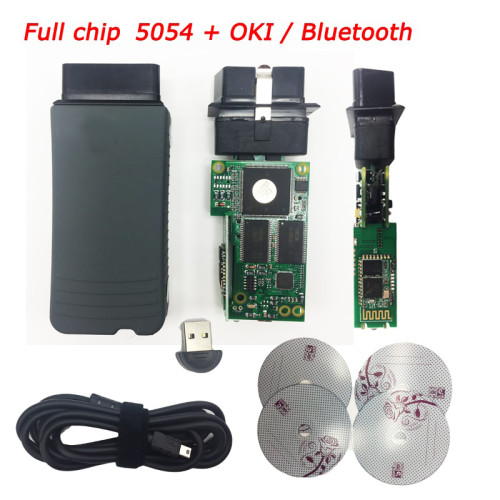 VA5054A Original OKI With Bluetooth Full Chip F...US$ 75.92 US$ 84.35
 -
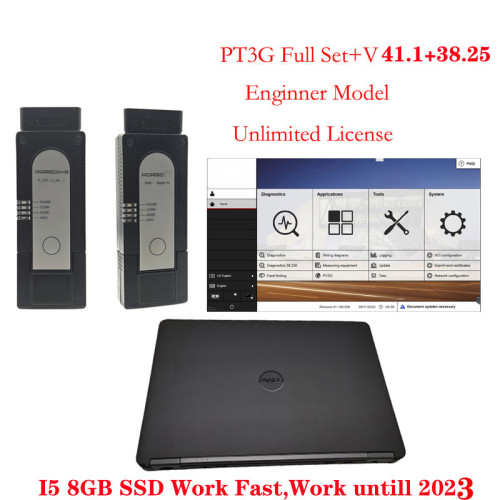 PIWIS 3 PT3G Tester III Engineer Version V41.5 ...US$ 269.10 US$ 299.00
 -
 Piwis 2 Piwis Tester II VCI Wifi with SSD Pors...US$ 485.10 US$ 539.00
 -
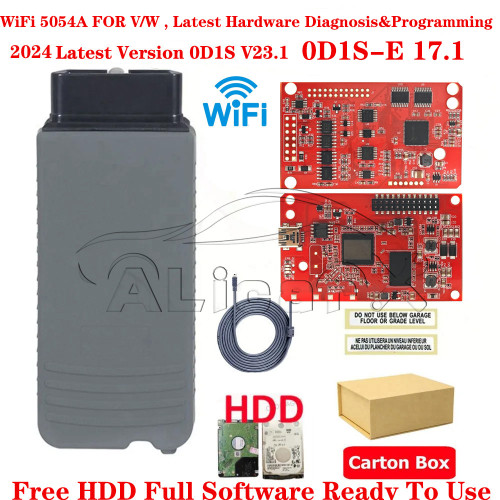 New WIFI VAS5054A Red PCB V5054A Free HDD 0DlS ...US$ 54.00 US$ 60.00
 -
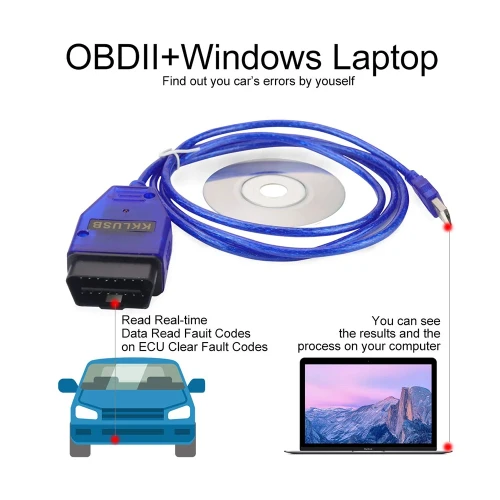
-
 Newest VAS6154 diagnostic tool WIFI U disk with...US$ 103.50 US$ 115.00
Recently Viewed
-
 Vdiagtool V500 Vehicles Circuit Tester Multimet...US$ 242.10 US$ 269.00
 -
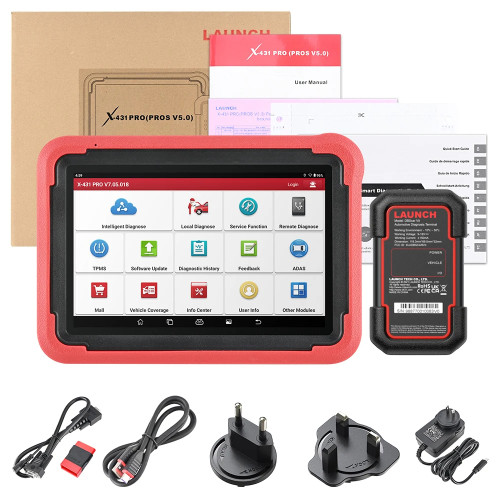 LAUNCH X431 PROS V5 Vehicle Diagnostic Tools OB...US$ 713.75 US$ 793.06
- Company Info
- Feedback
- Customer Reviews
- About Us
- Contact Us
- News
- User Center
- Forget Password
- My Orders
- Tracking Order
- My Account
- Register
- Payment & Shipping
- Customs & Taxes
- Locations We Ship To
- Shipping Methods
- Payment Methods
- Company Policies
- Return Policy
- Privacy Policy
- Terms of Use
Customer Reviews