
Home>ALicar Vehicle Tools>Code Reader Scanner>2026 Newest KONNWEI KW340 Car OBD2 Scanner Engine Battery Test Fault Code Clear

|




2026 Newest KONNWEI KW340 Car OBD2 Scanner Engine Battery Test Fault Code Clear
Adding to cart succeed

2026 Newest KONNWEI KW340 Car OBD2 Scanner Engine Battery Test Fault Code Clear
color:red,size:xxl
Subtotal: US$ 0
View My Cart


-
- Product Name: 2026 Newest KONNWEI KW340 Car OBD2 Scanner Engine Battery Test Fault Code Clear
- Item NO.: 28815949
- Weight: 1 kg = 2.2046 lb = 35.2740 oz
- Category: ALicar Vehicle Tools > Code Reader Scanner
- Creation Time: 2026-02-02
Introduction to the KONNWEI KW340
- What is KW340?
-
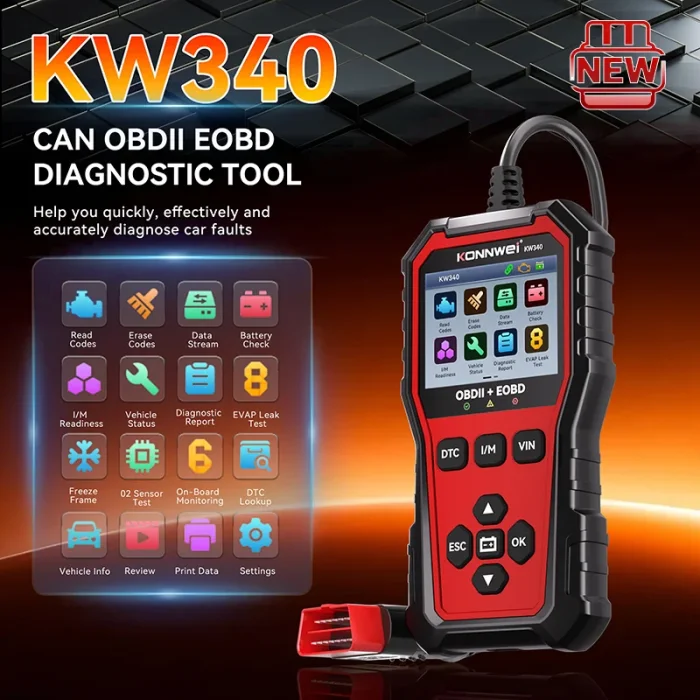
- The KONNWEI KW340 is a professional automotive CAN OBD2 diagnostic tool designed to help users diagnose vehicle issues quickly and accurately.
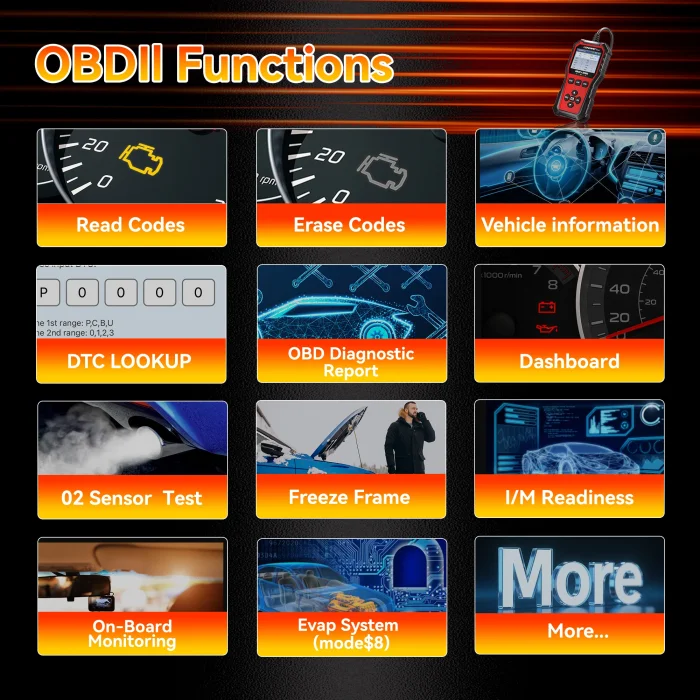
- It supports full OBDII functionality: reading and clearing DTCs, I/M readiness checks, O2 sensor tests, EVAP system tests, live data streams, and battery voltage checks.
- Who should use KW340?
-
- Professionals and enthusiasts who need a reliable, portable, and user-friendly diagnostic solution for a wide range of vehicles.
Key Features of KW340
- Comprehensive OBDII Functions
-
- Read and clear Diagnostic Trouble Codes (DTCs).
- I/M readiness status to support emissions testing.
- O2 sensor testing and EVAP system testing (Mode 8).
- Live data stream for real-time sensor readings.
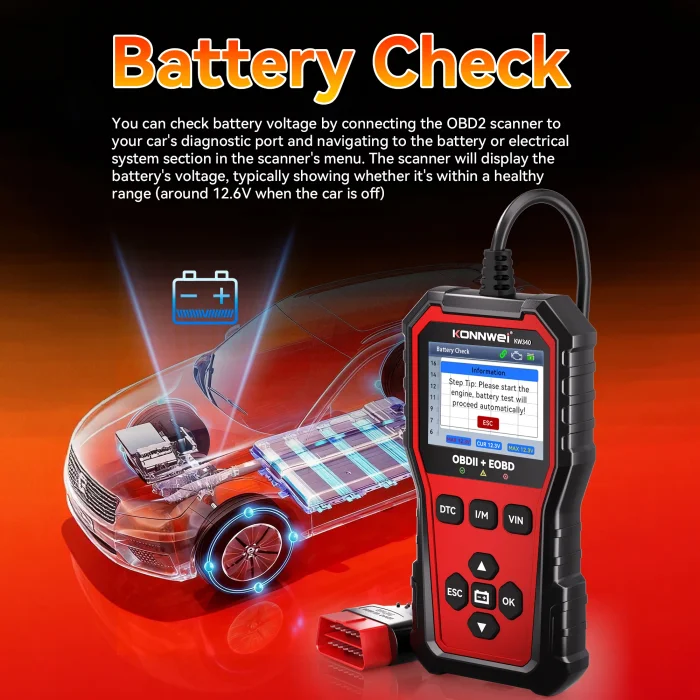
- Battery voltage detection to assess electrical health.
- Clear and Intuitive Interface
-
- 2.8-inch TFT color display for clear diagnostics.
- Durable, non-slip housing with tactile buttons for easy operation.
- Special One-Button Access
-
- One-click DTC button for quick DTC lookup.
- One-click I/M readiness, VIN, and battery check buttons for fast access.
- Vehicle Information and Monitoring
-
- VIN retrieval, CALID, and CVN display.
- EVAP and EVAP leak tests, Freeze Frame data, and On-Board Monitoring results.
What’s Inside the KW340: Hardware and Design
- Build and Display
-
- Rugged design with a 2.8" color TFT screen for daylight and night modes.
- Indicators and Controls
-
- LED indicators: green (normal), yellow (check for issues), red (MIL or check engine).
- DTC, I/M readiness, VIN, battery test, ESC, navigation, and selection buttons.
- OBDII Interface
-
- 16-pin OBDII connector to vehicle, enabling seamless data exchange.
Getting Started with KW340
- Setup Steps
-
- Locate the OBDII port under the dashboard on the driver’s side.
- Plug the KW340 into the vehicle’s OBDII port; the device powers on automatically.
- If prompted, choose your preferred language (English, German, French, Russian, Spanish, Polish, Italian, Portuguese, Dutch).
- Initial Uses
-
- KW340 immediately enters system once powered, with VIN retrieval available upon startup.
Operating KW340: Core Functions and How to Use Them
- Reading and Clearing DTCs
-
- Screen shows “DTC LOOKUP” and codes like P010, indicating a Powertrain fault.
- Clearing DTCs will turn off MIL (check engine light) after issues are resolved.
- I/M Readiness
-
- Green checks indicate completed monitors; red X indicates not yet run.
- Monitors include MIL, DTC, MIS, CCM, HCAT, AIR, O2S, EVAP, EGR, and FUE.
- Data Stream and Live Readouts
-
- Real-time data such as RPM, vehicle speed, and O2 sensor readings help diagnose intermittent faults.
- Battery Voltage Testing
-
- Connect to the vehicle, navigate to Battery or Electrical System, and view voltage; typical resting voltage ~12.6V with the engine off.
- VIN and Vehicle Information (VIN)
-
- After startup, VIN, CALID, and CVN are displayed automatically.
- O2 Sensor and EVAP Tests
-
- Retrieve recent O2 sensor monitor results and run EVAP system tests (Mode 8) for evaporative system integrity.
- Freeze Frame and On-Board Monitoring
-
- Freeze Frame captures sensor values at the moment a DTC was stored; On-Board Monitoring shows emission-related test results.
KW340 Specifications
- Electrical and Power
-
- Voltage range: 8V–18V
- Current range: 131 mA – 171 mA
- Power is sourced from the vehicle battery
- Display and Dimensions
-
- 2.8-inch TFT color screen, 320x240 pixels
- Dimensions: 163 mm x 85.5 mm x 23.5 mm
- Language and Weight
-
- Supported languages: English, German, French, Russian, Spanish, Polish, Italian, Portuguese, Dutch
- Weight: 0.36 kg
- Additional Features
-
- DTC, I/M readiness, VIN, Battery Test buttons
- EVAP testing, live data, VIN details, and OBDII interface
- Operating environment includes storage temperature range from -20°C to 70°C
Maintenance, Cleaning, and Care
- Cleaning Instructions
-
- Use a soft cloth; avoid abrasive cleaners or solvents.
- Keep the OBDII connector clean and free of debris.
Practical Tips for Optimal Use
- Vehicle Coverage and Compatibility
-
- KW340 supports standard OBDII functionality across a wide range of vehicles that are OBDII/DTC-enabled.
- H3: Troubleshooting Common Issues
-
- If the device doesn’t power on, check the vehicle battery voltage and OBDII connection.
- For unclear DTC meanings, consult vehicle manufacturer data or reference manuals.
- Maintenance Best Practices
-
- Regularly inspect the OBDII connector for dirt.
- Update firmware if/when KONNWEI provides updates (if available).
Conclusion
- The KONNWEI KW340 offers a robust, user-friendly solution for automotive diagnostics, combining essential OBDII functions with a compact, durable design. Its intuitive button layout, live data capabilities, and comprehensive test options (including EVAP, O2 sensors, and battery voltage) make it suitable for both professionals and DIY enthusiasts.
FAQ
-
Does KW340 require an external power source?
- No, KW340 is powered via the vehicle’s OBDII port.
-
Can KW340 read VIN automatically?
- Yes, VIN, CALID, and CVN are displayed automatically after startup.
-
What language options are available?
- English, German, French, Russian, Spanish, Polish, Italian, Portuguese, Dutch.
You May Also Like
-
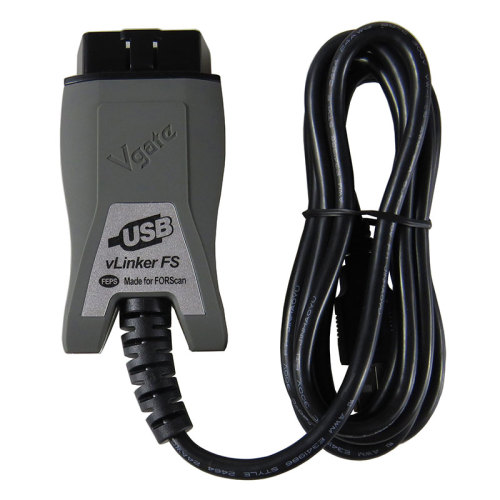 Vgate vLinker FS ELM327 Automotive OBD2 Scanner...US$ 44.91 US$ 49.90
 -
 Kingbolen Adiag Elite Full System OBD2 Code Rea...US$ 107.10 US$ 119.00
 -
-
 NEXAS NL102P Diesel Heavy Duty Truck Car Code S...US$ 242.10 US$ 269.00
 -
 Autel MaxiDiag MD806 Pro OBD2 Scanner All Syste...US$ 359.10 US$ 399.00
 -
 XTOOL InPlus IP616 All System Car Diagnostic To...US$ 359.10 US$ 399.00
 -
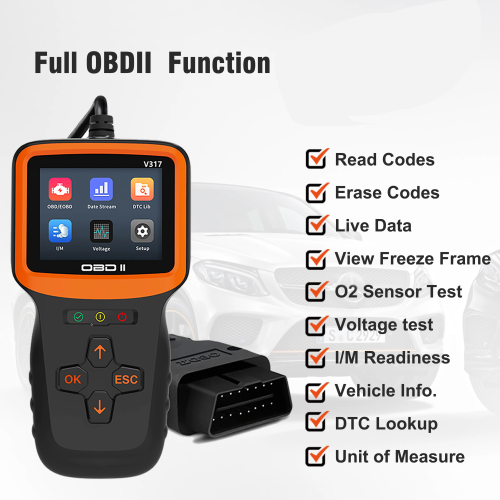 V317 OBD2 Scanner Mini Fault Diagnosis Instrume...US$ 62.10 US$ 69.00
 -
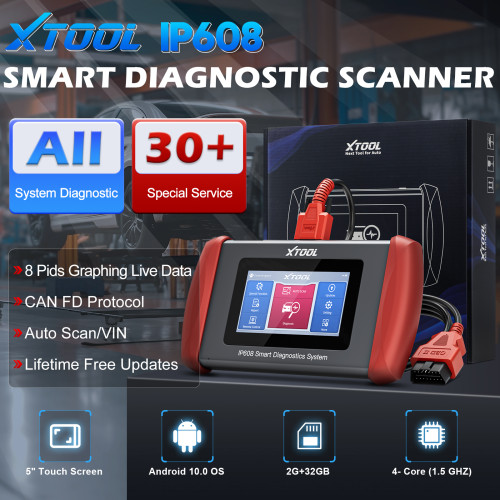 XTOOL IP608 Scanner Car Full System Diagnosis W...US$ 242.10 US$ 269.00
- Company Info
- Feedback
- Customer Reviews
- About Us
- Contact Us
- News
- User Center
- Forget Password
- My Orders
- Tracking Order
- My Account
- Register
- Payment & Shipping
- Customs & Taxes
- Locations We Ship To
- Shipping Methods
- Payment Methods
- Company Policies
- Return Policy
- Privacy Policy
- Terms of Use
Customer Reviews